Once a War Board has been created, it can be cloned so that an exact copy is made.
To clone a War Board, click on the three lines menu in the top right hand corner of the page and select War Boards.
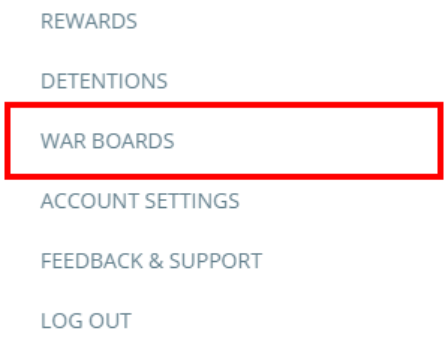
A list of created War Boards will be displayed. Click on the arrow icon next to the War Board that you would like to clone.

This will take you to the selected War Board. Click on the Clone war board button in the top right hand corner of the page.

A pop up dialog will appear that prompts you to name your cloned War Board. Enter a name into the text field and click OK.
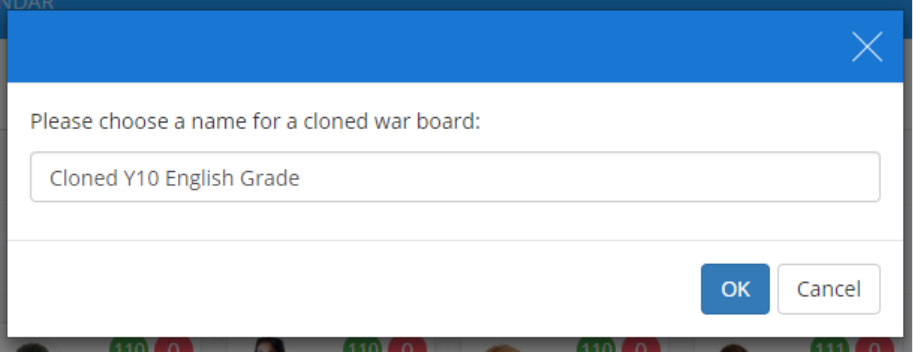
The page will refresh and the cloned War Board will be shown. To save the cloned board, click on the Save war board button in the top right hand corner.

Was this article helpful?
That’s Great!
Thank you for your feedback
Sorry! We couldn't be helpful
Thank you for your feedback
Feedback sent
We appreciate your effort and will try to fix the article