Class Charts allows pupils and parents to create their own accounts. These accounts will enable them to log into the system and view relevant information such as behaviour and homework.
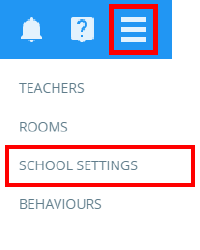
To begin setting up pupil and parent accounts, click on the three lines menu in the top right hand corner of the page and select School settings from the list of available options.
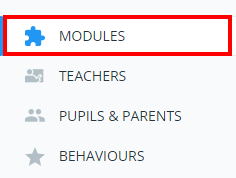
Next, click on the Modules tab.
In the Parent and Pupil accounts section of the Modules tab, you can choose the relevant setting in these dropdowns. Each option is explained below:
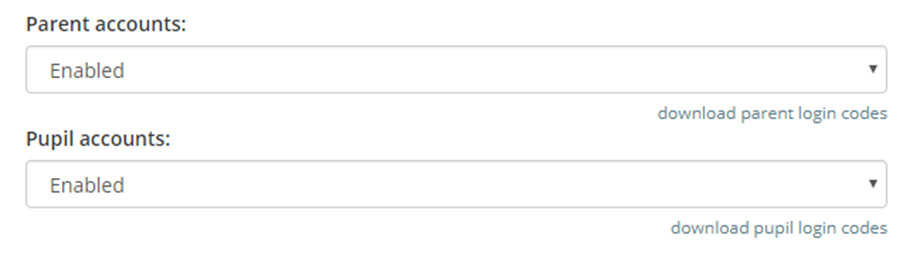
Enabled
Selecting this option will will display a pupil’s behaviour information and homework tasks through the Class Charts account.
Disabled
Selecting this option will disable pupil and parent accounts for your school.
If you’d like more information on sharing other modules with pupils and parents, please refer to this guide: How to select what pupils and parents see on their accounts.
Was this article helpful?
That’s Great!
Thank you for your feedback
Sorry! We couldn't be helpful
Thank you for your feedback
Feedback sent
We appreciate your effort and will try to fix the article