I Class Charts is also accessible through our Android and iOS teacher apps.
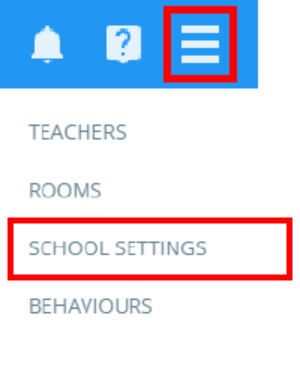
To enable the teacher apps for your school, click on the three lines menu in the top right corner of the page and select school settings from the list of available options.
Next, click on Security in the left side menu.
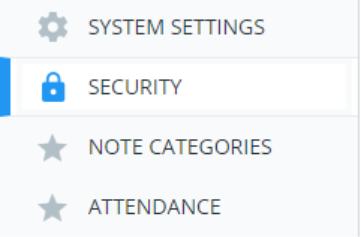
This will take you to the security menu. To provide staff members with Class Charts access through the apps, set Allow logging in with iOS and Android apps to Enabled.

When this setting is enabled, staff using the apps will be able to log in as normal.
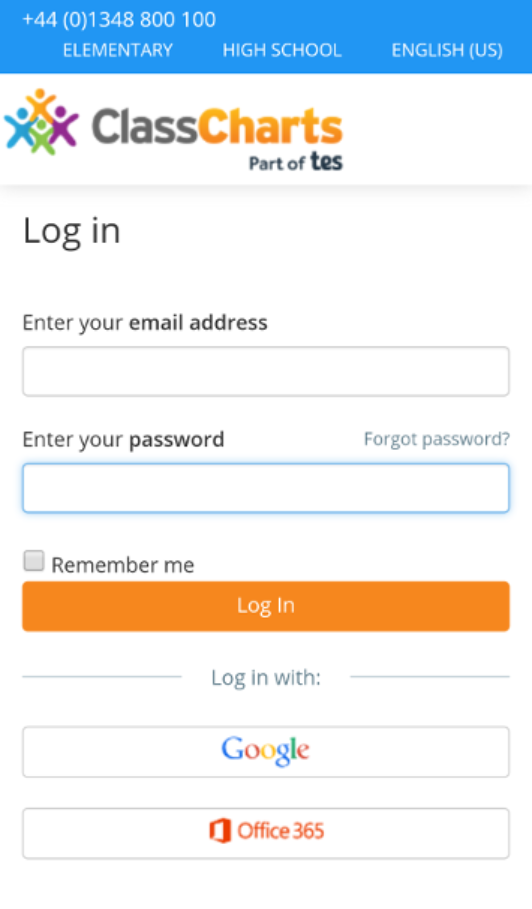
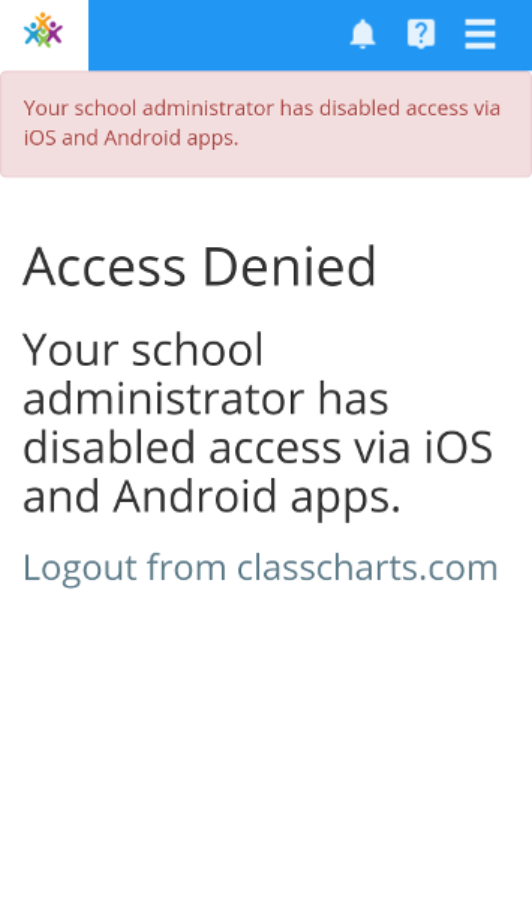
When this setting is disabled, staff members will see the message below when the attempt to log in.
Was this article helpful?
That’s Great!
Thank you for your feedback
Sorry! We couldn't be helpful
Thank you for your feedback
Feedback sent
We appreciate your effort and will try to fix the article