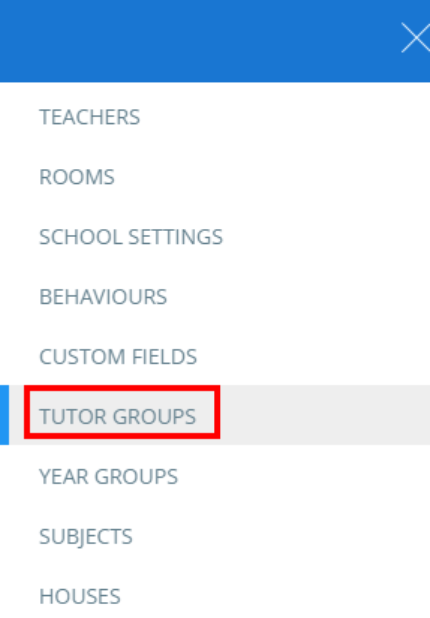
To assign form tutors in Class Charts, click on the three lines menu in the top right corner of the page and select Tutor groups from the list of options.
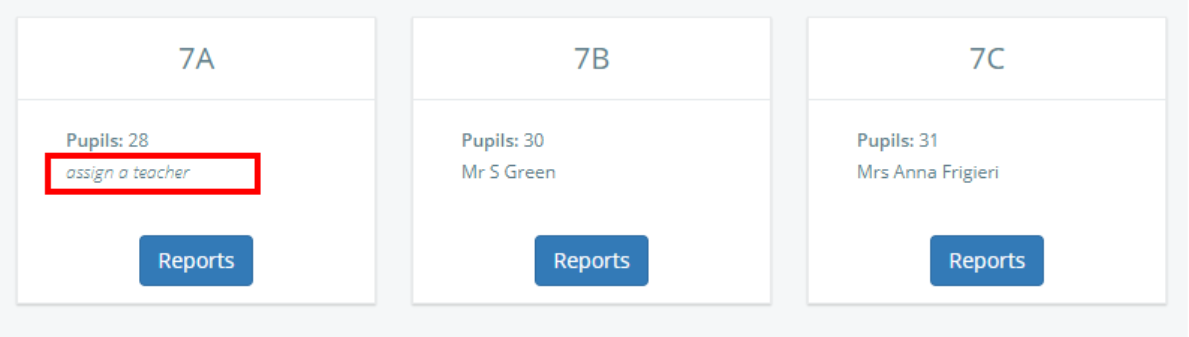
This will take you to a list of a tutor groups that available in your school’s Class Charts account. Click on the assign a teacher button for your chosen tutor group to bring up a popup that allows you to assign staff members.
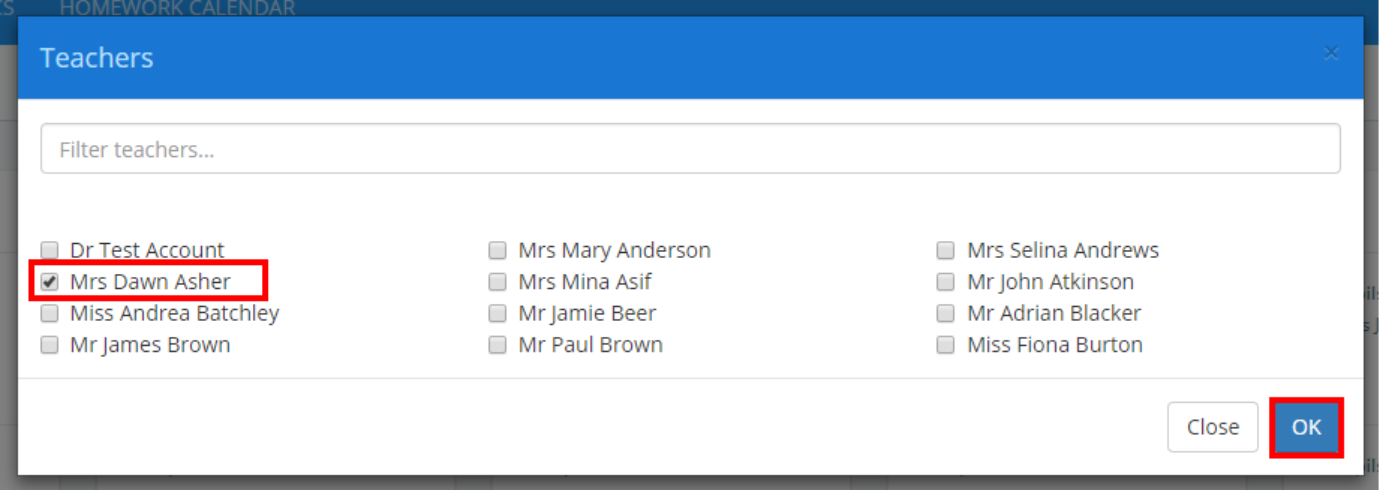
Next, tick the check box next to a staff member’s name to assign them to the group. Multiple staff members can be assigned to the same group. Click on the OK button once you have finished.
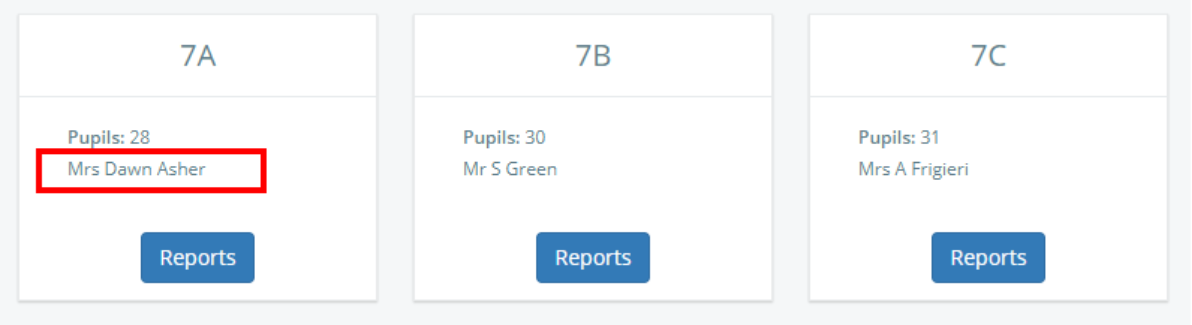
The selected staff members will now be assigned to the tutor group and their names will appear within the tutor group’s tile.
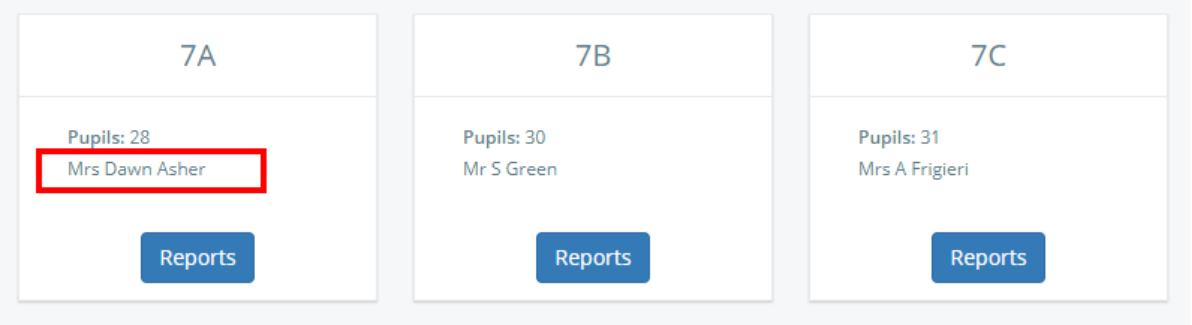
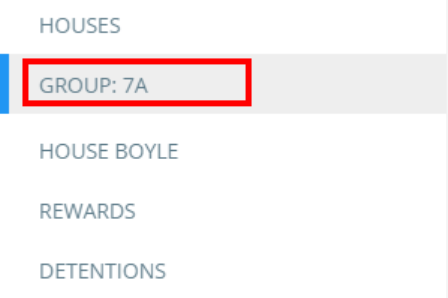
The assigned staff members will also see the tutor group as a selectable option in their three lines menu.
Was this article helpful?
That’s Great!
Thank you for your feedback
Sorry! We couldn't be helpful
Thank you for your feedback
Feedback sent
We appreciate your effort and will try to fix the article