Behaviour trends will allow you to quickly see at a glance which pupils have had drastic changes in their behaviour over a specific time period. You can use this information to make early interventions, or to reward pupils whose behaviour is getting better.
We use weighted behaviour scores to calculate deteriorating or improving behaviour.
To start using Behaviour Trends, click on the Analytics tab along the top of the page.

Next, select Behaviour Trends from the left hand side menu.
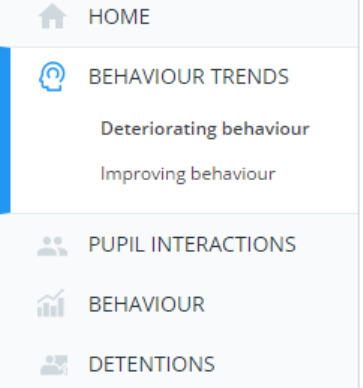
There are two options to choose from:
1) Deteriorating behaviour
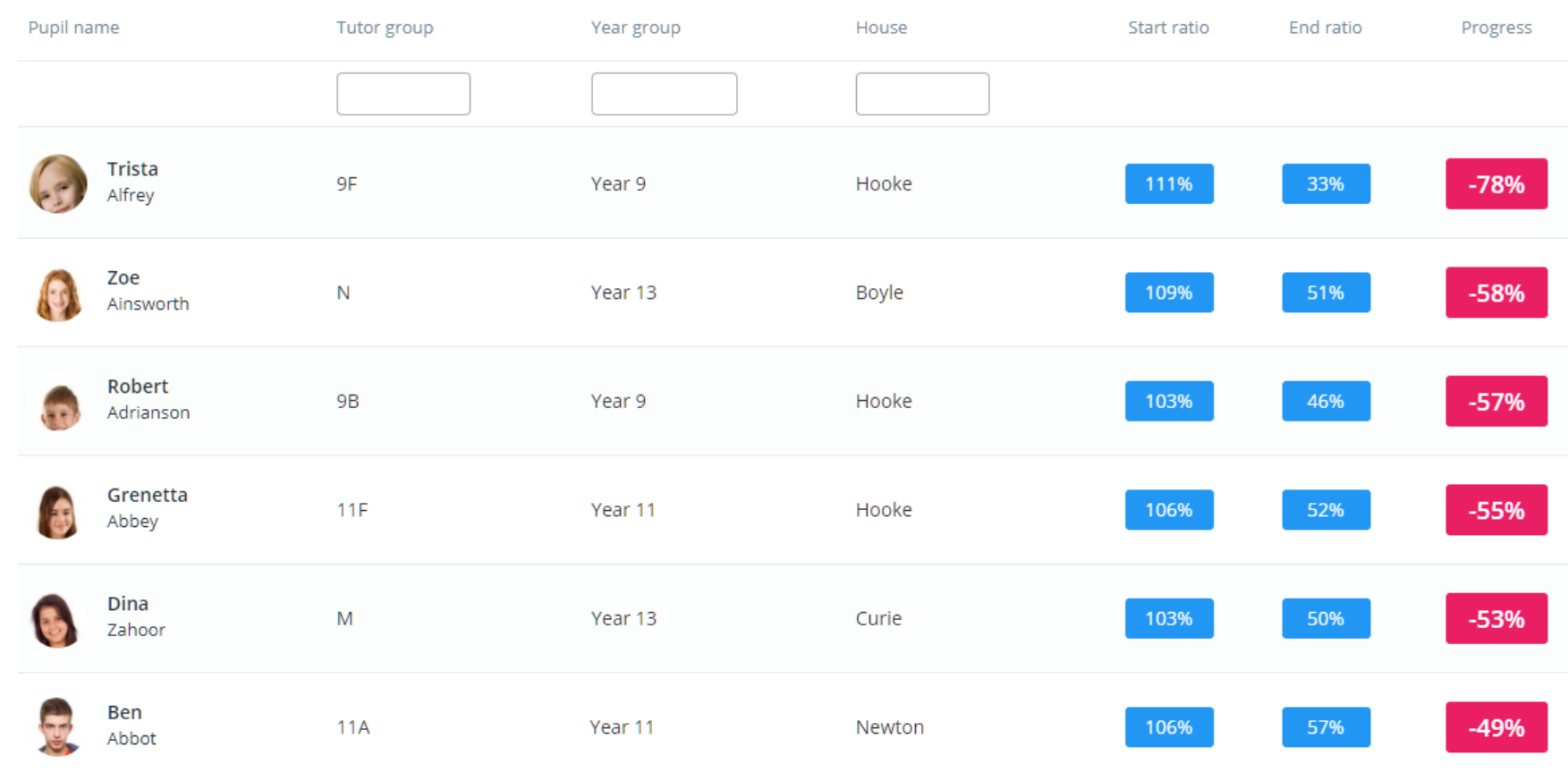
This view displays the pupils who have seen the greatest decline in their average behaviour over the chosen time period.
2) Improving behaviour
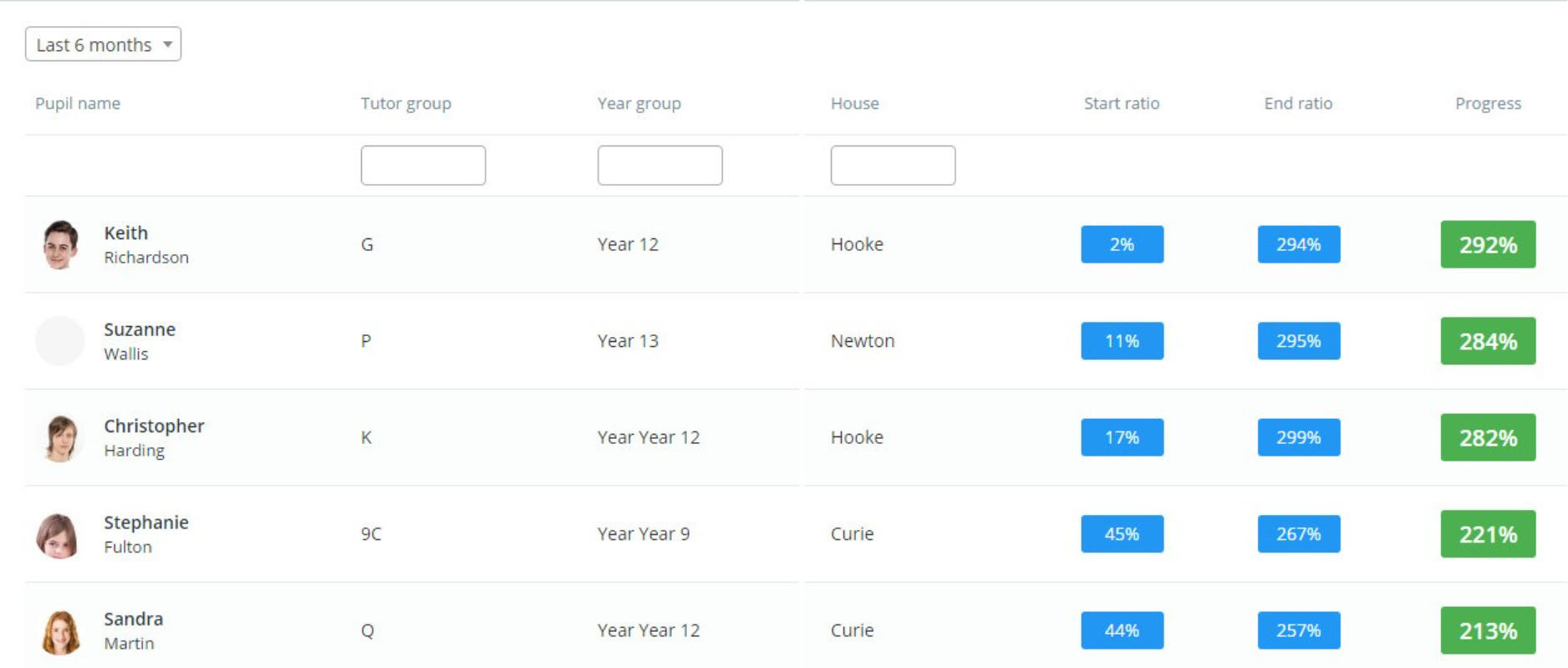
This view displays the pupils who have seen the greatest improvements in their average behaviour over the chosen time period.
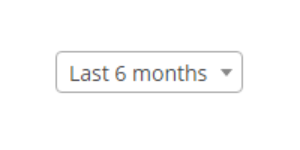
To change the time frame that is taken into account, simply select a new date option from the drop down menu.
Was this article helpful?
That’s Great!
Thank you for your feedback
Sorry! We couldn't be helpful
Thank you for your feedback
Feedback sent
We appreciate your effort and will try to fix the article