To send a missed On-Report Card email, click on the Analytics tab at the top of the page.

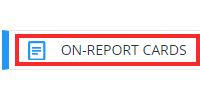
Select the On-Report Cards option from the menu on the left hand side.
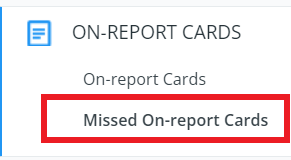
Then select Missed On-report Cards.
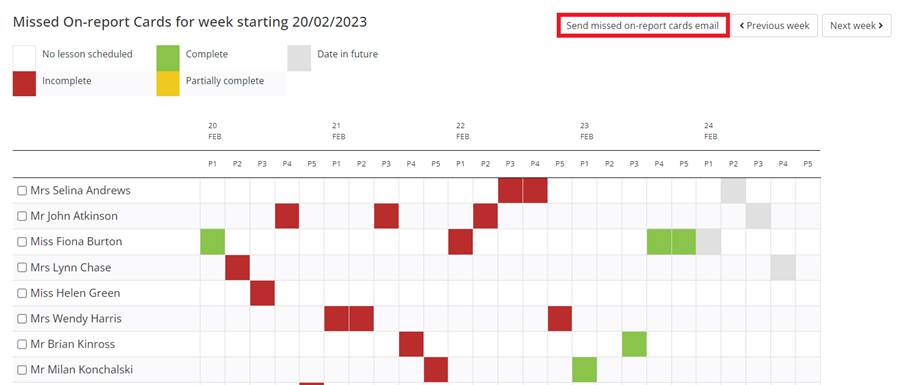
You have the opportunity to select individual members of staff before selecting Send missed on-report cards email in the top right hand corner of the page.
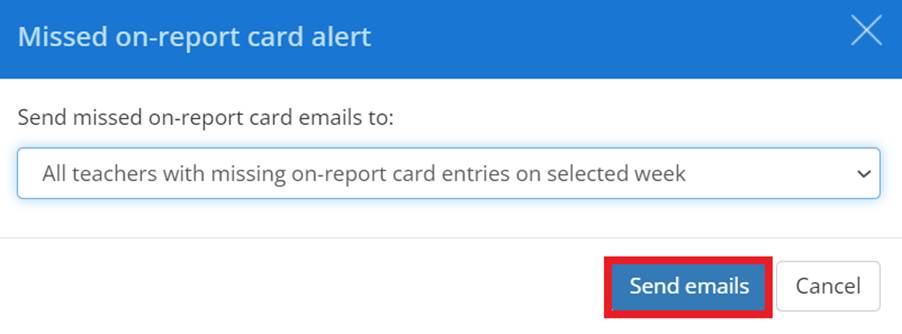
To send out the missed on-report card alert, please select an option from the drop down menu.
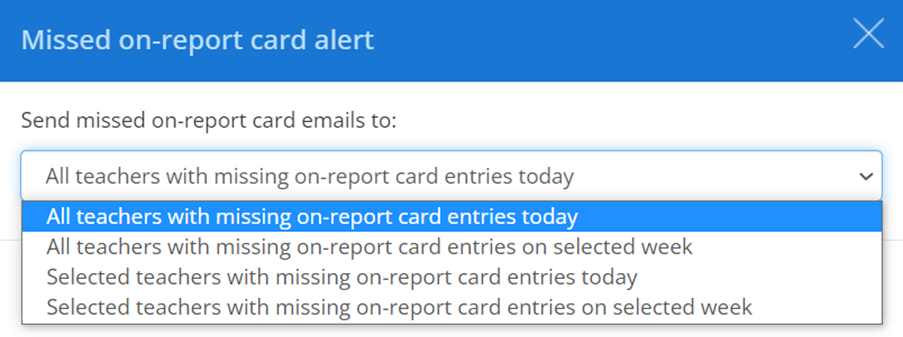
All teachers with missing on-report card entries today
All teachers with missing on report card entries on selected week
Selected teachers with missing on-report card entries today
Selected teachers with missing on-report card entries on selected week
Once an option has been selected from the drop down, click Send emails, the email/emails will be generated and sent.
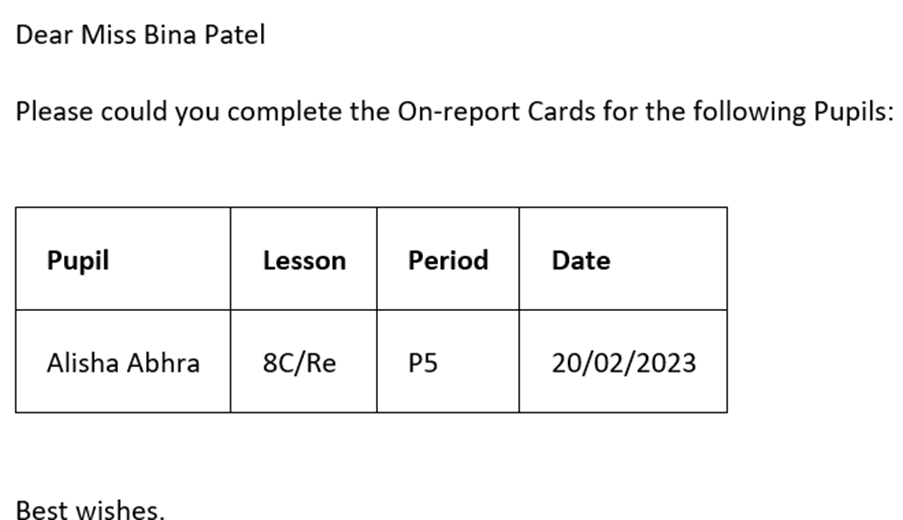
Email received by teacher
Was this article helpful?
That’s Great!
Thank you for your feedback
Sorry! We couldn't be helpful
Thank you for your feedback
Feedback sent
We appreciate your effort and will try to fix the article