There may be times where it is necessary to have a portable copy of your school’s wellbeing data. Class Charts allows you to export your wellbeing data via spreadsheet.
To export wellbeing data from your school’s Class Charts account, click on the Analytics tab along the top of the page.

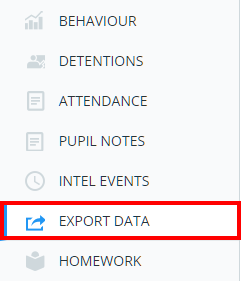
Next, select Export data from the list of available options.
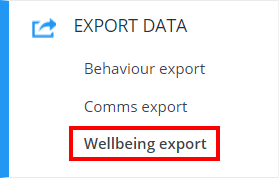
Then select Wellbeing export from the Export data sub menu.
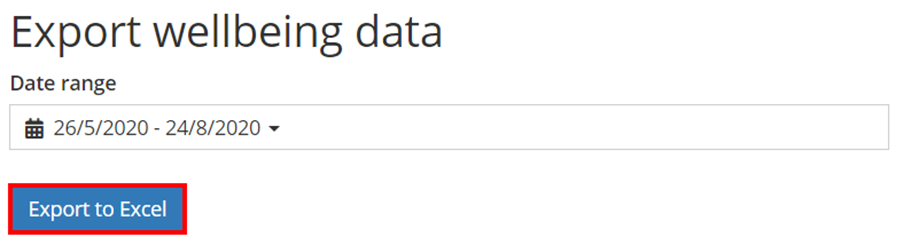
You will be presented with the Export two way communications page. Select the date range that you would like the export to cover and click on the Export to Excel button.
A spreadsheet copy of your school’s wellbeing submissions for the selected date range will be generated.
Was this article helpful?
That’s Great!
Thank you for your feedback
Sorry! We couldn't be helpful
Thank you for your feedback
Feedback sent
We appreciate your effort and will try to fix the article