Once wellbeing submissions have been recorded, you can view them in chronological order from the school wide activity feed.
To view wellbeing submissions in the activity feed, click on the Activity tab along the top of the page.

There are two different methods for displaying wellbeing submissions, which are explained below:
Show everything (including wellbeing)
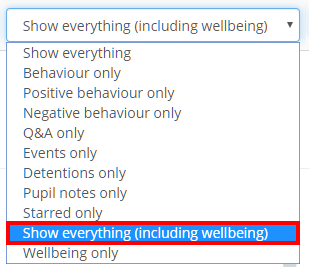
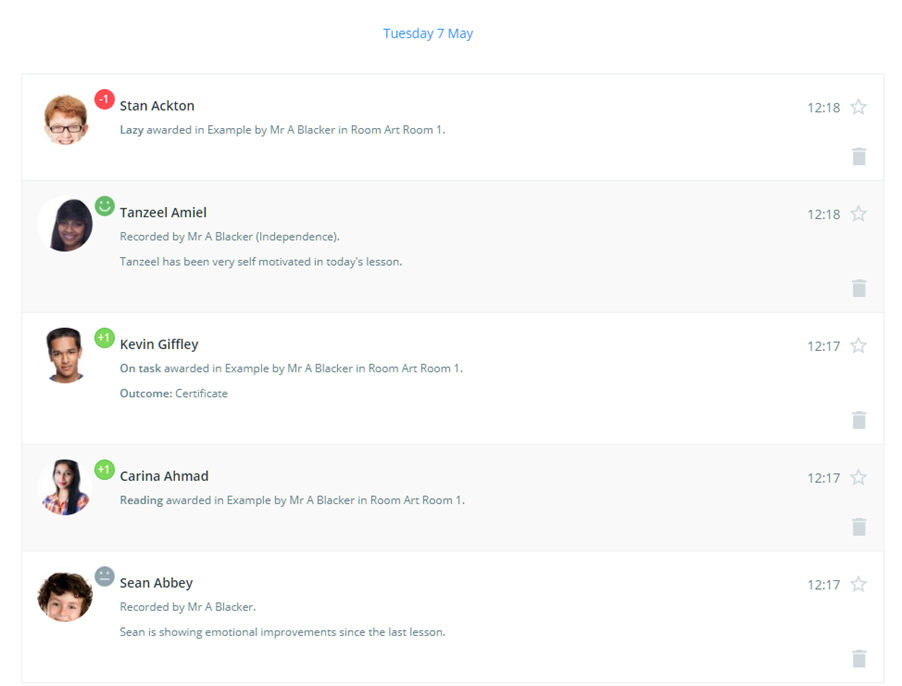
To view a mix of wellbeing and behaviour activity across the entire school, click on the Show everything drop down menu and select Show everything (including wellbeing).
The activity feed will now display wellbeing submissions in addition to the previously displayed behaviour activity.
Wellbeing only
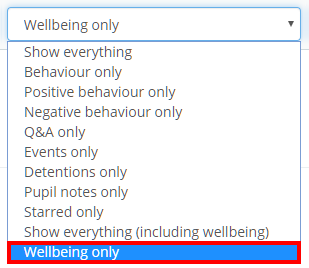
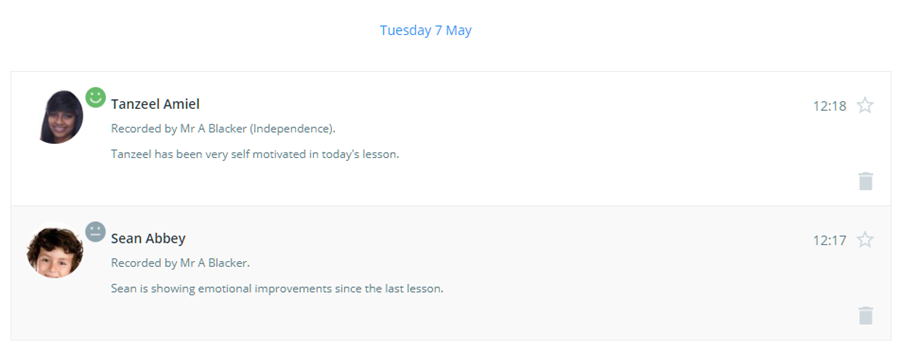
To restrict the activity feed to only show wellbeing submissions, click on the Show everything drop down menu and select Wellbeing only.
The behaviour activity will now be hidden and wellbeing submissions are the only information displayed in the activity feed.
Was this article helpful?
That’s Great!
Thank you for your feedback
Sorry! We couldn't be helpful
Thank you for your feedback
Feedback sent
We appreciate your effort and will try to fix the article