Class Charts allows you to set up holiday dates for your school. It is strongly recommended that you set up school holidays through Class Charts because it prevents intelligence events and detentions from being awarded outside of term time.
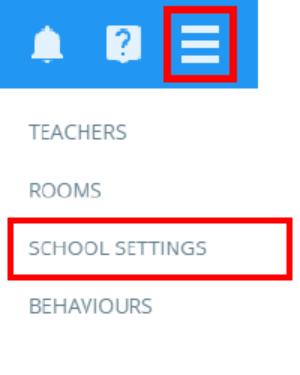
To begin setting up holidays, click on the three lines menu and select School Settings from the list of available options.
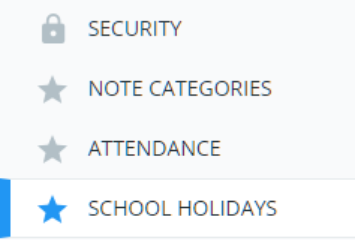
Next, select the School Holidays tab on the left side of the page
You will be presented with your school’s holiday calendar. To mark a date as a school holiday, simply click on your chosen date.
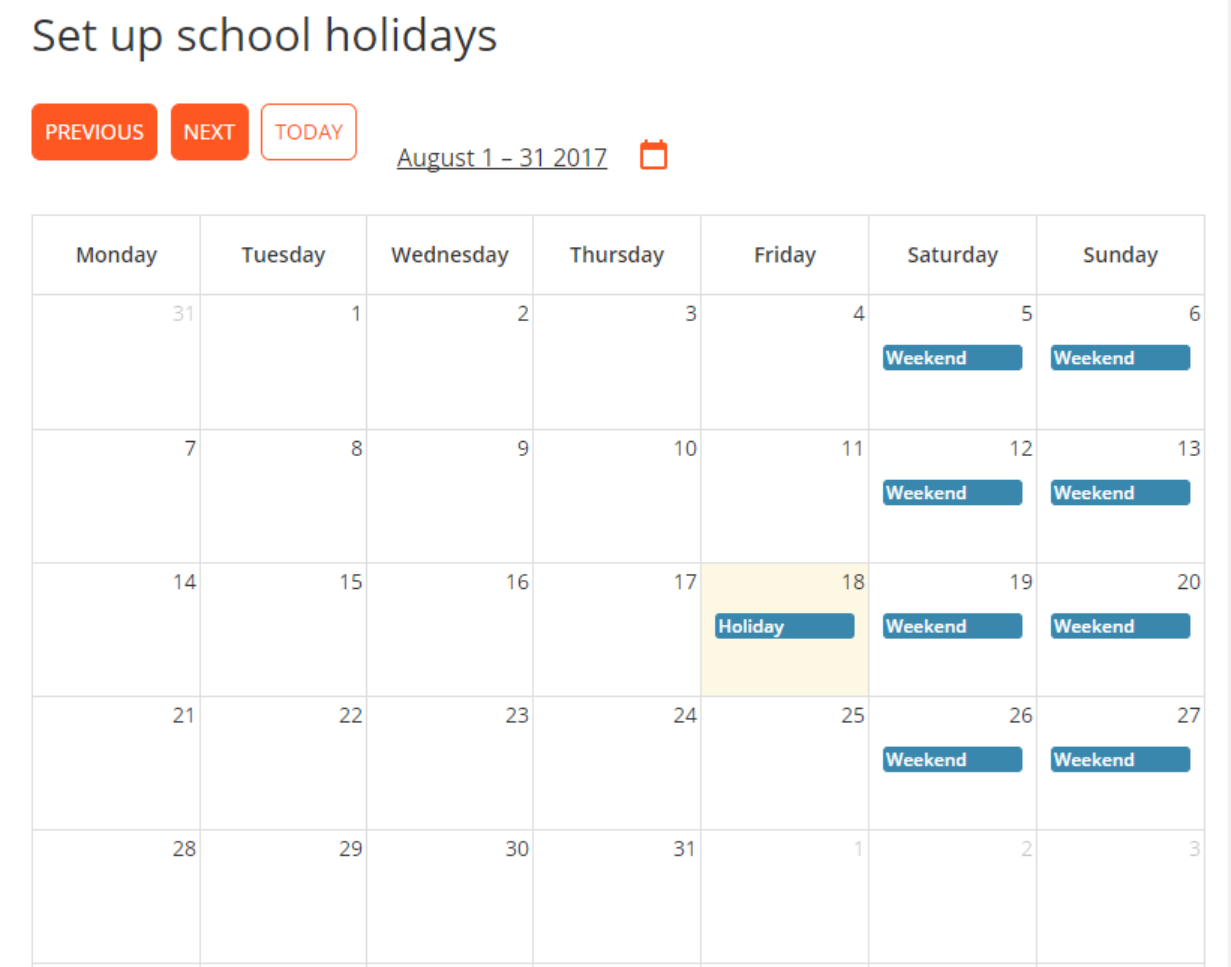
A Holiday indicator will then appear on the selected date.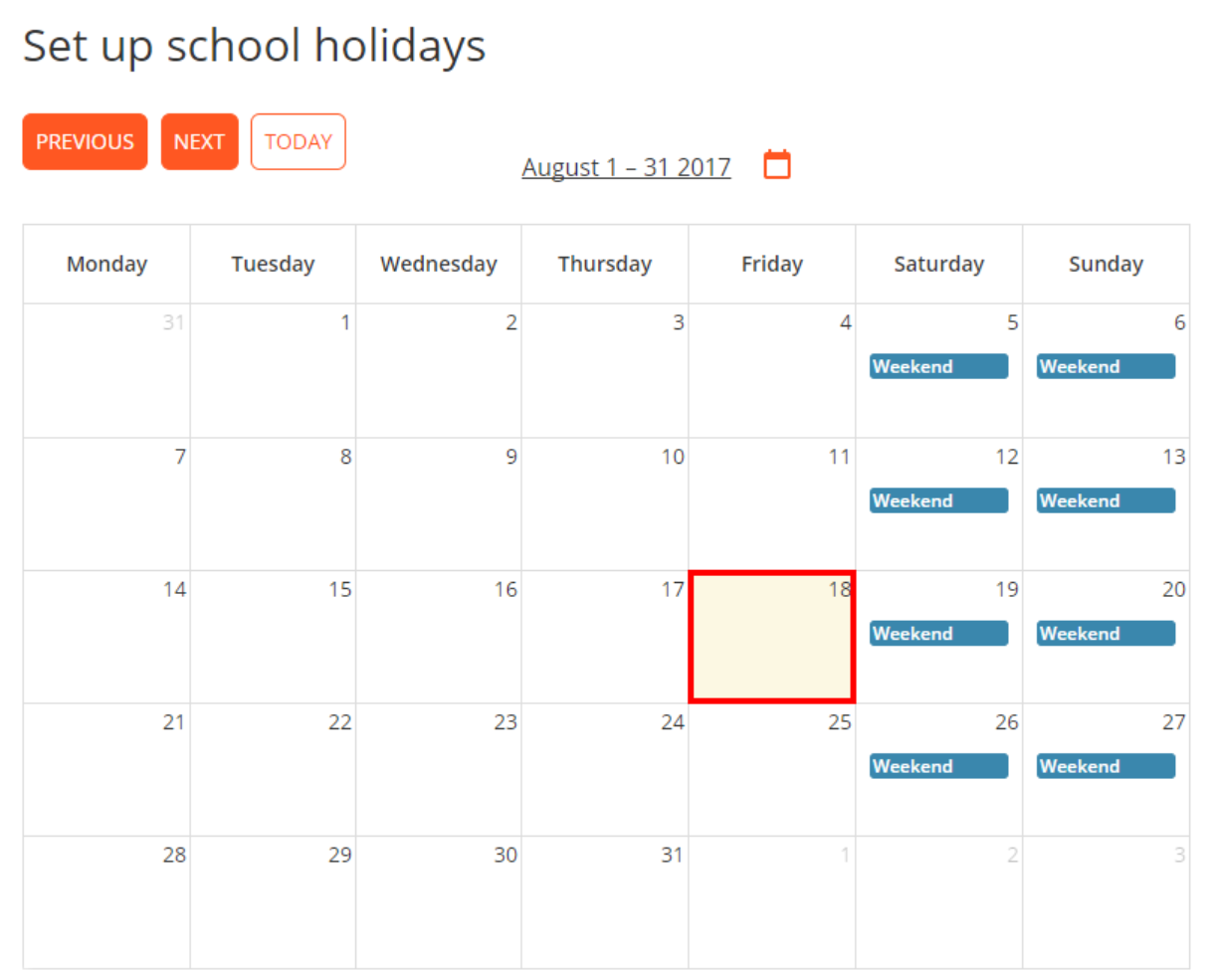
Was this article helpful?
That’s Great!
Thank you for your feedback
Sorry! We couldn't be helpful
Thank you for your feedback
Feedback sent
We appreciate your effort and will try to fix the article