By default, Class Charts will display your seating plans with the front of the class facing the bottom of the page.
To change the default seating orientation when a class is started, click on the three lines menu in the top right hand corner of the page and select Account settings from the list of available options.
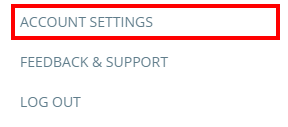
Next, select your preferred orientation from the Default seating chart orientation drop down menu. Once selected, Class Charts will always use your orientation preference every time a class is started.

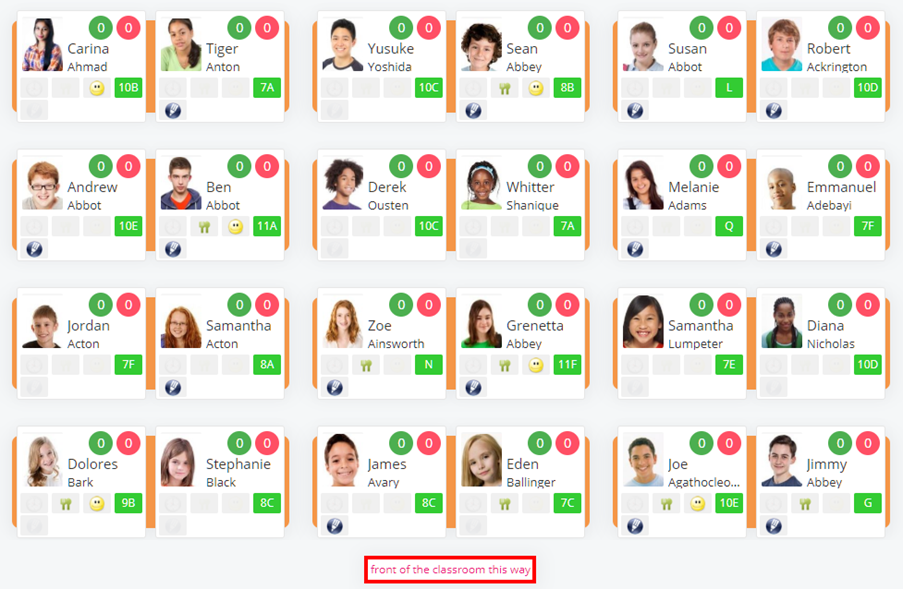
Front of the classroom at the bottom
Selecting this option will display all seating plans from your perspective.
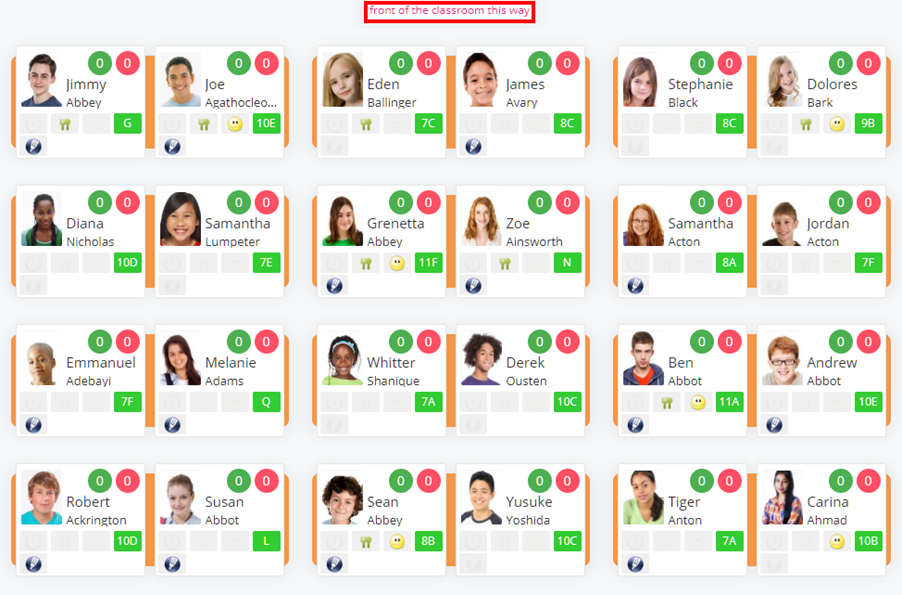
Front of the classroom at the top
Selecting this option will display all seating plans from the class’ perspective.
Was this article helpful?
That’s Great!
Thank you for your feedback
Sorry! We couldn't be helpful
Thank you for your feedback
Feedback sent
We appreciate your effort and will try to fix the article