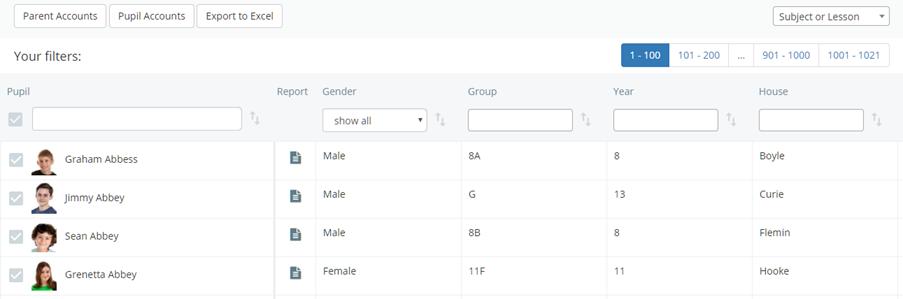
There may be times when staff members may need to check core details about a pupil, such as their tutor group, year group, house and behaviour points total.
To view core pupil data in Class Charts, click on the Pupils tab along the top of the page.

You will be presented with a list of all pupils currently enrolled at your school.
Was this article helpful?
That’s Great!
Thank you for your feedback
Sorry! We couldn't be helpful
Thank you for your feedback
Feedback sent
We appreciate your effort and will try to fix the article