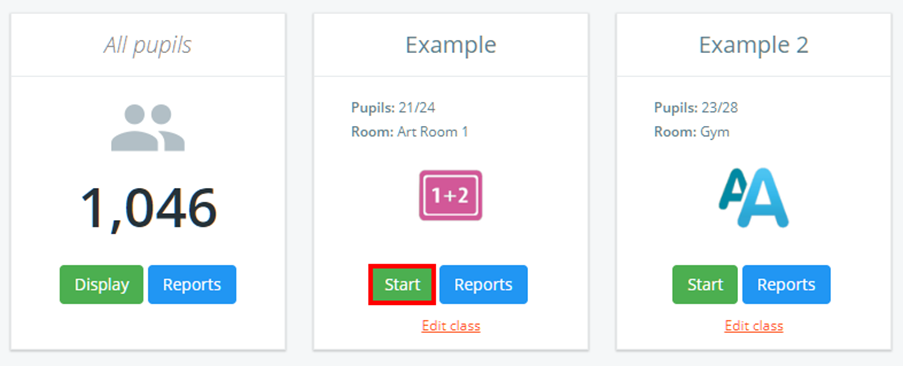
To start a class in Class Charts, click on the Classes tab along the top of the page.

Next, click on the Start button for the class of your choice.
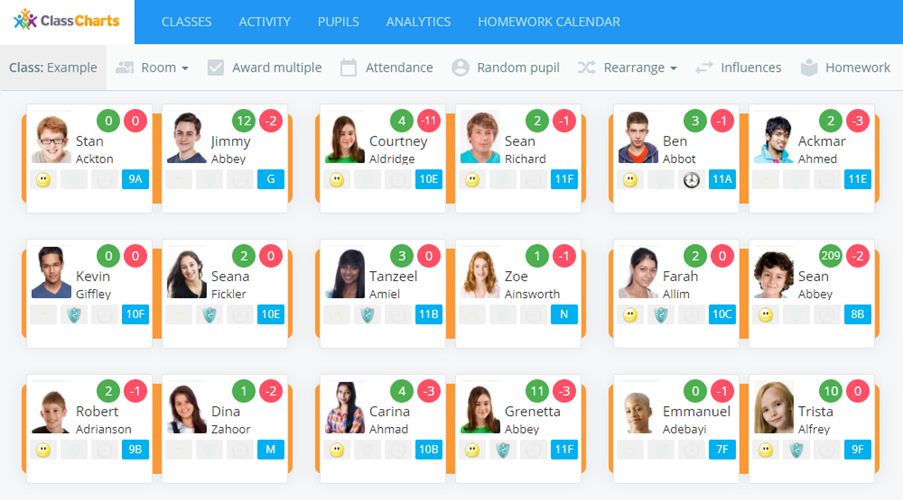
The class will begin and display every pupil on the seating plan.
Need more support?
Check out our article on 'How to manually seat pupils' or our 'Quick Start Seating Plan Guide'.
Was this article helpful?
That’s Great!
Thank you for your feedback
Sorry! We couldn't be helpful
Thank you for your feedback
Feedback sent
We appreciate your effort and will try to fix the article