Depending on your school’s Class Charts license, staff members will be able to schedule detentions when issuing a behaviour to a pupil.
To set up a behaviour to issue a detention, click on the three lines menu in the top right hand corner of the page and select Behaviours from the list of available options.
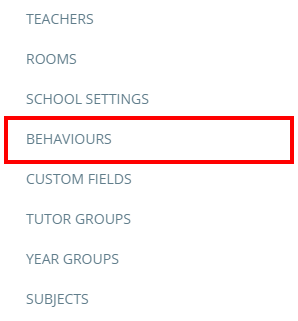
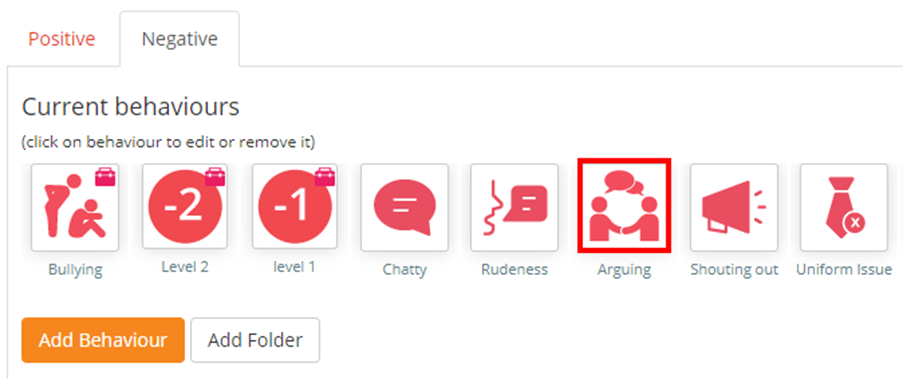
You will be redirected to a list of behaviours that are currently active in your school. Click on the behaviour that you would like to issue a detention through.
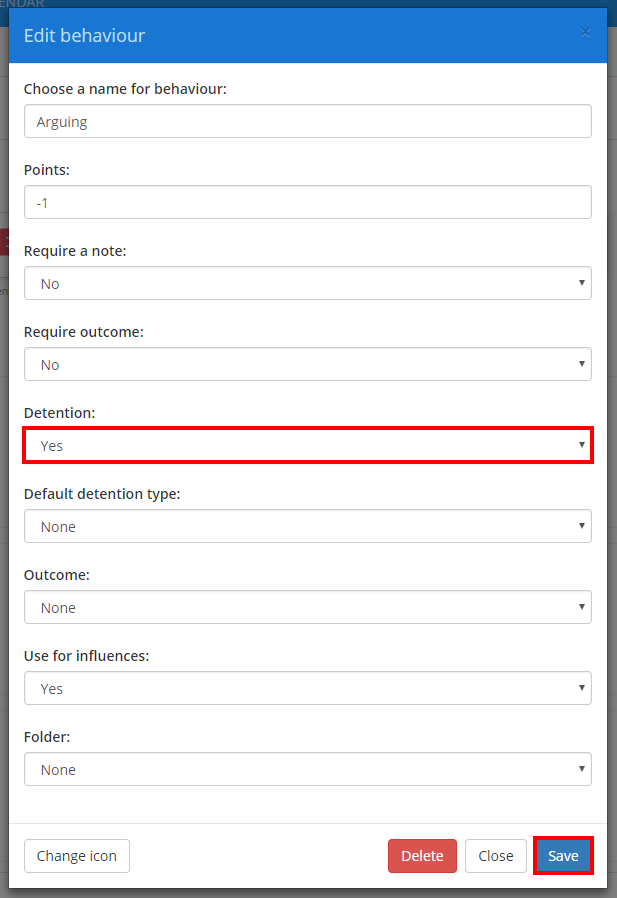
The Edit behaviour menu shown below will be displayed. To schedule a detention every time the selected behaviour is issued, select either Yes or Optional from the Detention drop down menu. Click on the Save button once you have done this.
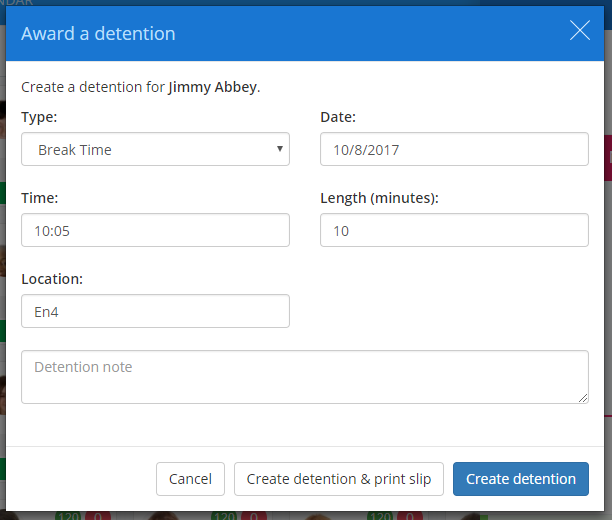
If Yes was selected, the Award detention popup will appear the next time that the behaviour is issued.
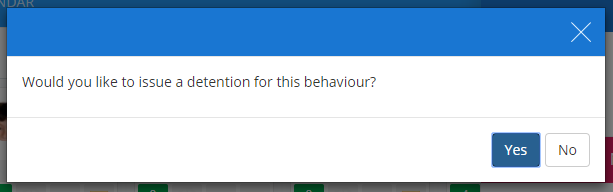
If Optional was selected, the staff member issuing the behaviour will be given the choice of whether or not to issue the detention.
Was this article helpful?
That’s Great!
Thank you for your feedback
Sorry! We couldn't be helpful
Thank you for your feedback
Feedback sent
We appreciate your effort and will try to fix the article