To view a behaviour report for a specific year group, click on the three lines menu in the top right hand corner of the page and select Year groups from the list of available options.
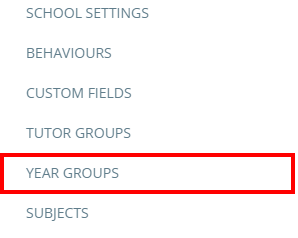
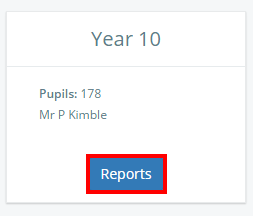
You will then be presented with a list of year groups at your school. Click on the Reports button for the year group of your choice to view its behaviour report.
Was this article helpful?
That’s Great!
Thank you for your feedback
Sorry! We couldn't be helpful
Thank you for your feedback
Feedback sent
We appreciate your effort and will try to fix the article