There may be times where it may be necessary to find out more information about a particular attendance record (e.g. determining where an attendance record was marked).
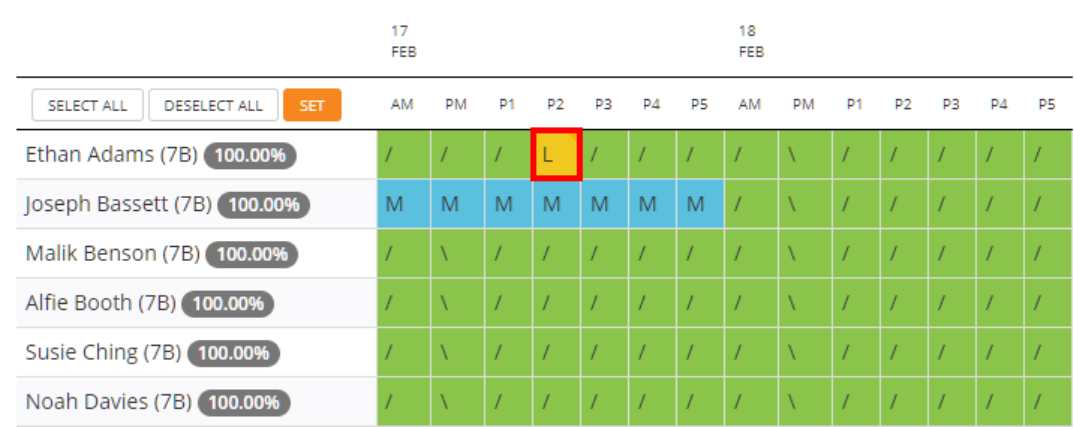
To view detailed information for an attendance record, move your cursor over the attendance record of your choice.
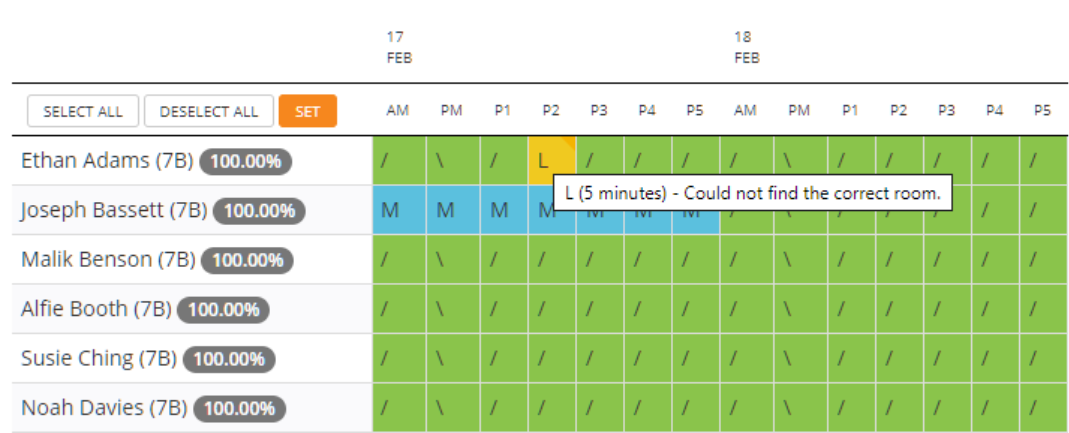
Help text will appear next to the attendance record, revealing additional information such as attendance notes, or how many minutes a pupil was late by.
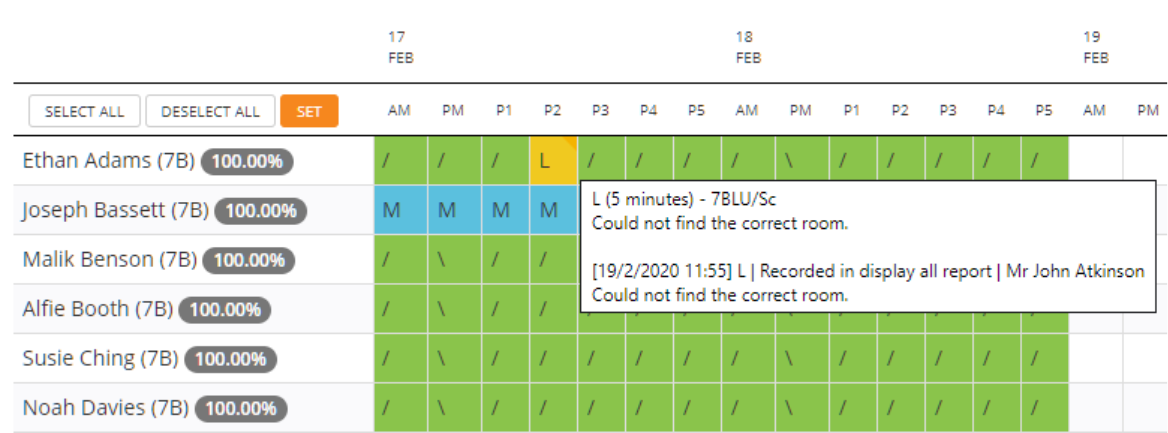
If you are a user with the Admin permission, mousing over the attendance record a second time will reveal a list historical changes in chronological order. This allows you to track when an attendance record was changed, where in Class Charts it was changed, and the user that made the change.
Was this article helpful?
That’s Great!
Thank you for your feedback
Sorry! We couldn't be helpful
Thank you for your feedback
Feedback sent
We appreciate your effort and will try to fix the article