When using the Wellbeing module at your school, it is important to ensure that the terminology used matches your school’s wellbeing policy.
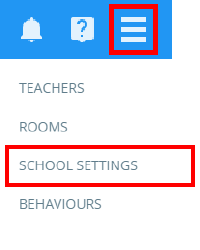
To change your school’s wellbeing face labels, click on the three lines menu and select School Settings from the list of available options.
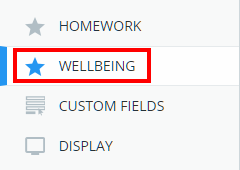
Next, click on the Wellbeing tab from the left hand side menu.
You will be presented with the five wellbeing faces along with a descriptive label for each face. Enter the labels of your choice into the fields provided.
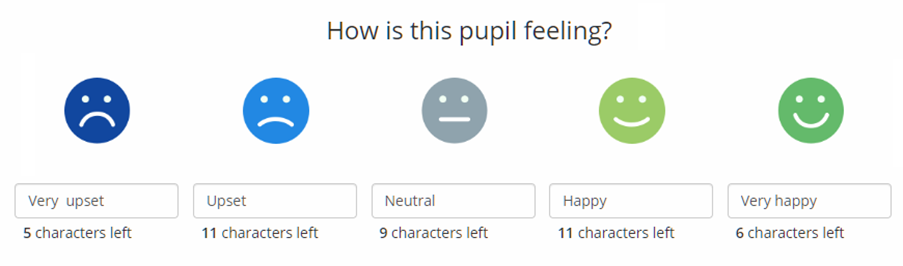
Please note: The character limit for each wellbeing face label is 16 characters.
Was this article helpful?
That’s Great!
Thank you for your feedback
Sorry! We couldn't be helpful
Thank you for your feedback
Feedback sent
We appreciate your effort and will try to fix the article