There may be times when staff members will want to check which detentions were issued but not scheduled to a specific time and date.
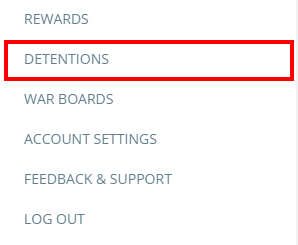
To view a list of unscheduled detentions in your school, click on the three lines menu in the top right hand corner of the page and select Detentions from the list of available options.
You will be presented with a list of detentions. Click on the Unscheduled tab to view every detention that has not been arranged for a particular date.
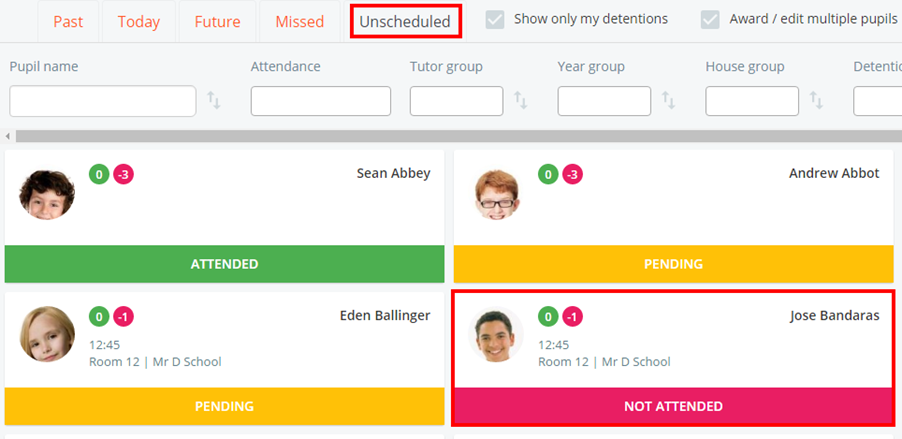
From here, click on the detentions of your choice in order to reschedule them
Was this article helpful?
That’s Great!
Thank you for your feedback
Sorry! We couldn't be helpful
Thank you for your feedback
Feedback sent
We appreciate your effort and will try to fix the article