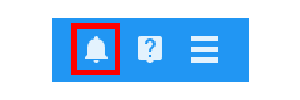
When other members of staff refer behaviour awards, detentions and intelligence events to you, you will be notified via the notifications centre. To access the notifications centre, click on the bell icon in the top right hand corner of the page.
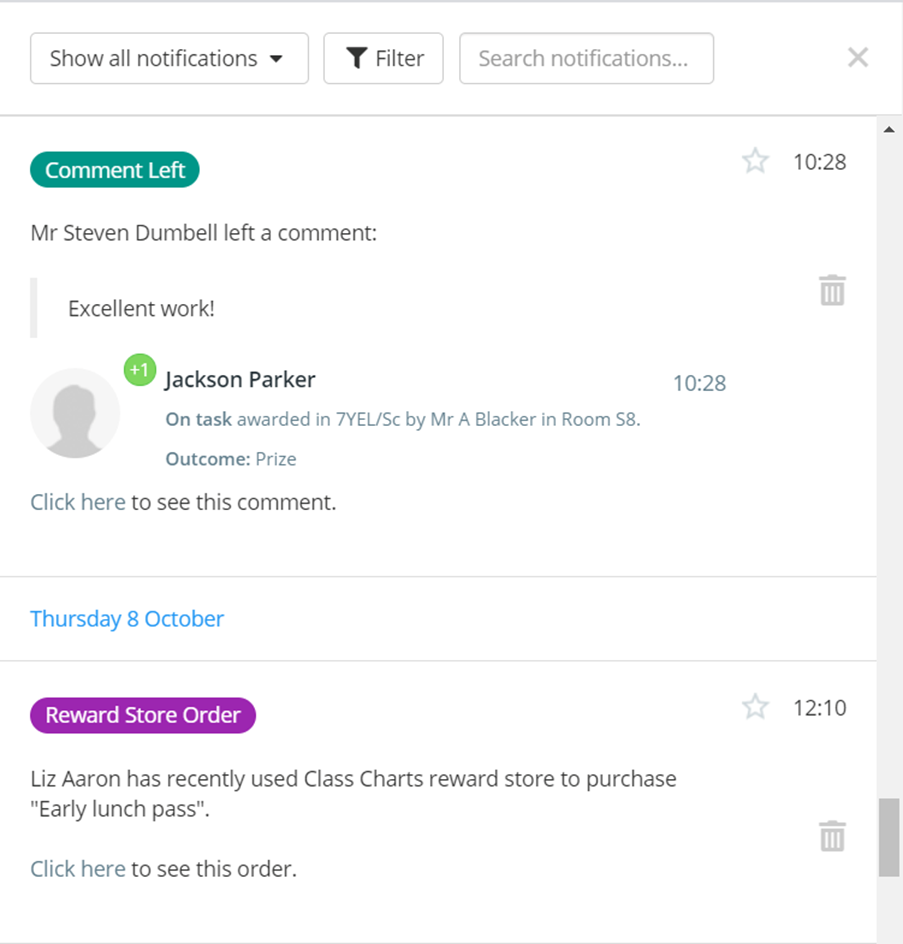
The notifications centre will be displayed. Here, you will be presented with a list of your Class Charts notifications in chronological order.
Favouriting a notification
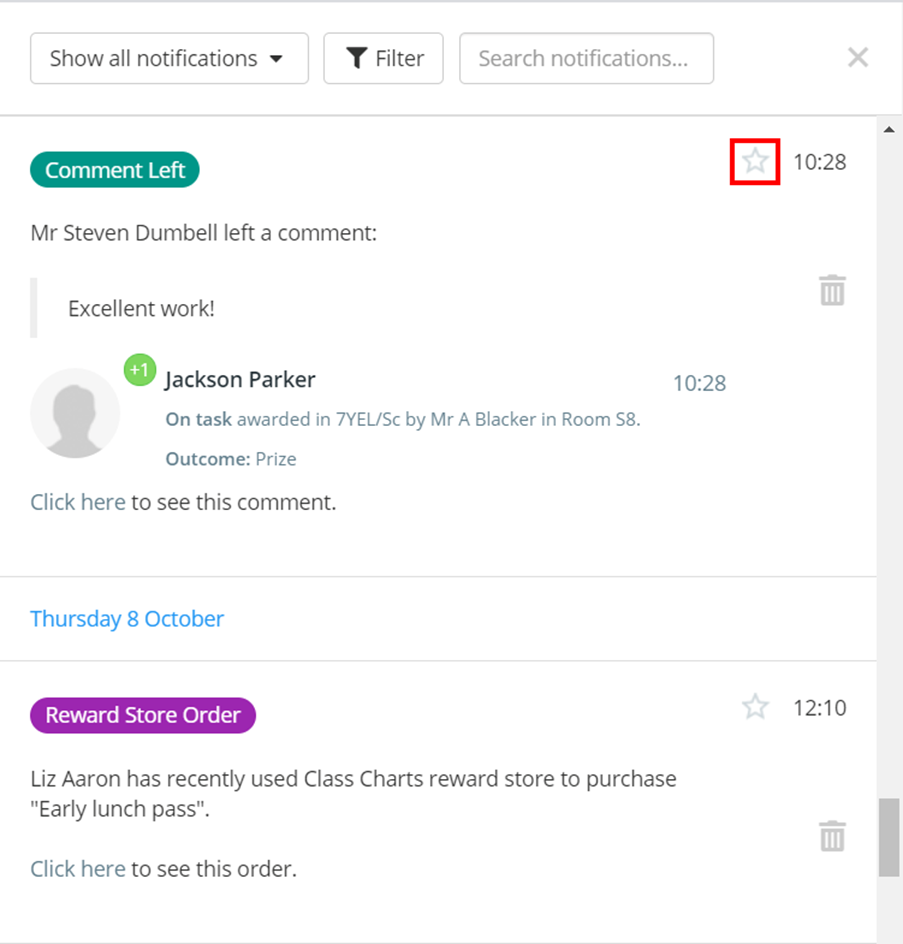
To mark a notified log as important, click the star icon at the top right corner of the log. This will add the log to your favourites list.
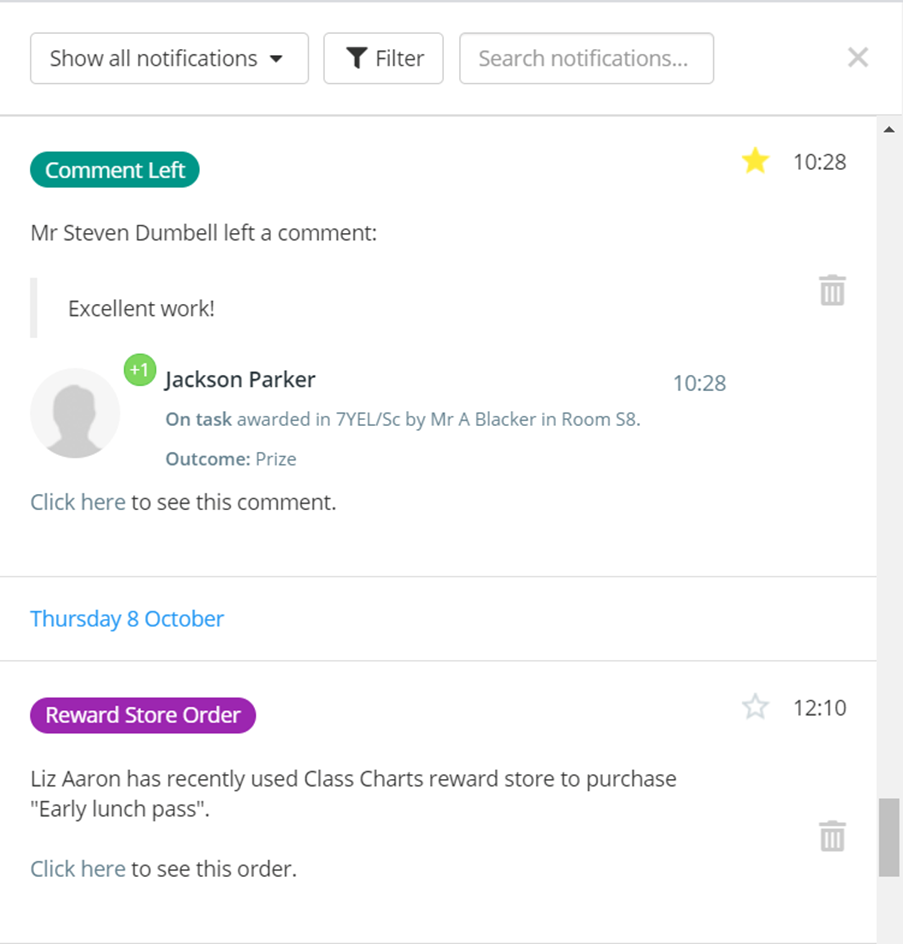
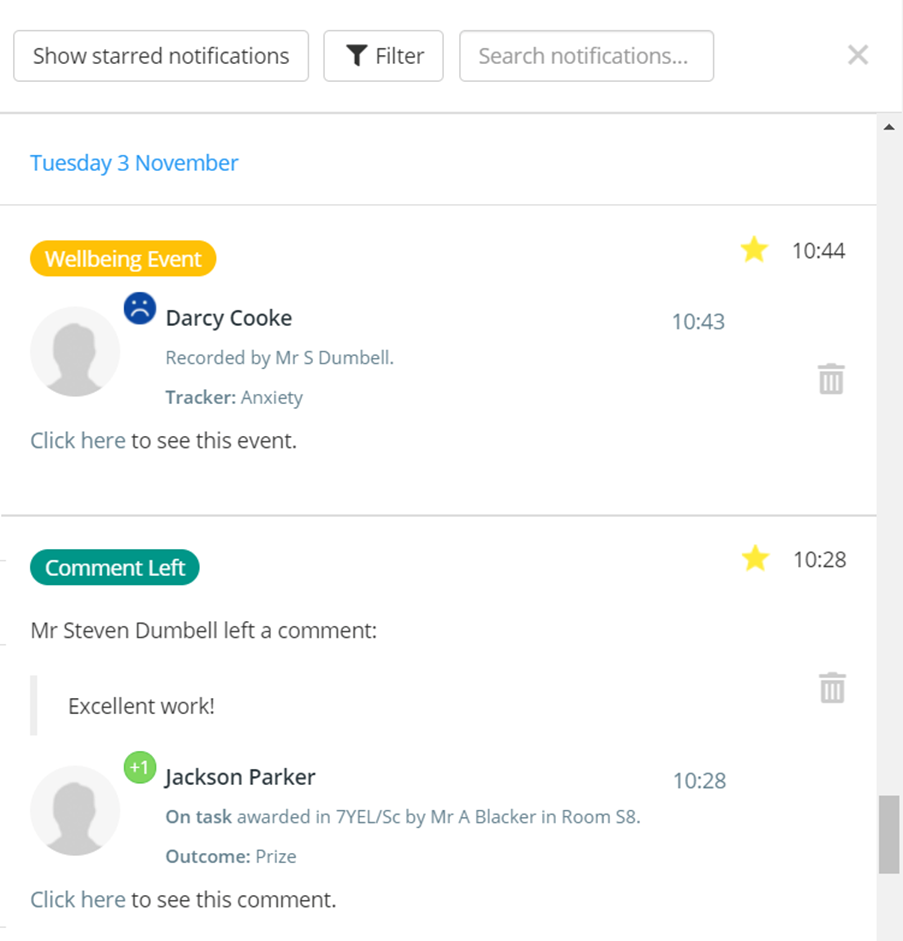
The star icon will turn yellow, indicating that the starred notification has been added to your favourites list.
Deleting a notification
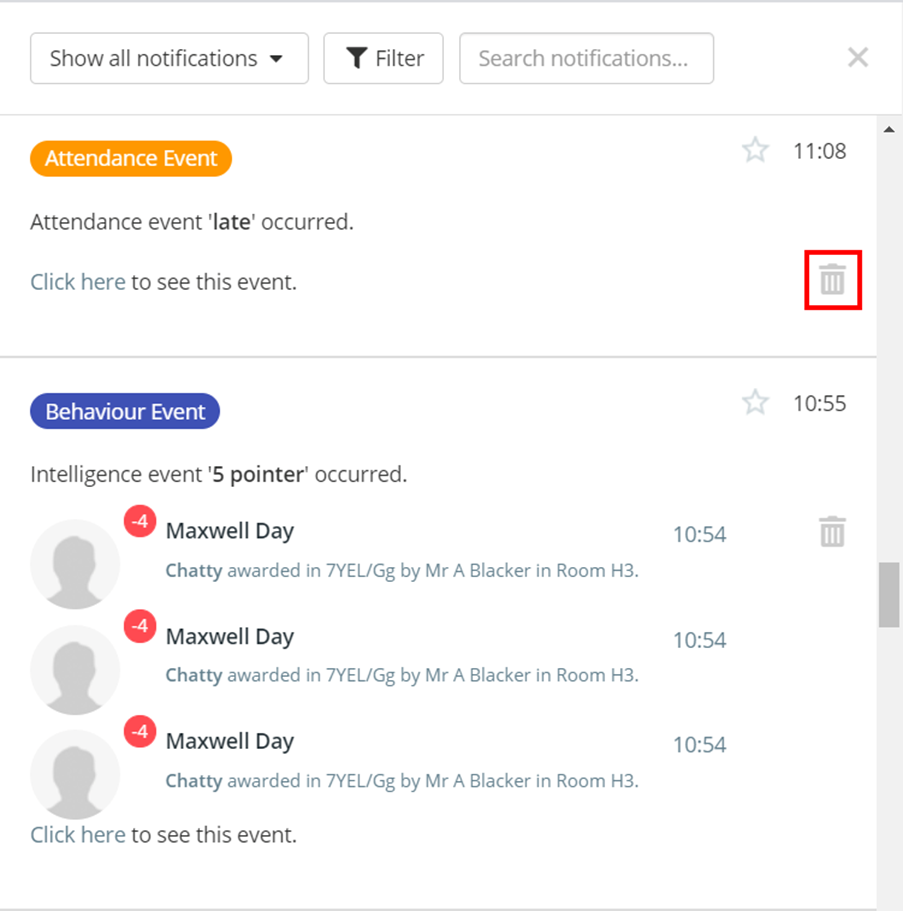
To delete a notification, press the bin icon.
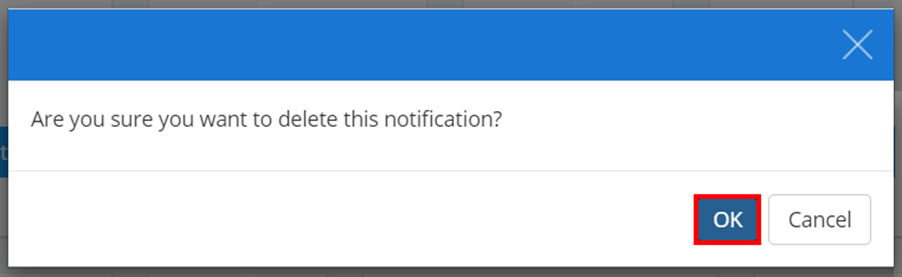
A popup will appear, asking you to confirm your choice. Click on the OK button to continue.
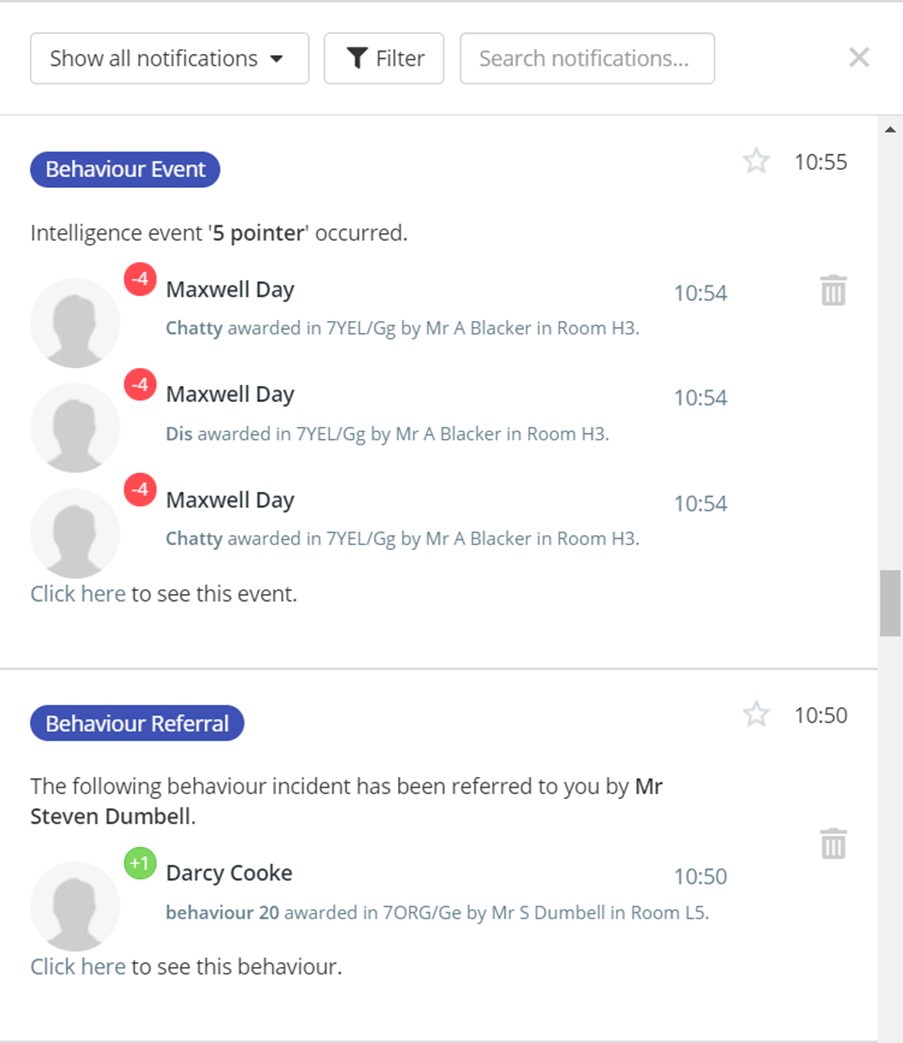
The notification will be successfully removed from your notifications centre.
Filter by notification type
If you receive multiple notifications daily, you may want to restrict the displayed results to specific criteria so that they are easier to manage.
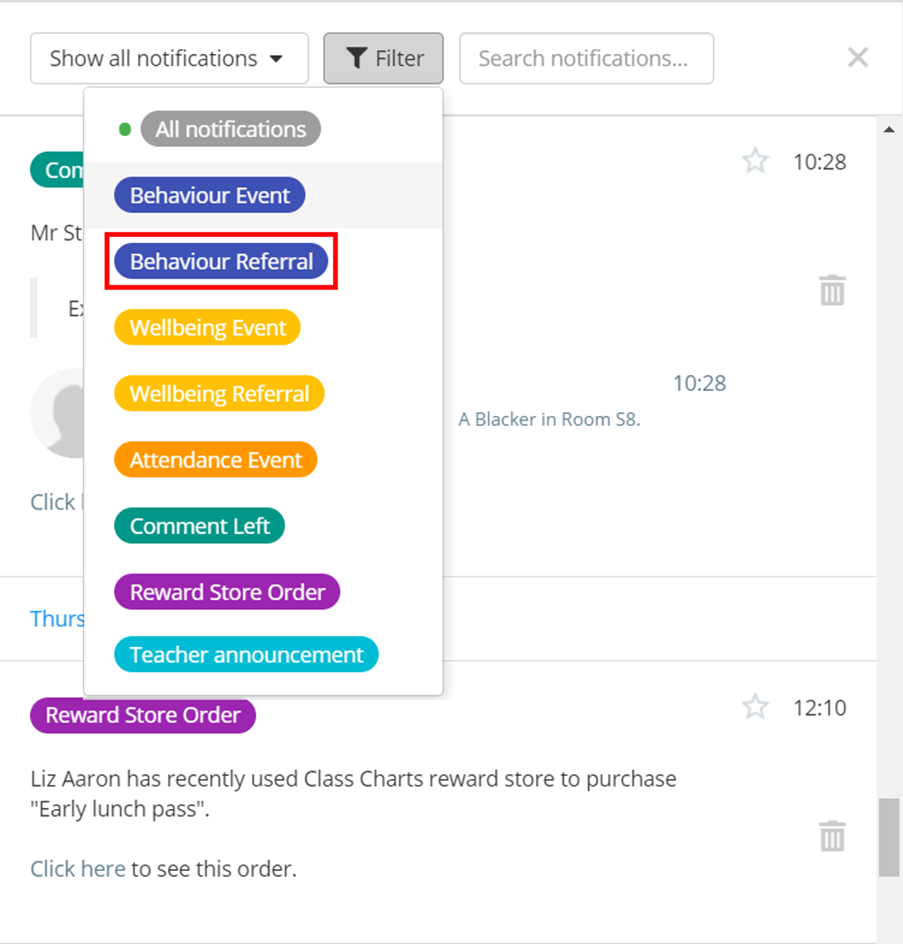
To filter the displayed notifications to a specific notification type, click on the Filter button.
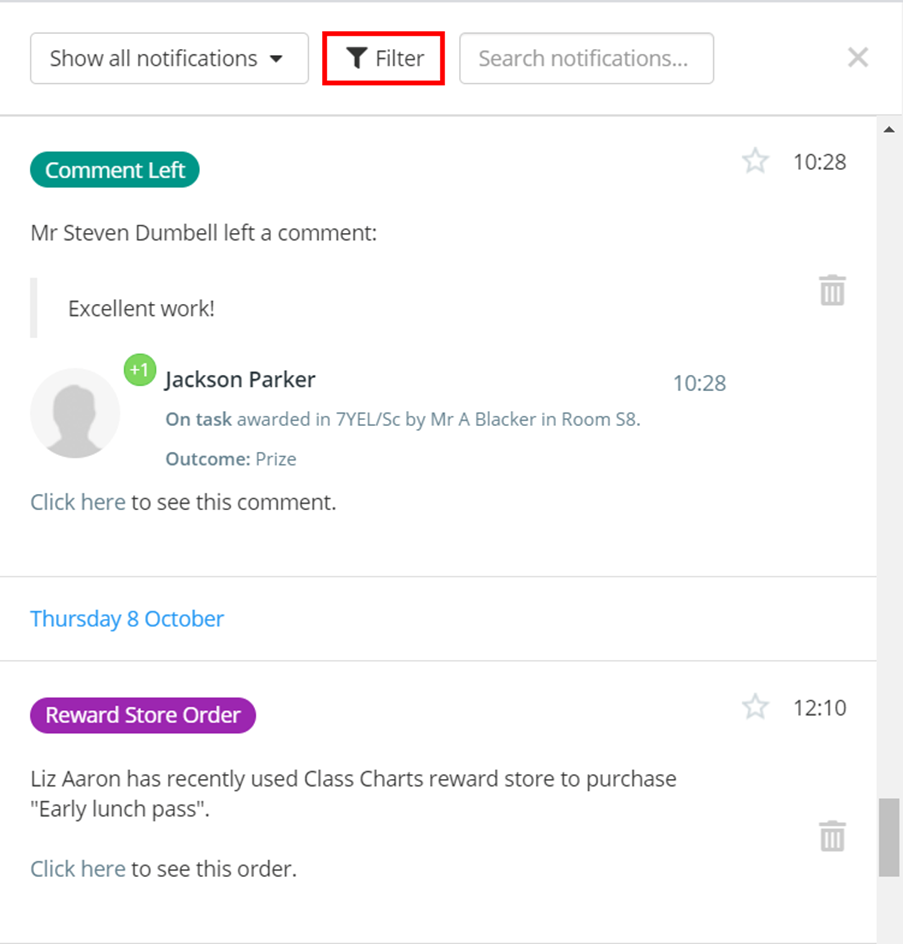
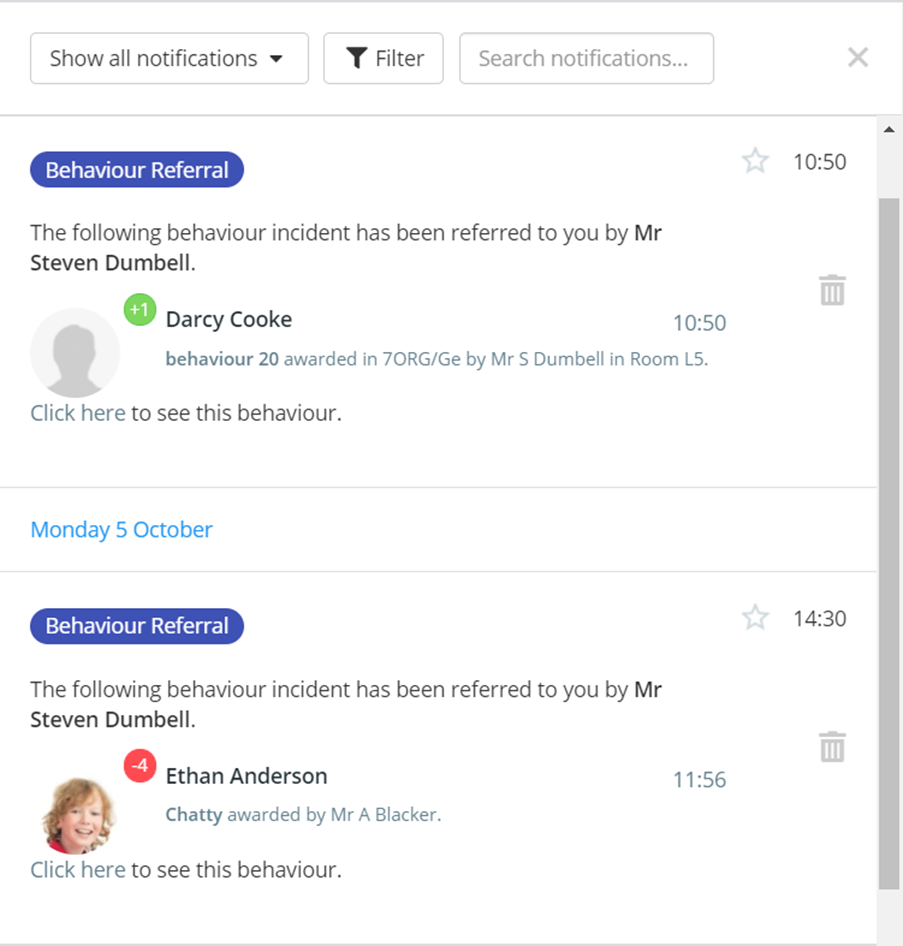
A list of notification types for your school will appear. Click on the notification type of your choice to filter by that type.
Filter by keyword
There may be times where you would want to find out specific information that encompasses all notification types.
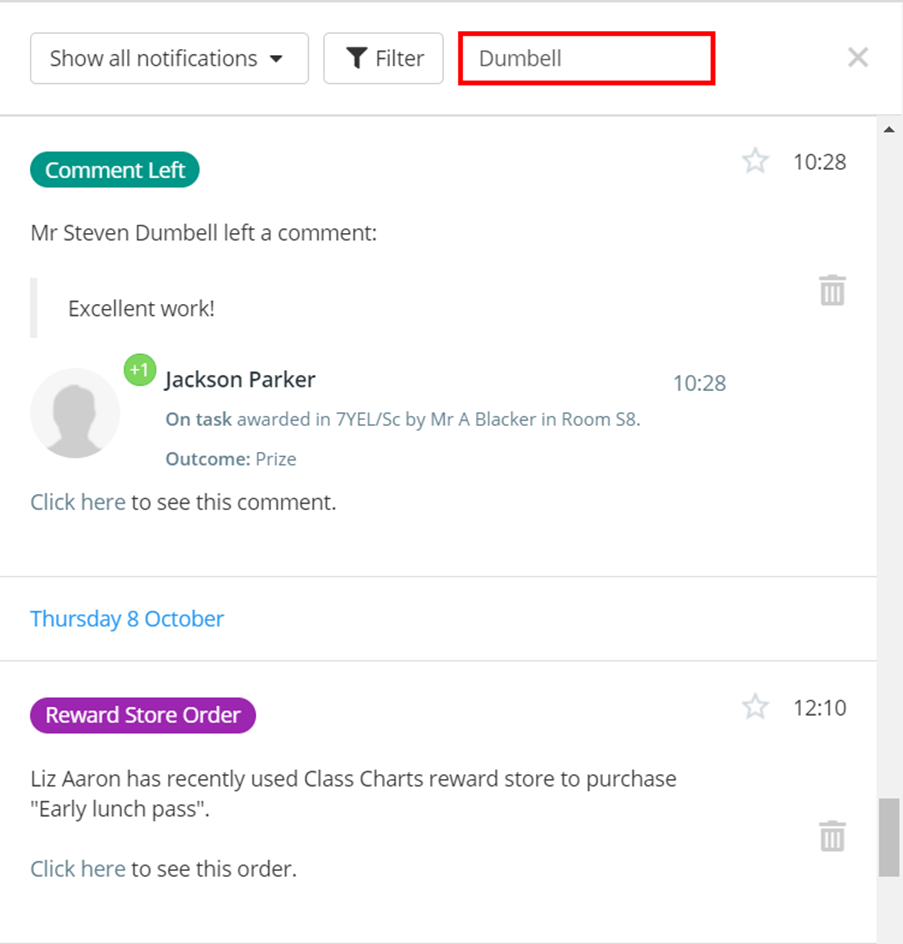
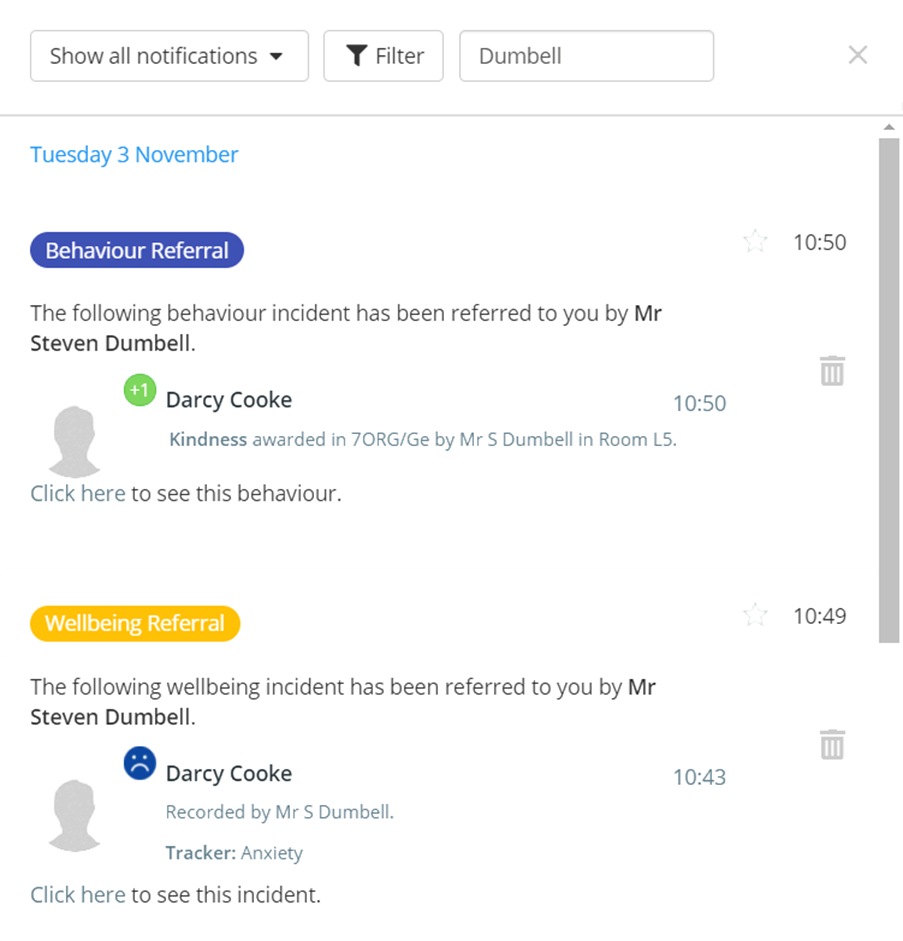
To filter by a specific keyword across all notification types, enter the search term into the search notifications field.
Filter by starred notifications
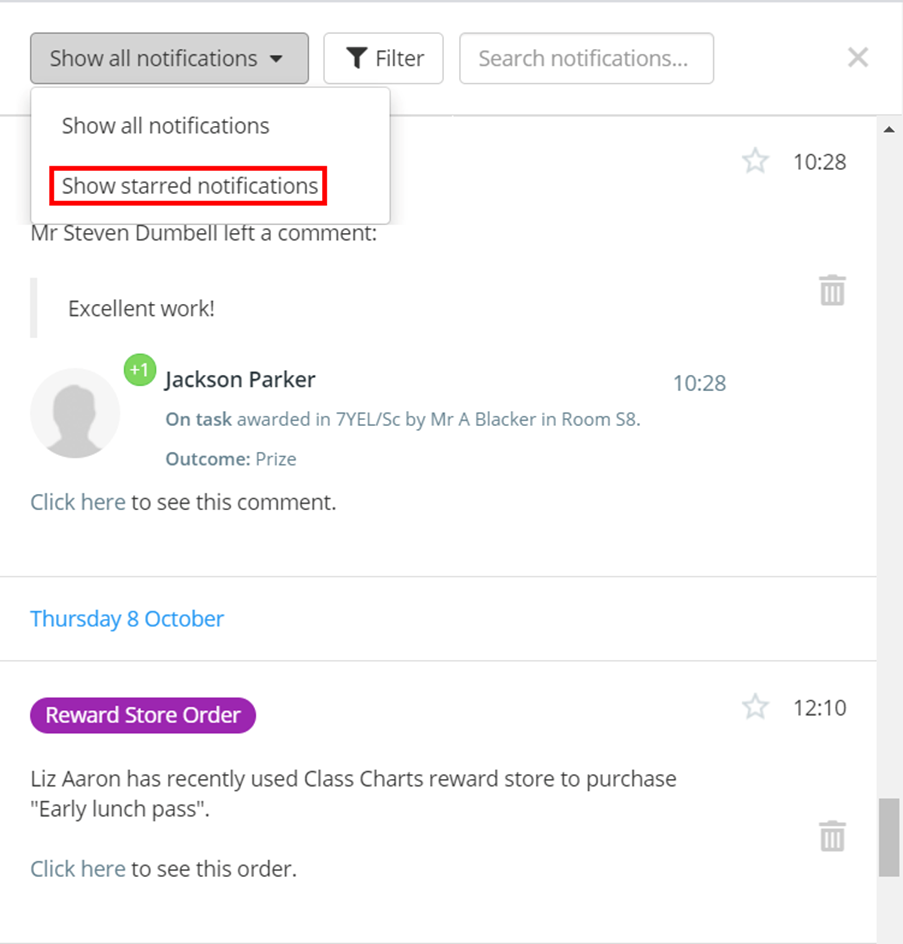
To see a list of your favourited notification logs, select Show starred notifications in the Show all notifications dropdown.
Was this article helpful?
That’s Great!
Thank you for your feedback
Sorry! We couldn't be helpful
Thank you for your feedback
Feedback sent
We appreciate your effort and will try to fix the article