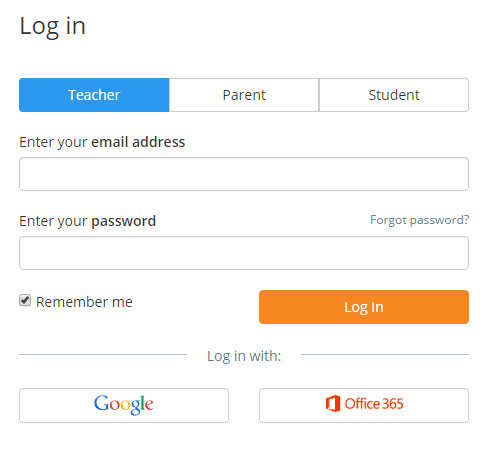
To log into Class Charts, click on the Login button in the top right hand corner of the Class Charts homepage.

Next, enter your email address and password which will have been emailed to you from your school administrator.
If single-sign on logins have been rolled out at your school, click on the Google and Office 365 buttons to log in via the respective portal.
Was this article helpful?
That’s Great!
Thank you for your feedback
Sorry! We couldn't be helpful
Thank you for your feedback
Feedback sent
We appreciate your effort and will try to fix the article