If your Class Charts account is integrated with your school’s MIS, tutor groups and year groups will be updated automatically to reflect your MIS.
If your school’s Class Charts account is manual, you can update your tutor and year groups manually.
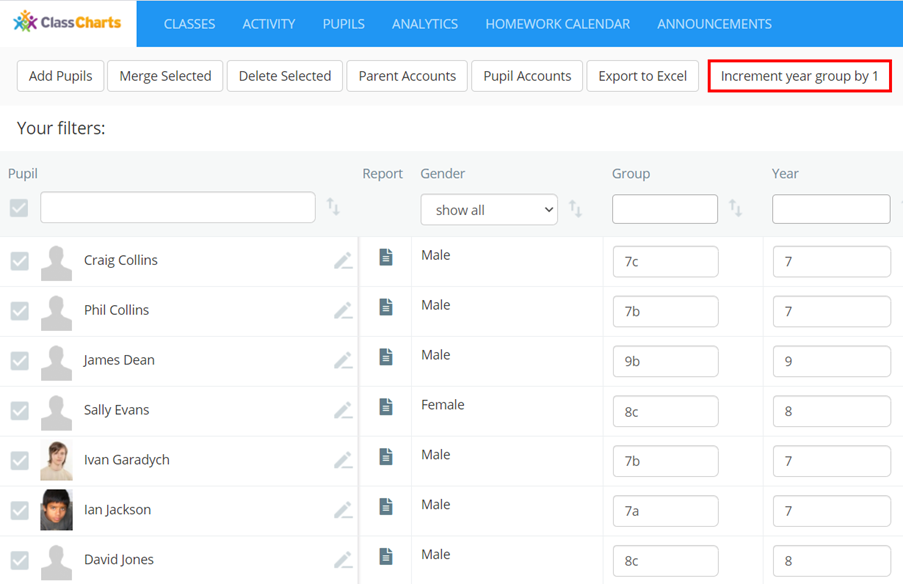
To manually increment your tutor and year groups by one year, click on the Pupils tab along the top of the page.

You will be presented with a list of your school’s currently enrolled pupils. Click on the button labelled Increment year group by 1.
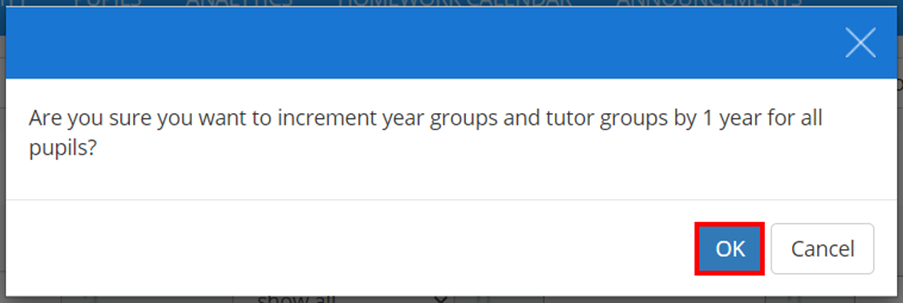
A confirmation popup will appear. Click on the OK button to continue.
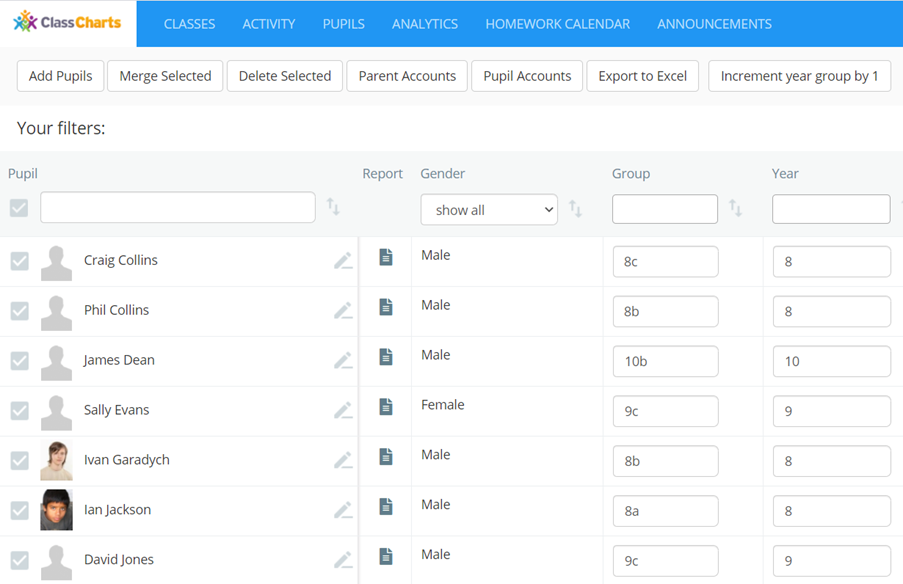
Your school’s tutor and year groups will now be successfully incremented by one.
Was this article helpful?
That’s Great!
Thank you for your feedback
Sorry! We couldn't be helpful
Thank you for your feedback
Feedback sent
We appreciate your effort and will try to fix the article