One of your pupils may work better at the front or back of the class. Class Charts allows these pupils to remain at their preferred position in the classroom when seating plans are rearranged.
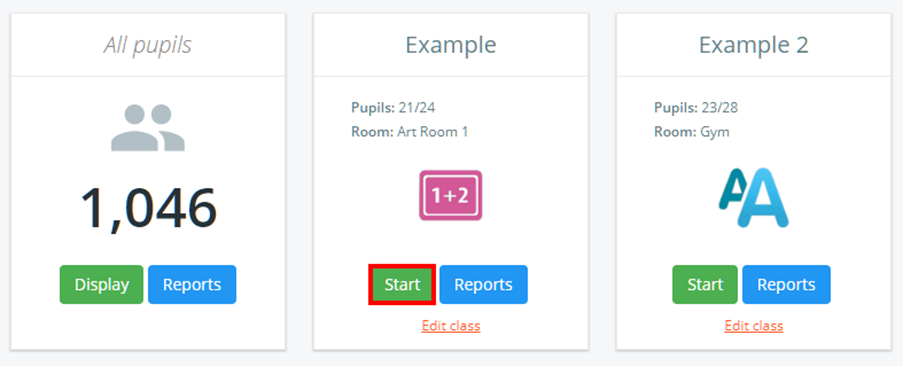
To create a note for a pupil, click on the Classes tab along the top of the page and start the class of your choice by clicking on the Start button.

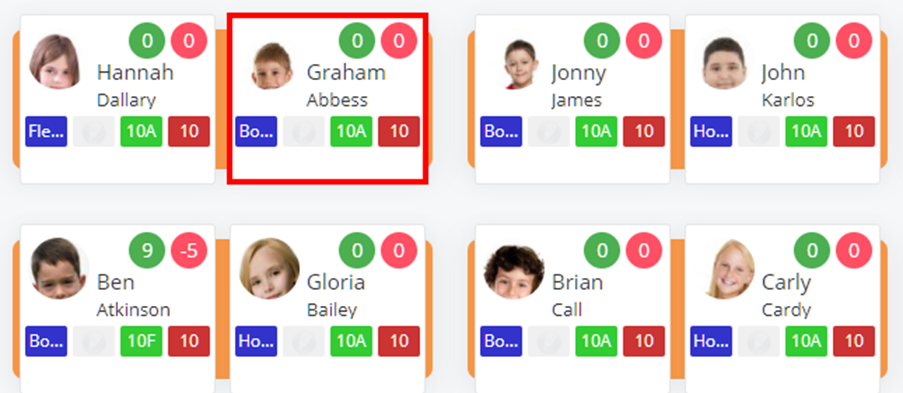
Next, choose a pupil by clicking on their pupil tile.
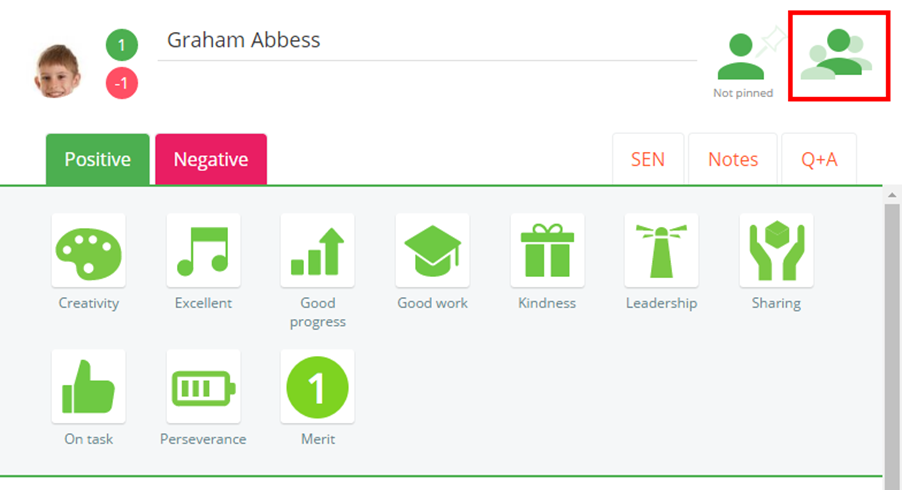
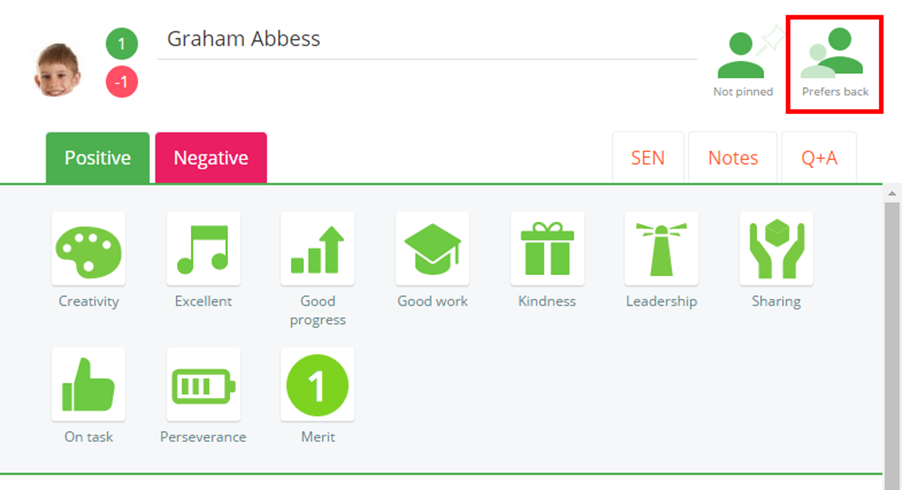
The pupil sidebar will appear for the selected pupil. Click on the pupils icon to the right of the sidebar to set the pupils’ seating preference. The available options are explained below:
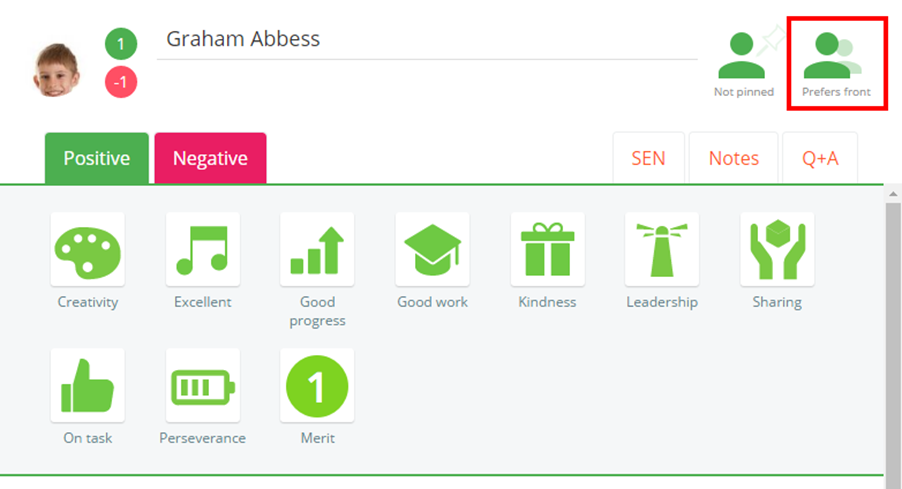
Prefers front
When this option is selected, the pupil will remain at the front of the class when a seating plan is automatically rearranged.
Prefers back
When this option is selected, the pupil will remain at the back of the class when a seating plan is automatically rearranged.
Was this article helpful?
That’s Great!
Thank you for your feedback
Sorry! We couldn't be helpful
Thank you for your feedback
Feedback sent
We appreciate your effort and will try to fix the article