It is vital to conduct regular fire drills at your school in order to prepare for the possibility of a real fire.
To generate paper registers for your school’s fire drill, click on the fire extinguisher icon in the top right hand corner of the page.

You will be presented with an attendance table, where attendance data for the current day is displayed for all pupils.
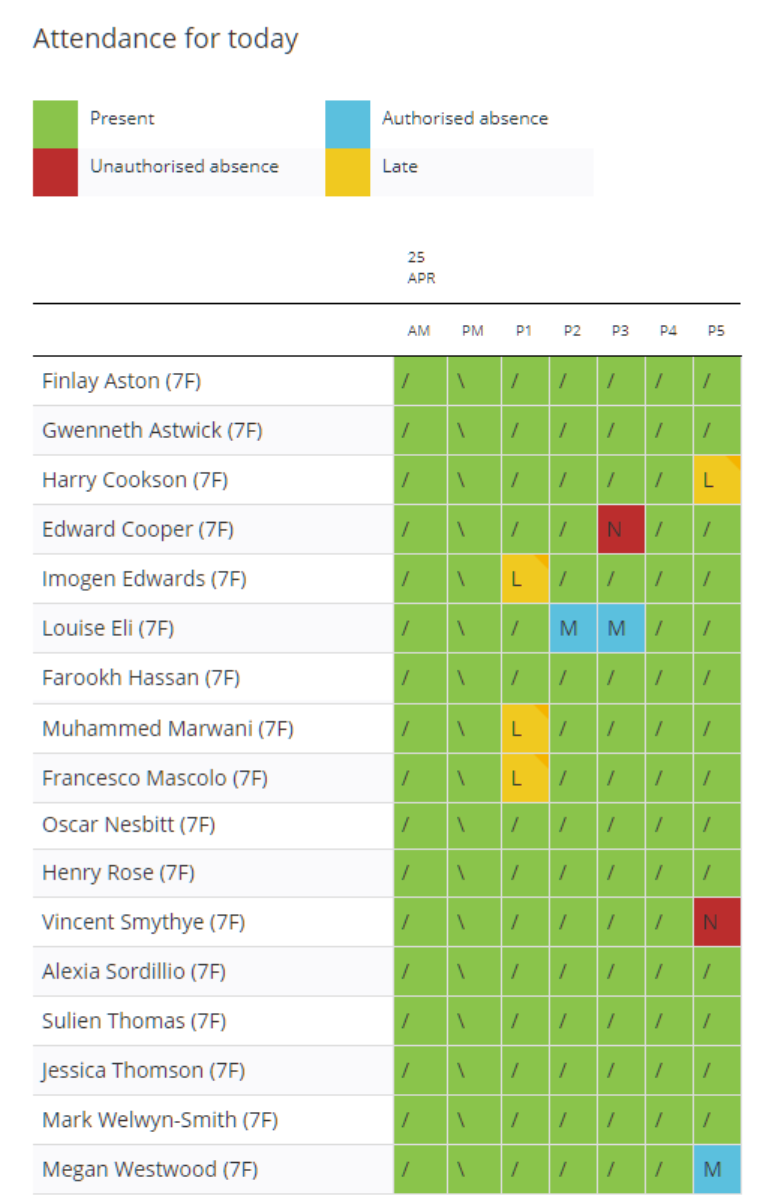
The attendance table can be filtered to the attendance records of your choice by using the drop down menus above the table. The attendance table can be filtered by year group, house, tutor group and pupils that fall under a specific attendance category.

To display pupils in school wide alphabetical order of form group, click on the radio button labelled Display results by Form Group.

To display pupils in in alphabetical order within their current lessons, click on the radio button labelled Display results by current lesson.

Please note: This will not affect the displayed results on the pdf copy.
To print out the register for your fire drill, click on the Print button to the right of the page.

A pdf copy of the attendance register will be generated, listing each tutor group and the pupils assigned to them.
Was this article helpful?
That’s Great!
Thank you for your feedback
Sorry! We couldn't be helpful
Thank you for your feedback
Feedback sent
We appreciate your effort and will try to fix the article