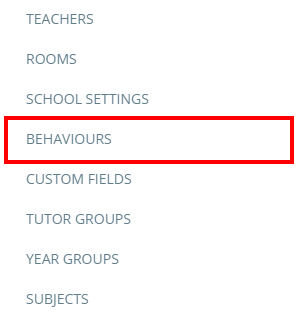
To control how spendable points are deducted at your school, click on the three lines menu in the top right hand corner of the page and select Behaviours from the drop down menu.
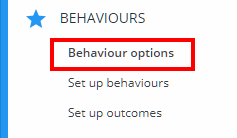
Next, click on Behaviour options from the menu on the left hand side.
You will see a setting labelled Deduct spendable points for negative behaviours. The available options are explained below:
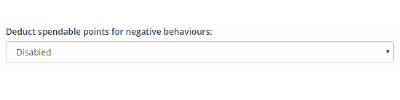
Enabled: When negative points are awarded to a pupil, their spendable points balance will be deducted by the same amount.
Disabled: When negative points are awarded to a pupil, their spendable points balance will not be affected.
Was this article helpful?
That’s Great!
Thank you for your feedback
Sorry! We couldn't be helpful
Thank you for your feedback
Feedback sent
We appreciate your effort and will try to fix the article