Class Charts allows you to cover a class that is not normally assigned to you.
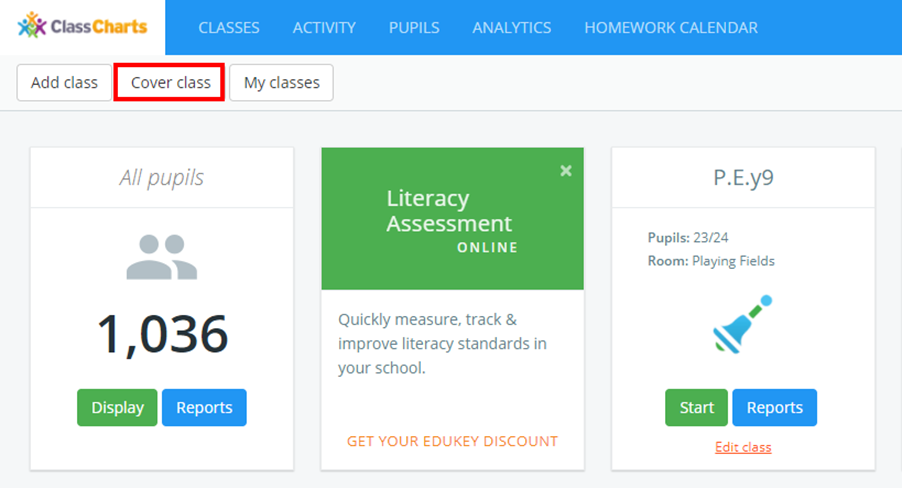
To cover a class, click on the Cover class button in the top left hand corner of the Classes page.
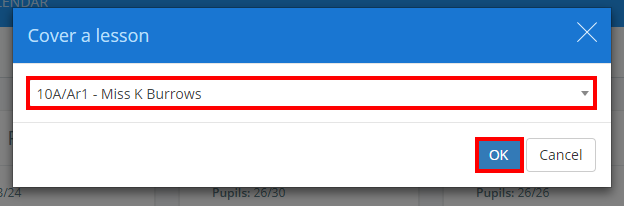
The Cover a lesson popup will appear. Select the class that you would like to cover from the drop down menu and click on the OK button.
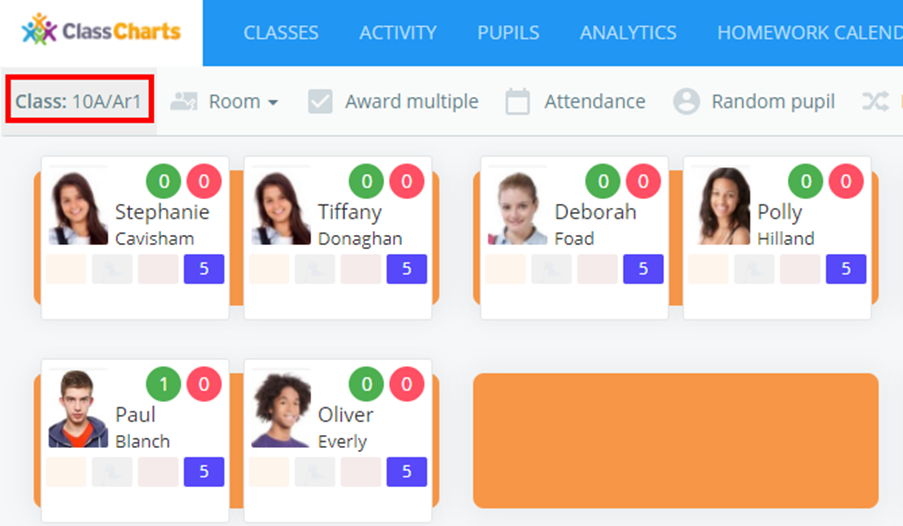
You will then be redirected to your chosen class.
Was this article helpful?
That’s Great!
Thank you for your feedback
Sorry! We couldn't be helpful
Thank you for your feedback
Feedback sent
We appreciate your effort and will try to fix the article