There may be times when it is necessary to create homework tasks for an entire year group. Class Charts allows you to do this via the homework module and year group classes.
Setting up year group classes
If you are a school admin and would like to enable year group classes in your school’s Class Charts account, please contact us.
Once we have set up year group classes on your behalf, they will appear on the Classes tab to all users with the Admin permission.
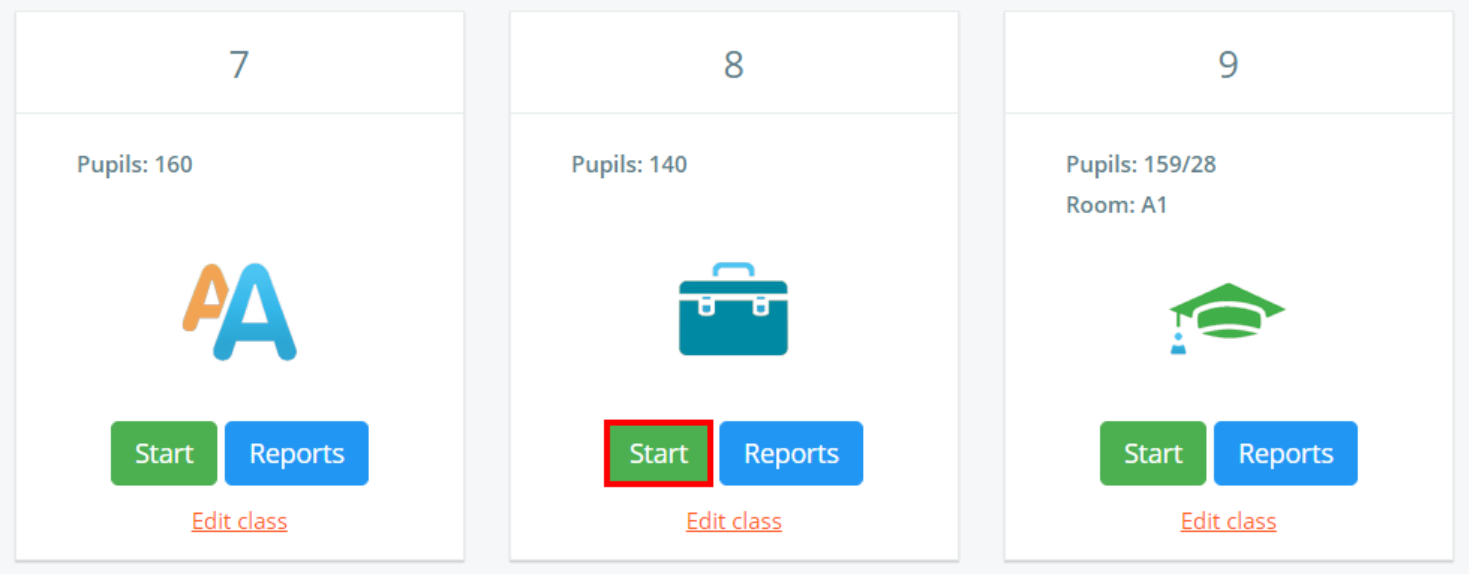
If you are not a school admin user, you can still access a year group class by clicking on the Cover class button.

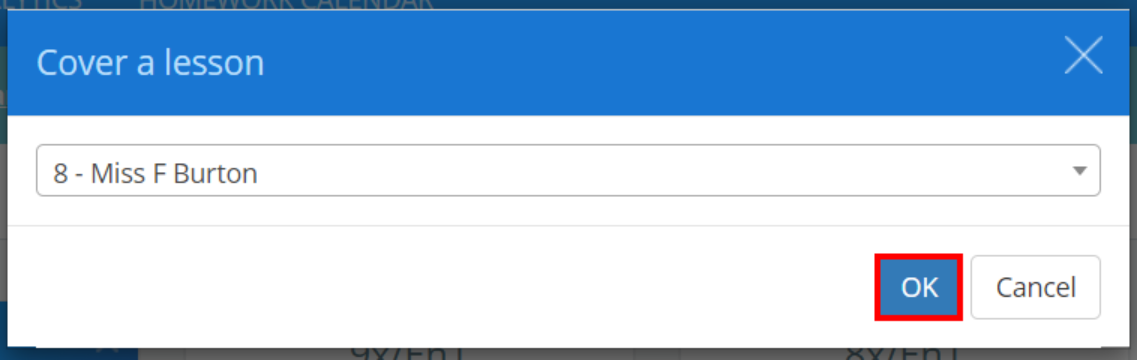
Select the year group class of your choice and click on the OK button.
Setting up a homework task
Once you have entered the year group class, you will be able to set a homework task for the entire year group.
To do this, follow the steps provided in the following knowledgebase article.
Was this article helpful?
That’s Great!
Thank you for your feedback
Sorry! We couldn't be helpful
Thank you for your feedback
Feedback sent
We appreciate your effort and will try to fix the article