Once homework templates have been set up, they can be applied by teachers when setting new homework tasks.
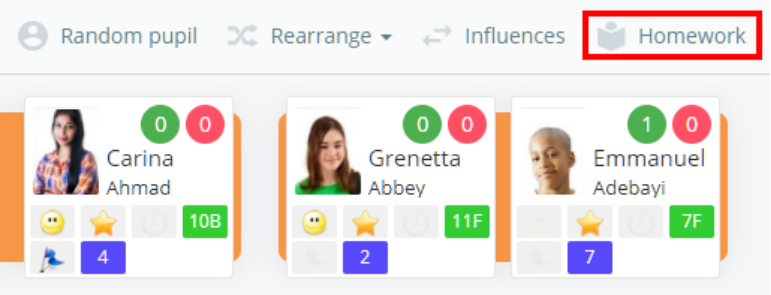
To apply a homework template, click on the Homework button when taking a class to bring up the homework sidebar.
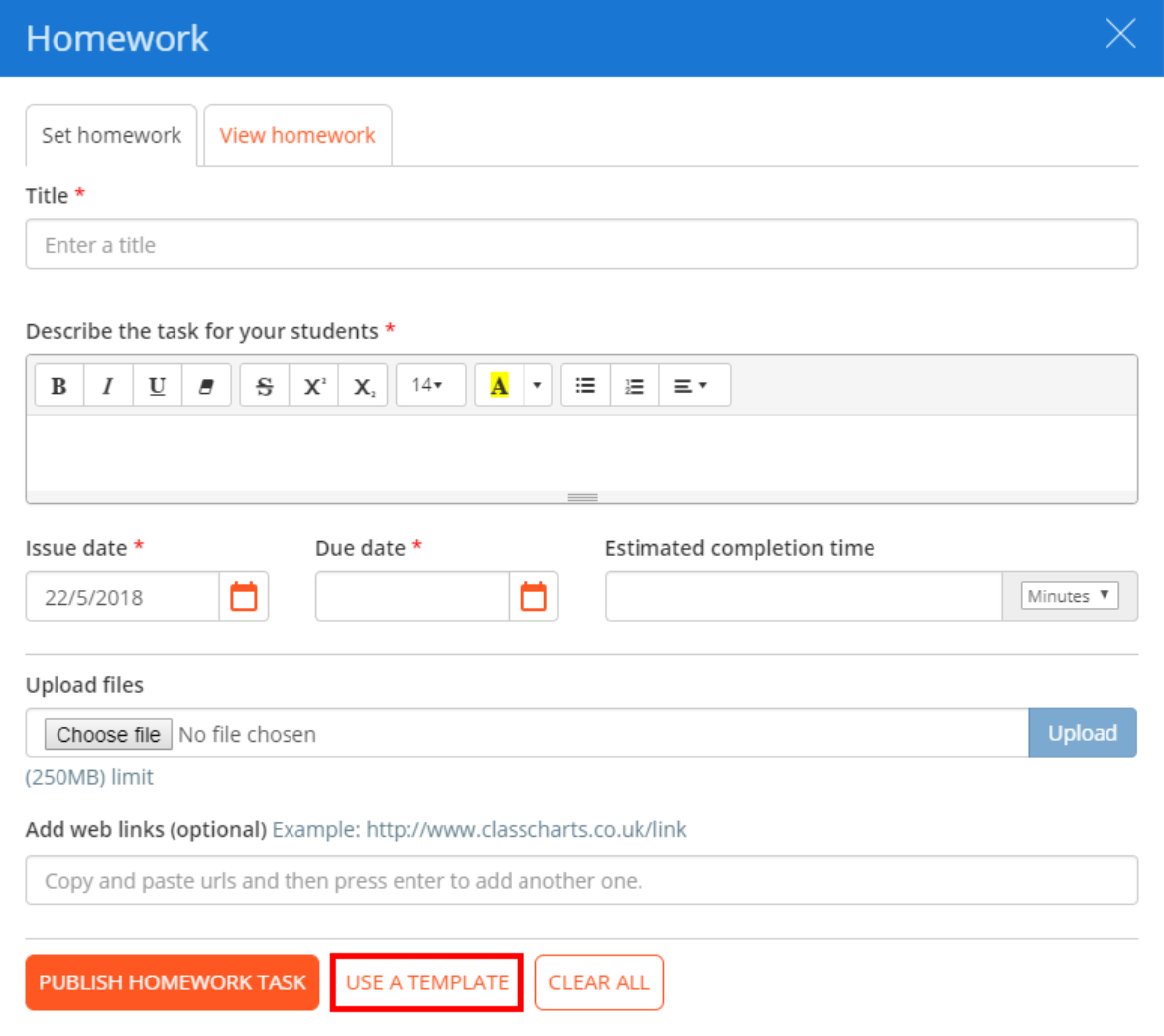
Next, click on the Use a template button at the bottom of the Set homework tab.
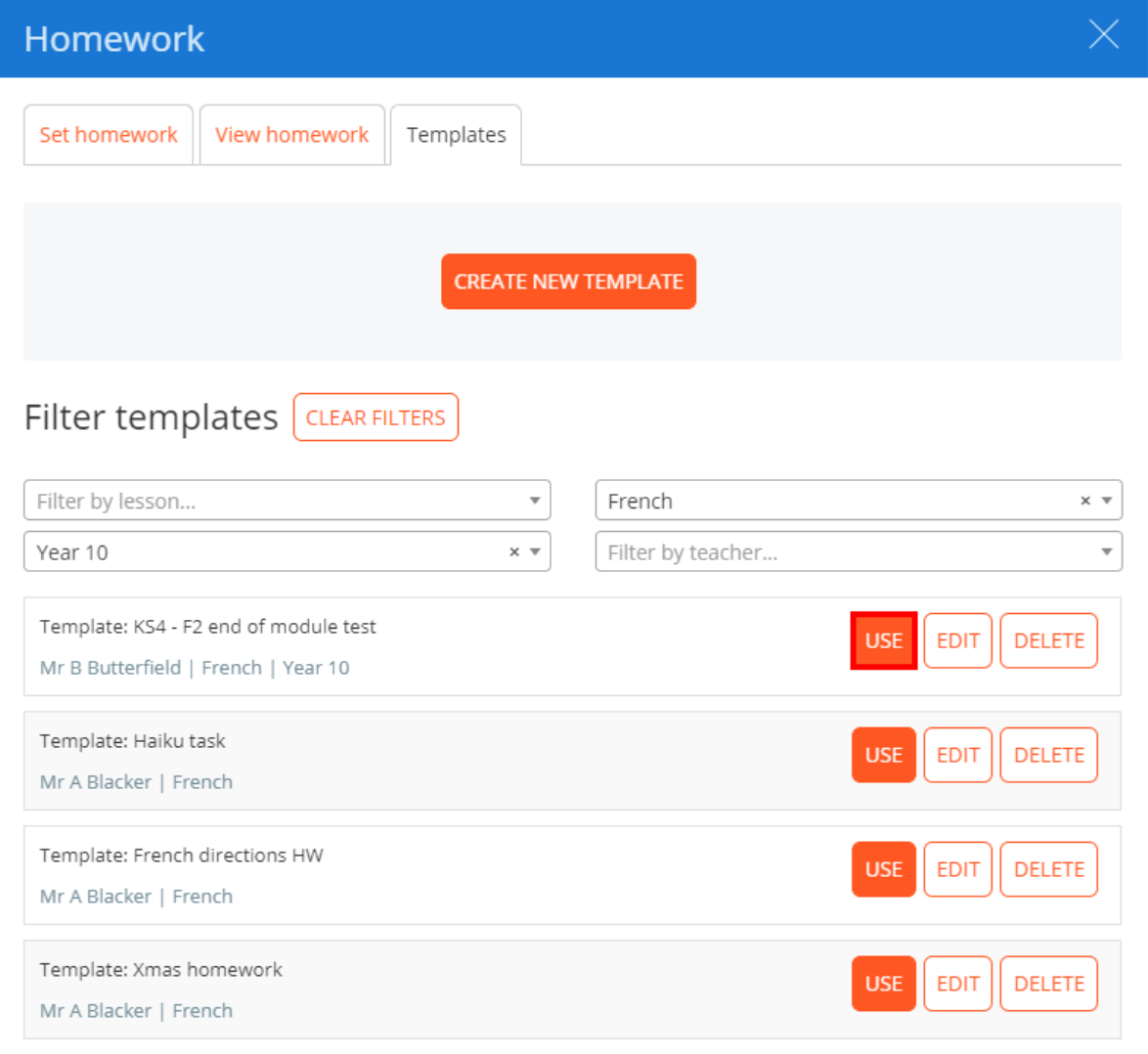
You will be redirected to a list of previously created homework templates. Search for the homework template of your choice and click on the Use button to apply it.
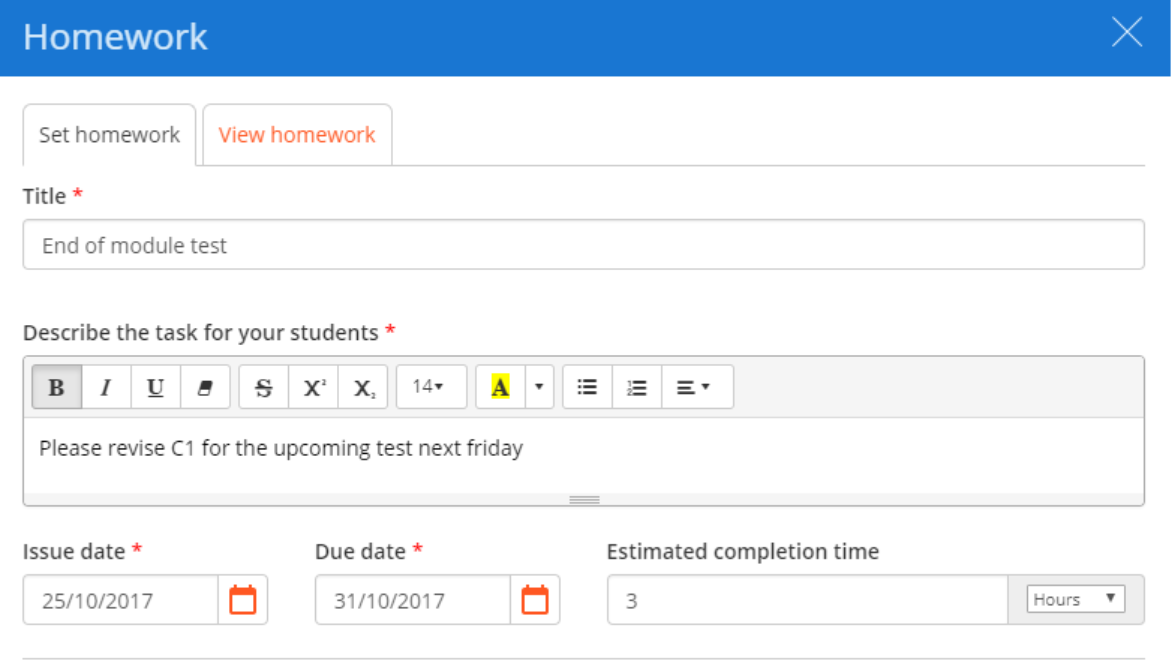
The form on the Set homework tab will now be populated with the information contained in the template, ready for publishing.
Was this article helpful?
That’s Great!
Thank you for your feedback
Sorry! We couldn't be helpful
Thank you for your feedback
Feedback sent
We appreciate your effort and will try to fix the article