There may be times when you would need to set a homework task across multiple classes. Class Charts allows you to copy a homework task to multiple lessons once it has been set.
There are two methods that can be used to copy a homework task to another lesson:
Copying a homework task to another lesson in class
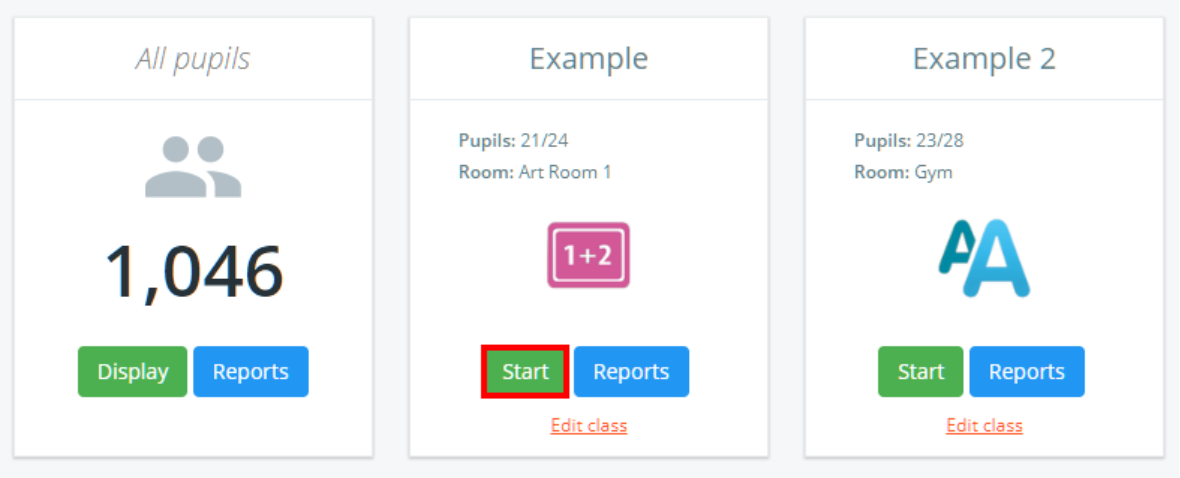
To copy a homework task that has been set for one of your classes, click on the Classes tab along the top of the page and click on the Start button for the class of your choice.

You will be presented with the class view page for your selected lesson, where pupils are displayed in their set seats.
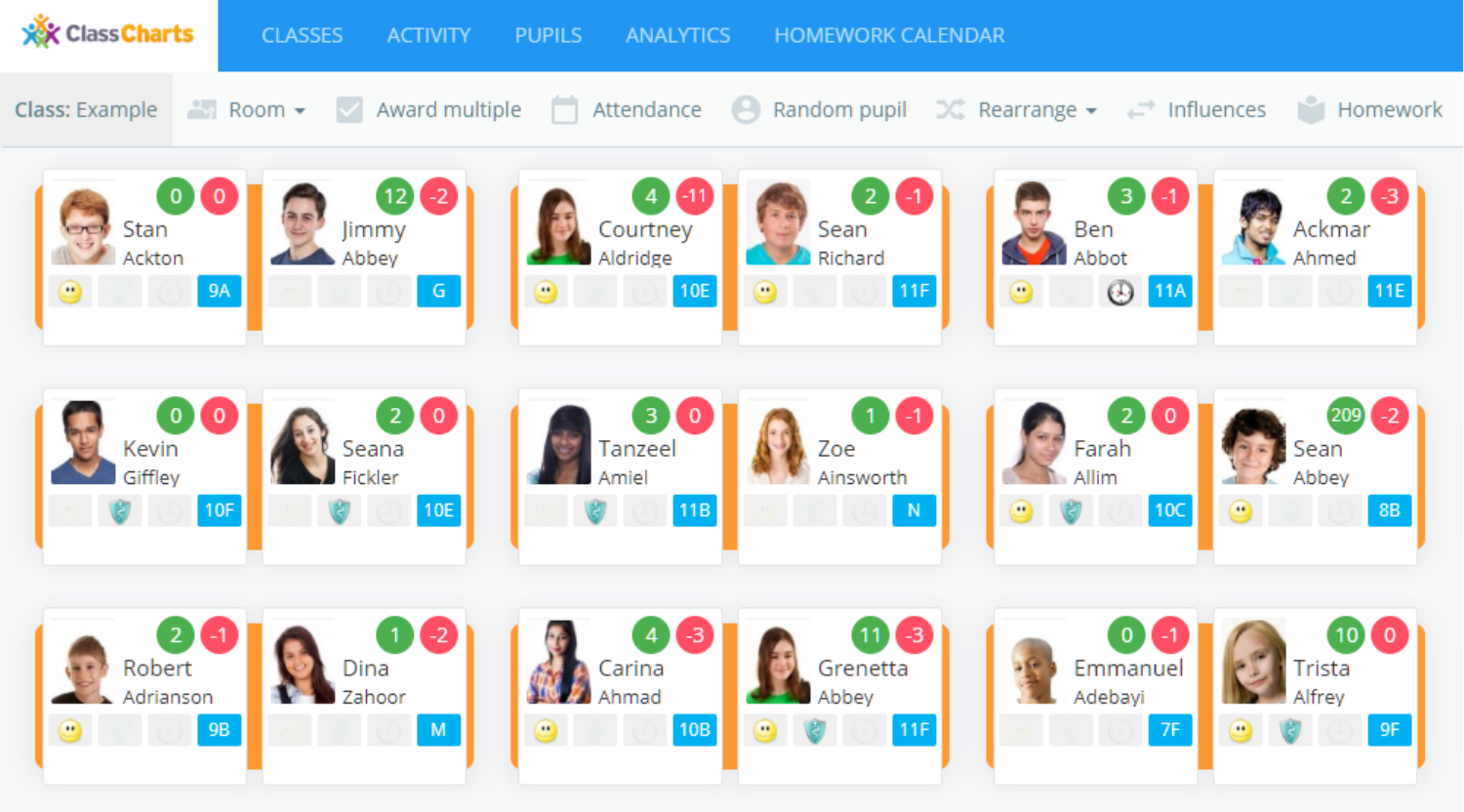
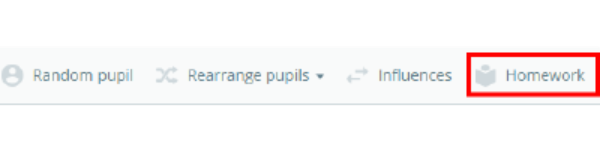
Click on the Homework tab to continue.
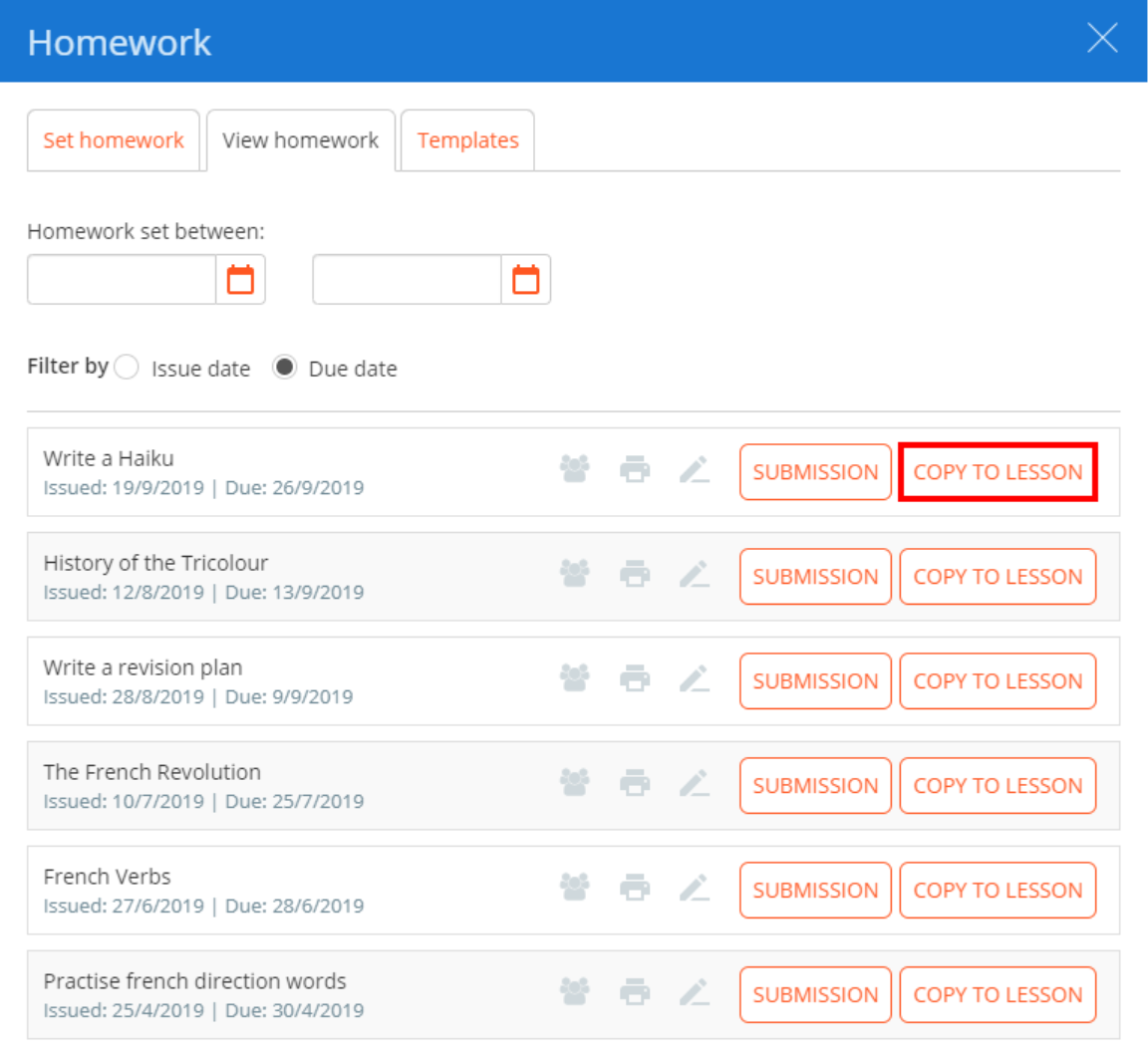
You will now be presented with a list of homework tasks that have previously been set for your class. Click on the Copy to lesson button for the homework task that you would like to apply to another lesson.
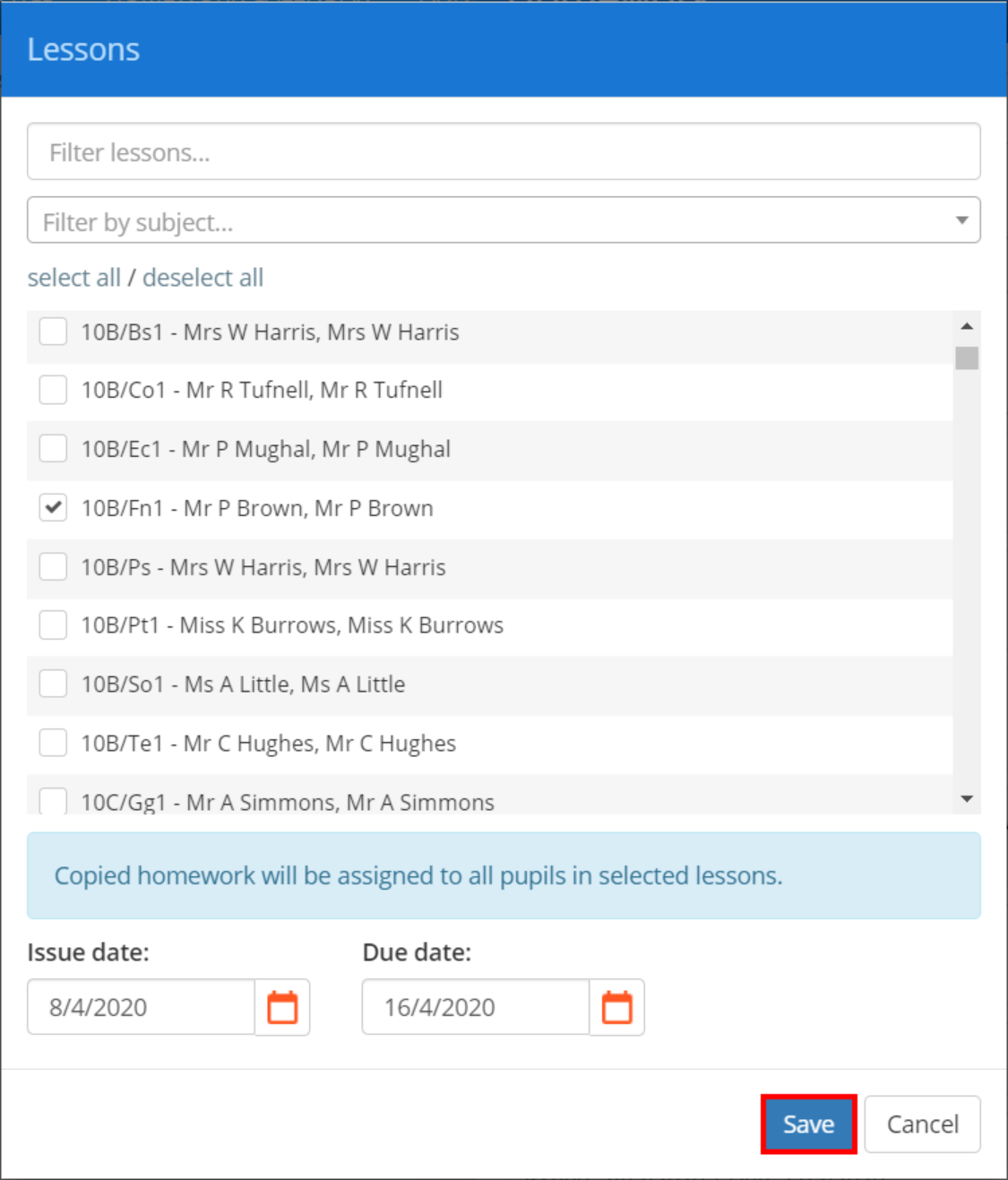
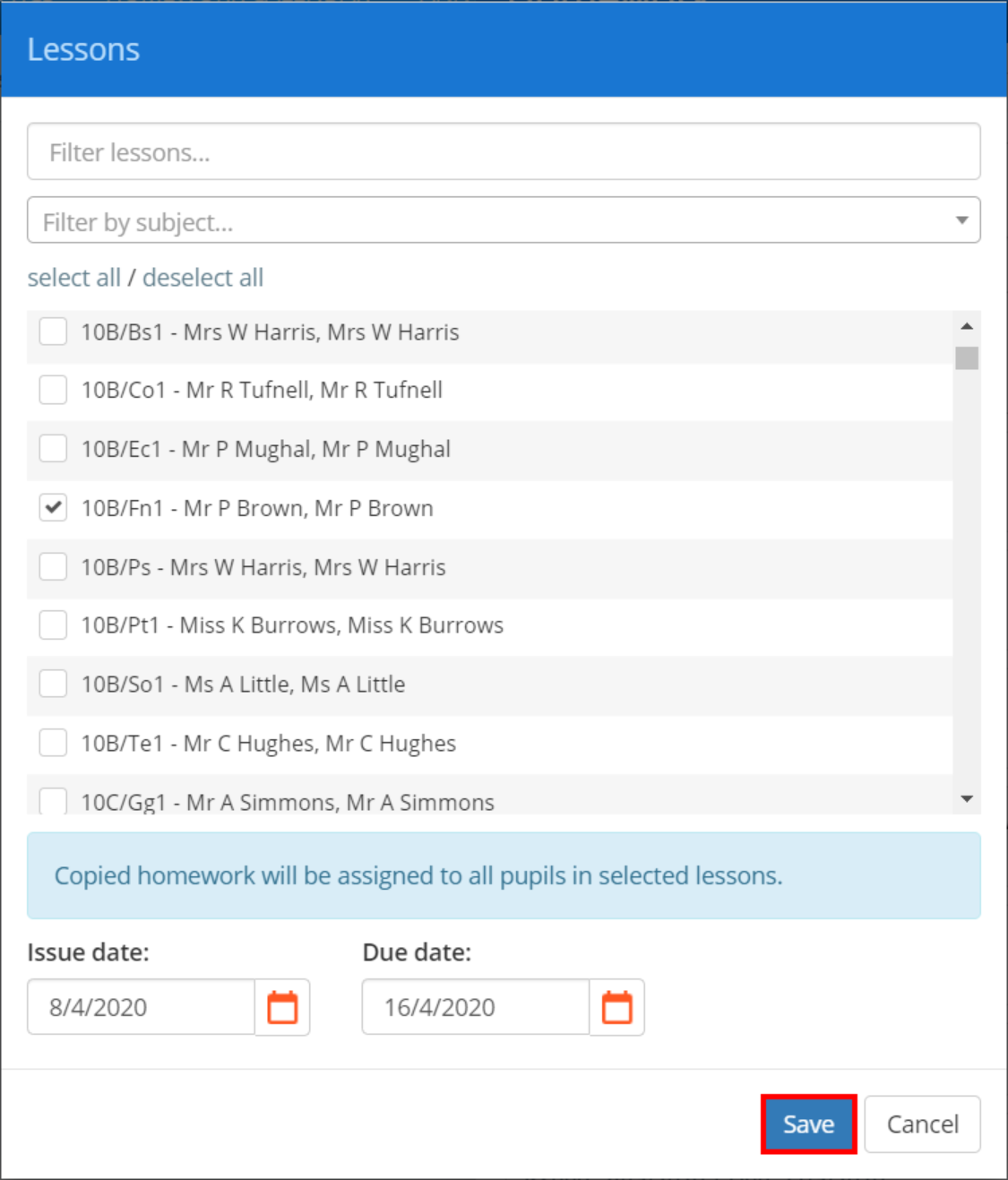
The Lessons popup will appear. Select the classes that you wish to apply the homework task to, along with the new Issue date and Due date (By default, the dates of the original homework task are used).
Click on the Save button once you have made your selections.
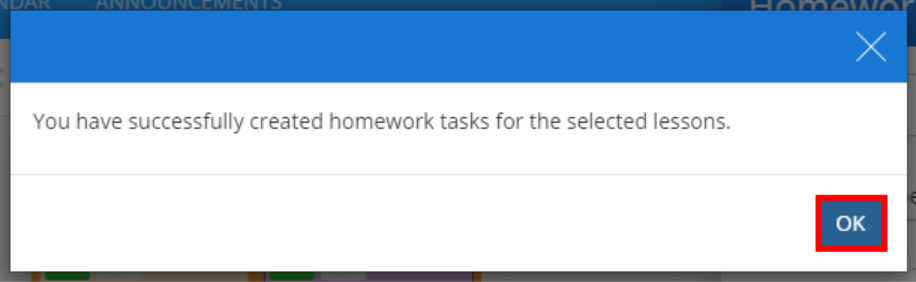
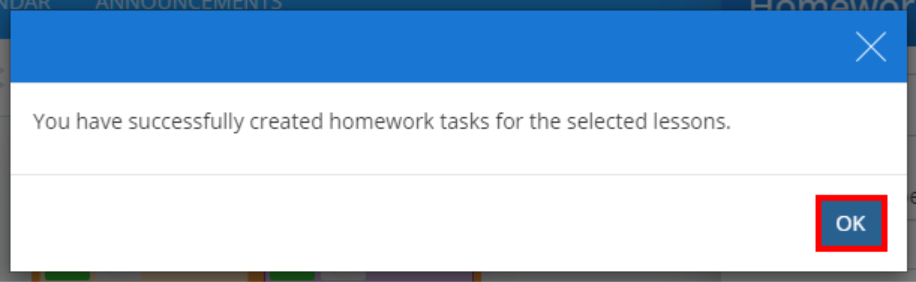
A confirmation popup will appear, informing you that the homework task has been successfully copied.
Copying a homework task to another lesson from the homework calendar
To copy a homework task from your school’s list of set homework tasks, click on the Homework calendar tab at the top of the page.

You will be redirected to the Homework calendar page, where set homework tasks are displayed for the current week. Click on the tab labelled List.
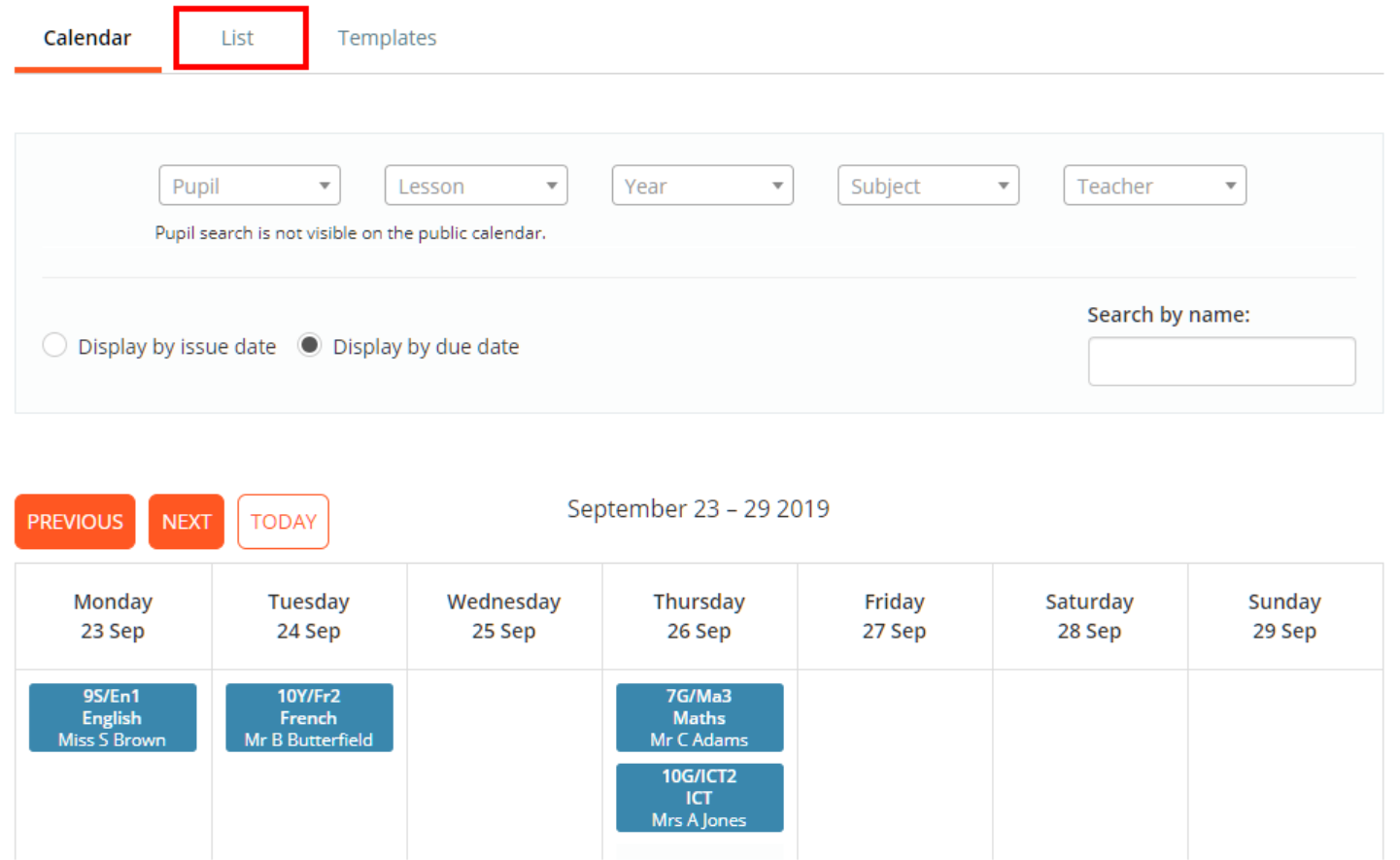
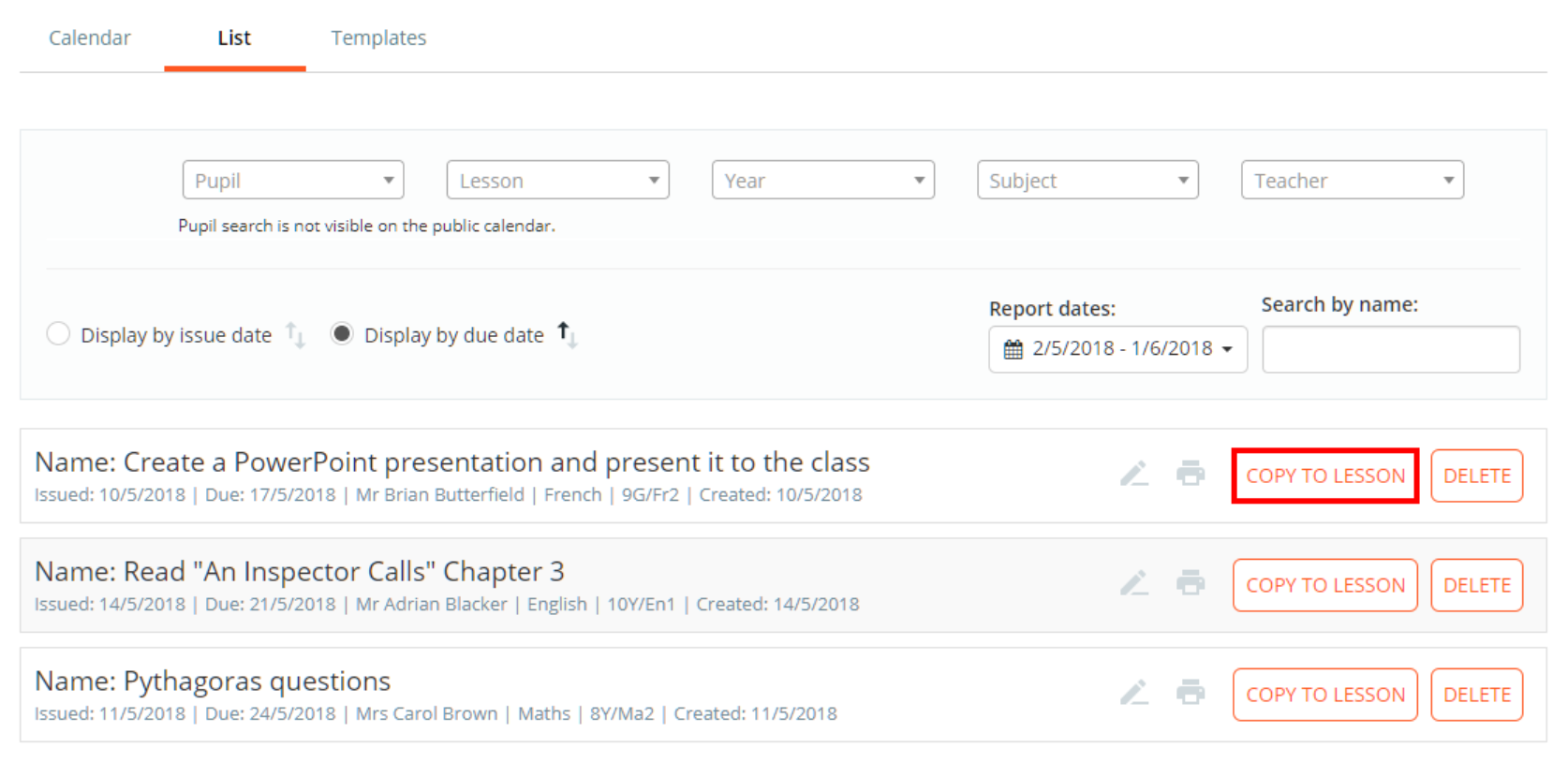
You will now be presented with a list of homework tasks that were issued / due in the past month. To copy a homework task to another lesson, click on the Copy to lesson button for the homework task of your choice.
The Lessons popup will appear. Select the classes that you wish to apply the homework task to, along with the new Issue date and Due date (By default, the dates of the original homework task are used).
Click on the Save button once you have made your selections.
A confirmation popup will appear, informing you that the homework task has been successfully copied.
Was this article helpful?
That’s Great!
Thank you for your feedback
Sorry! We couldn't be helpful
Thank you for your feedback
Feedback sent
We appreciate your effort and will try to fix the article