As homework tasks are assigned by staff members, it may be useful to see an overview of homework tasks set across the school, for a particular subject, or even for a specific pupil.
To view your school’s homework calendar, click on the Homework calendar tab at the top of the page.

You will be redirected to the Homework calendar page, where set homework tasks are displayed for the current week.
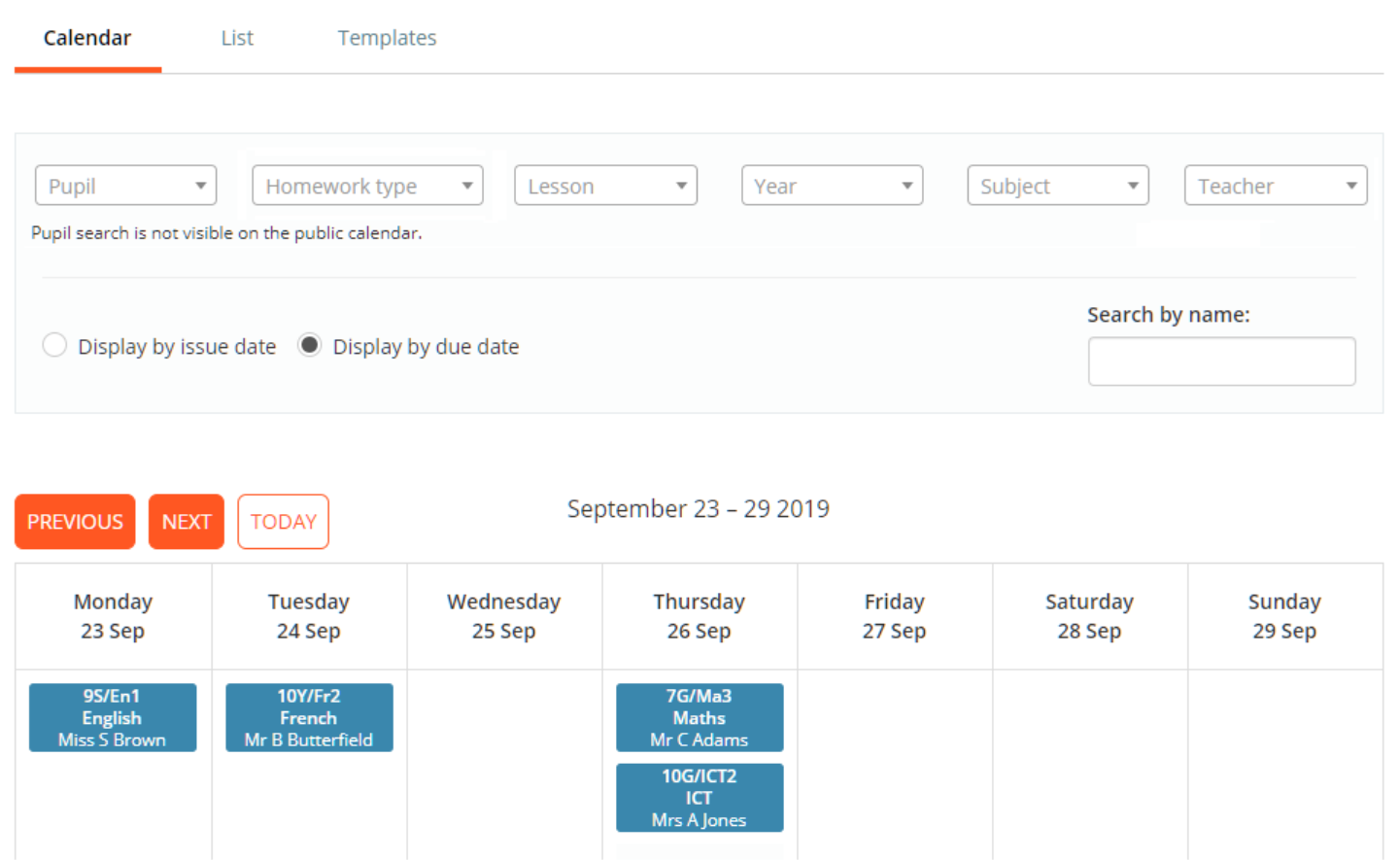
To filter the homework calendar to a specific pupil, homework type, lesson, year group, subject or teacher, click on the drop down menus along the top of the calendar and select a filter option to apply.

To change the displayed week, click on the Previous and Next buttons to go backward / forward one week. Click on the Today button to return to the current week.

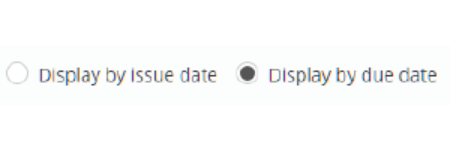
To switch between viewing homework tasks by their issue date / due date, use the display radio buttons above the calendar.
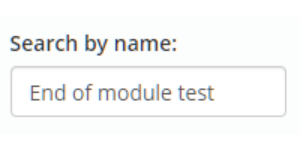
To search for a specific homework task, enter the keywords of your choice into the Search field provided.
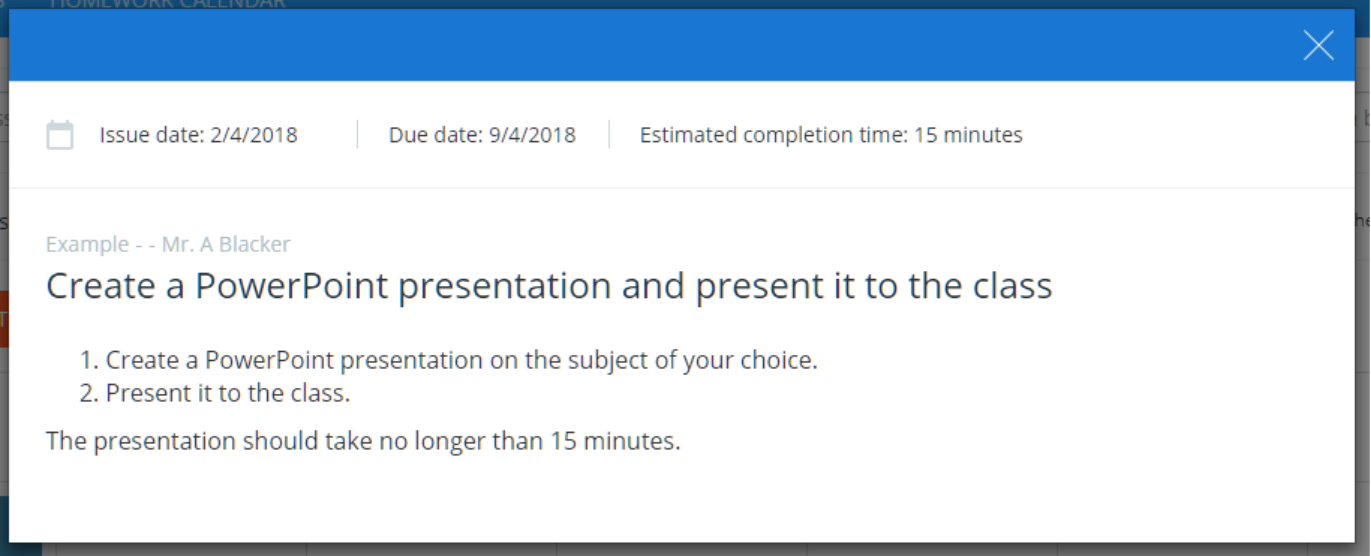
To view a homework task on the calendar in more detail, click on an entry within the calendar.
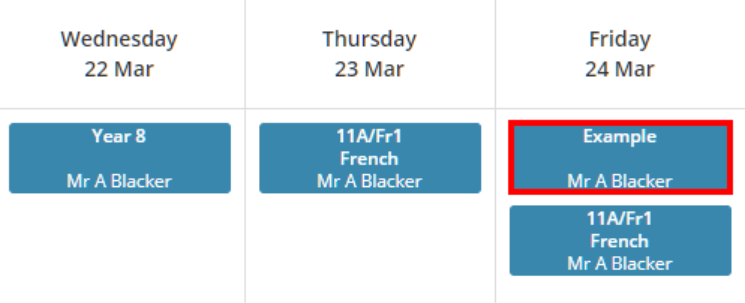
A detailed description of the homework task will appear as a popup.
Was this article helpful?
That’s Great!
Thank you for your feedback
Sorry! We couldn't be helpful
Thank you for your feedback
Feedback sent
We appreciate your effort and will try to fix the article