If you have been assigned homework, you can view homework instructions at any time through your student account.
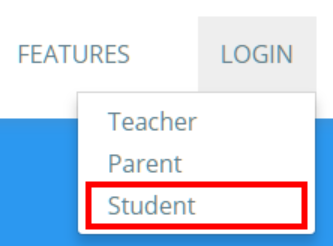
To view your homework, click on the Login button at the top of the page and select Student from the list of available options.
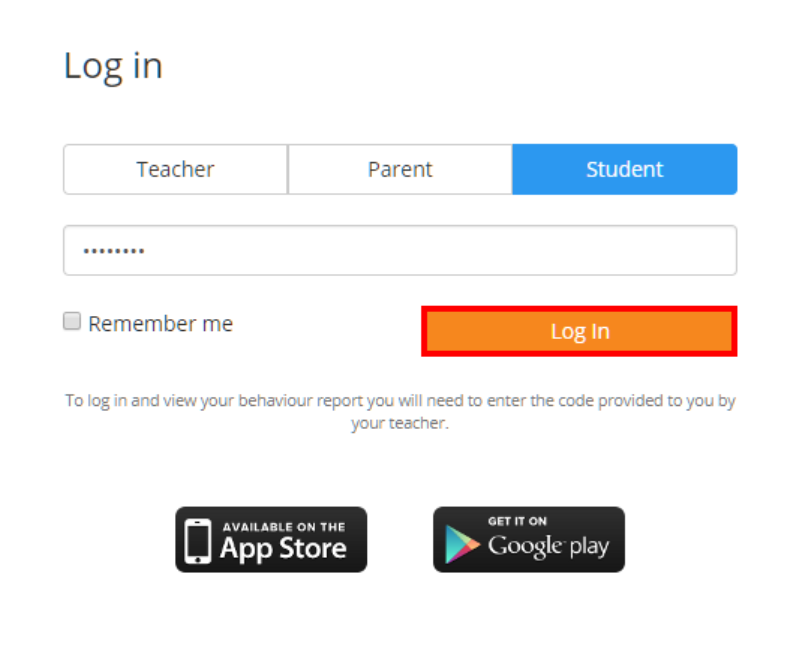
Next, enter your pupil code into the text field and click on the Log In button.
You will now be logged into your Class Charts account. Click on the Homework tab along the top of the page.

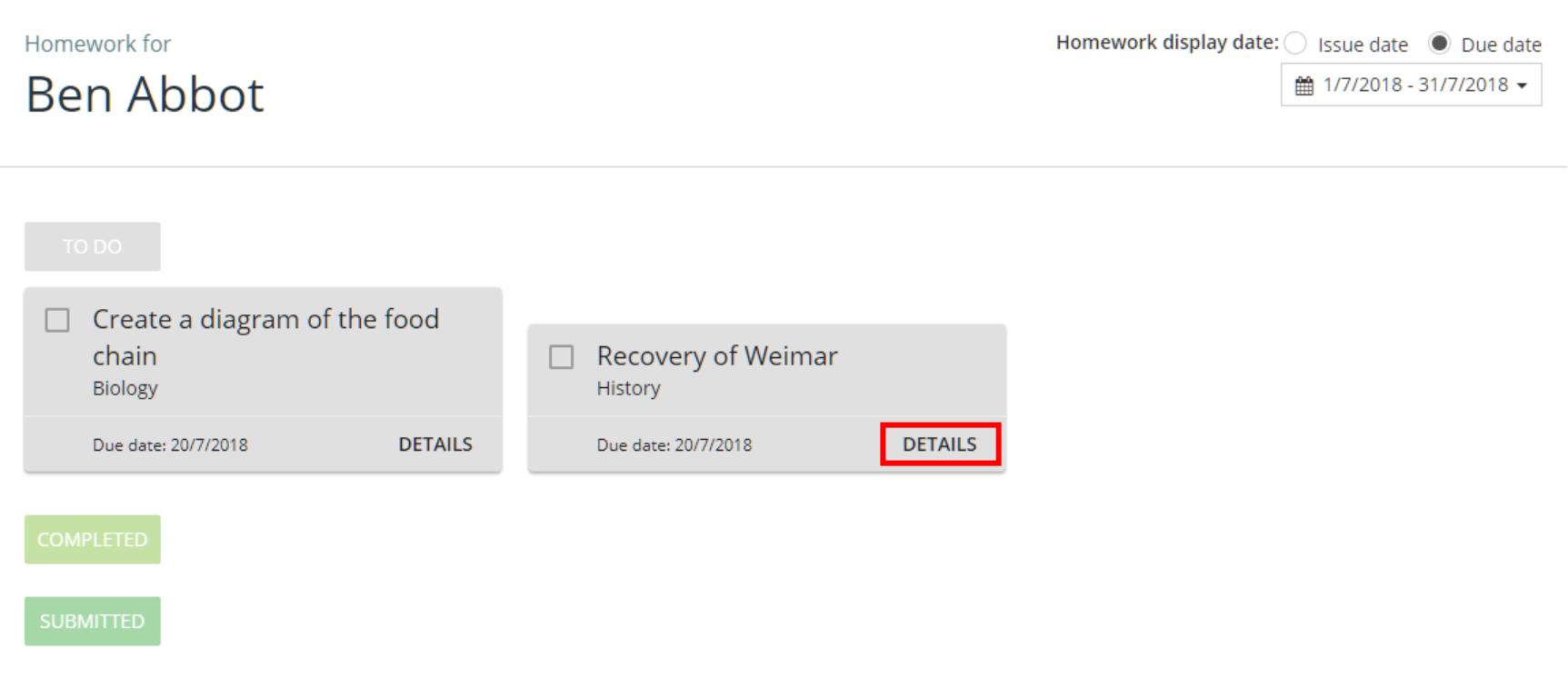
You will be presented with a list of upcoming homework tasks. To view a homework task in more detail, click on the Details button.
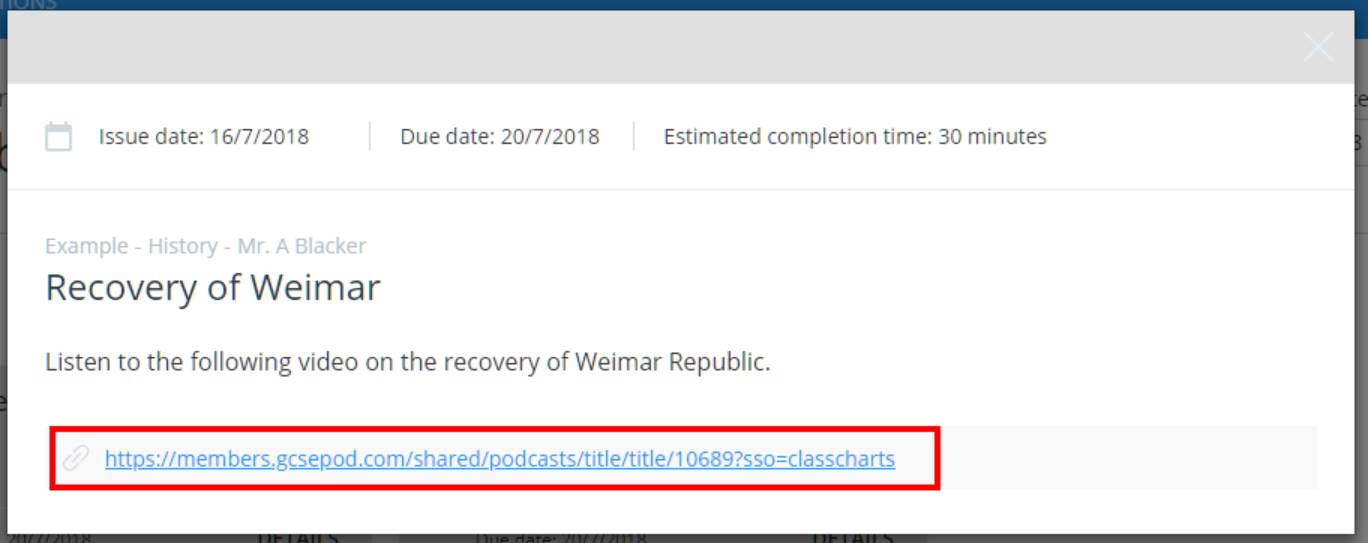
A popup will appear that contains more information on the homework task.
If your teacher has included links to additional resources (e.g GCSEPod) they will appear as hyperlinks in this popup. Click on the links to access their contents.
Was this article helpful?
That’s Great!
Thank you for your feedback
Sorry! We couldn't be helpful
Thank you for your feedback
Feedback sent
We appreciate your effort and will try to fix the article