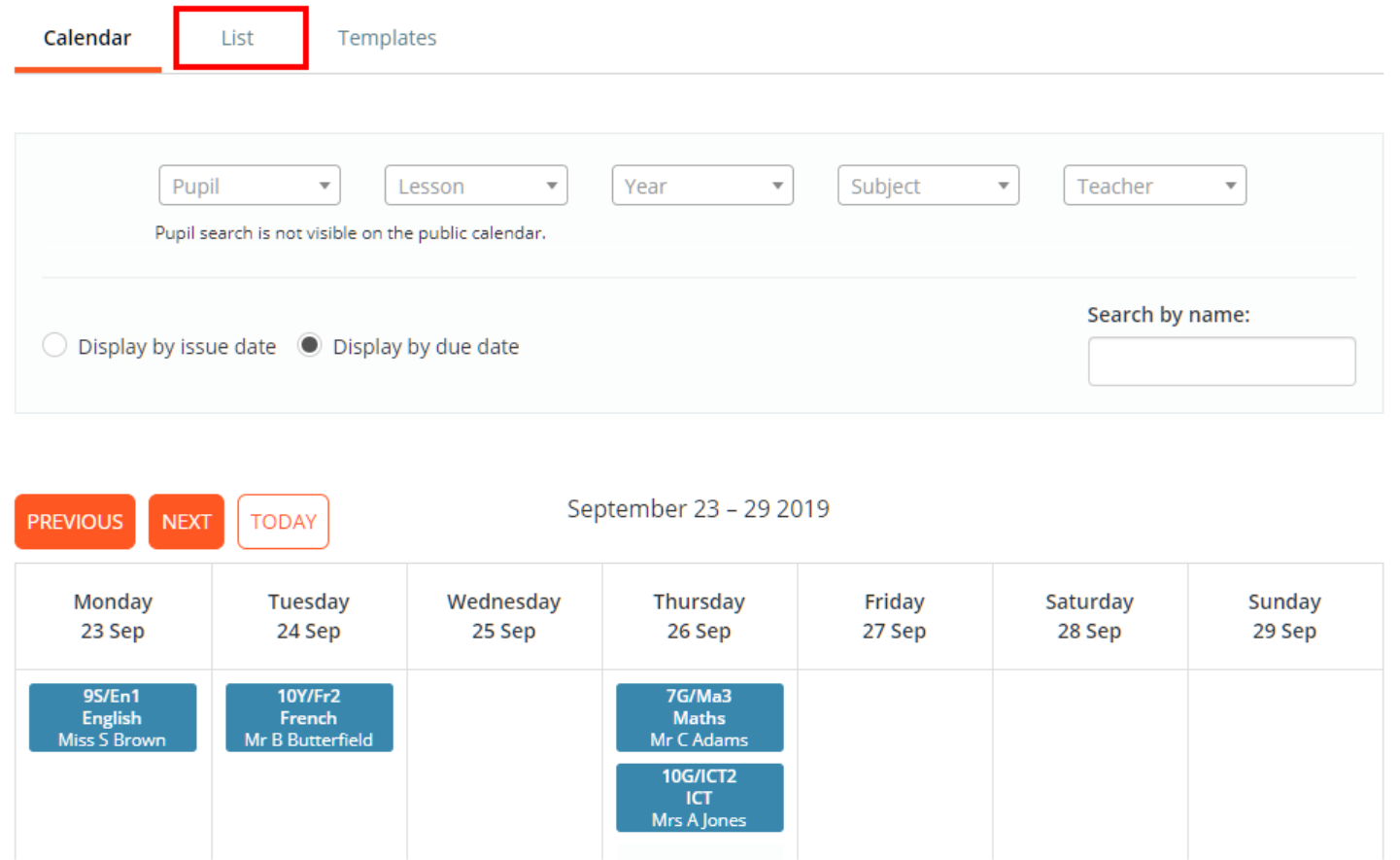
To view your school’s homework tasks, click on the Homework calendar tab at the top of the page.

You will be redirected to the Homework calendar page, where set homework tasks are displayed for the current week. Click on the tab labelled List.
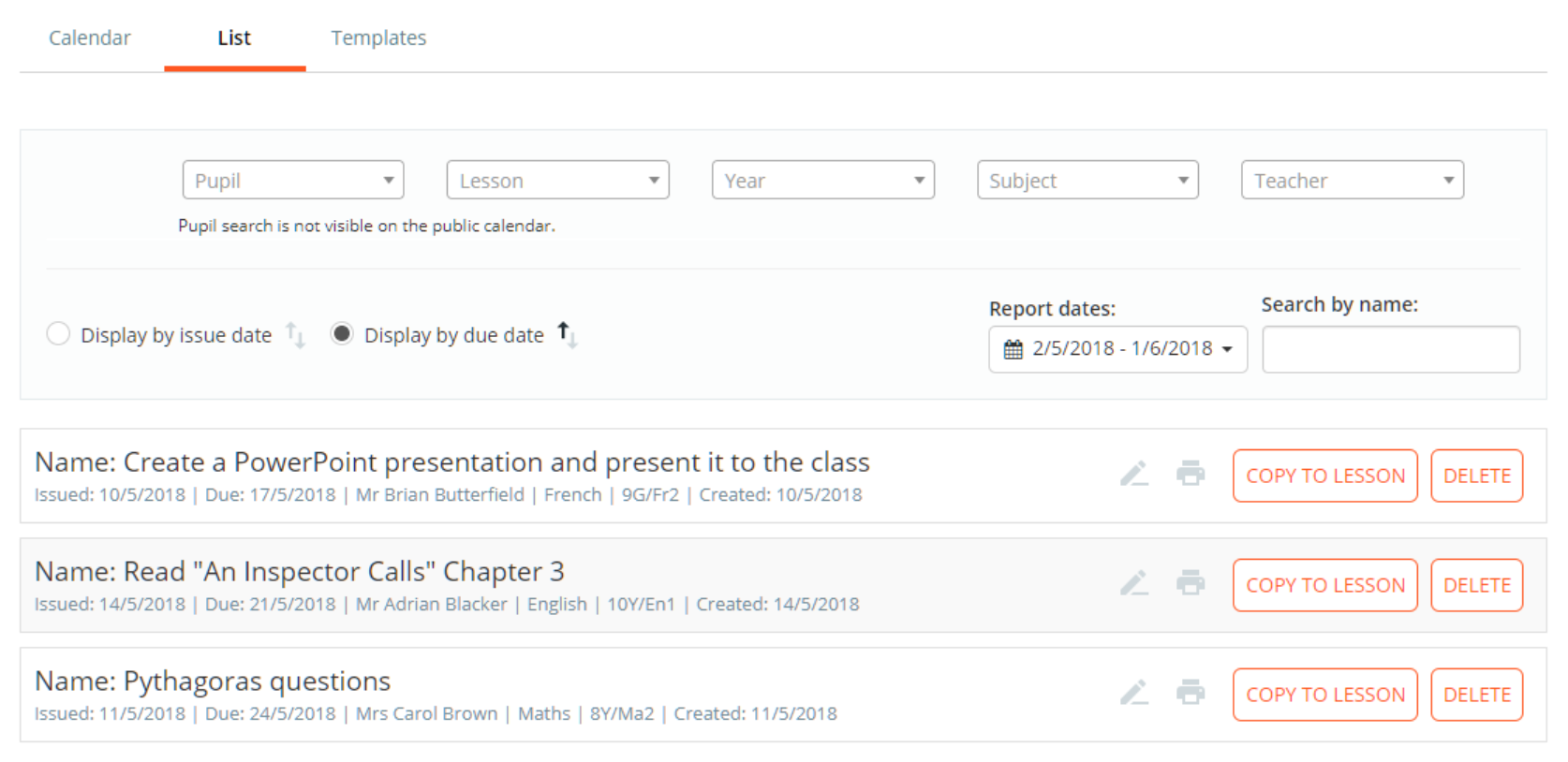
You will now be presented with a list of homework tasks that were issued / due in the past month. This view can be filter down to specific homework tasks or dates, by using the filter options along the top of the list.
Editing a homework task
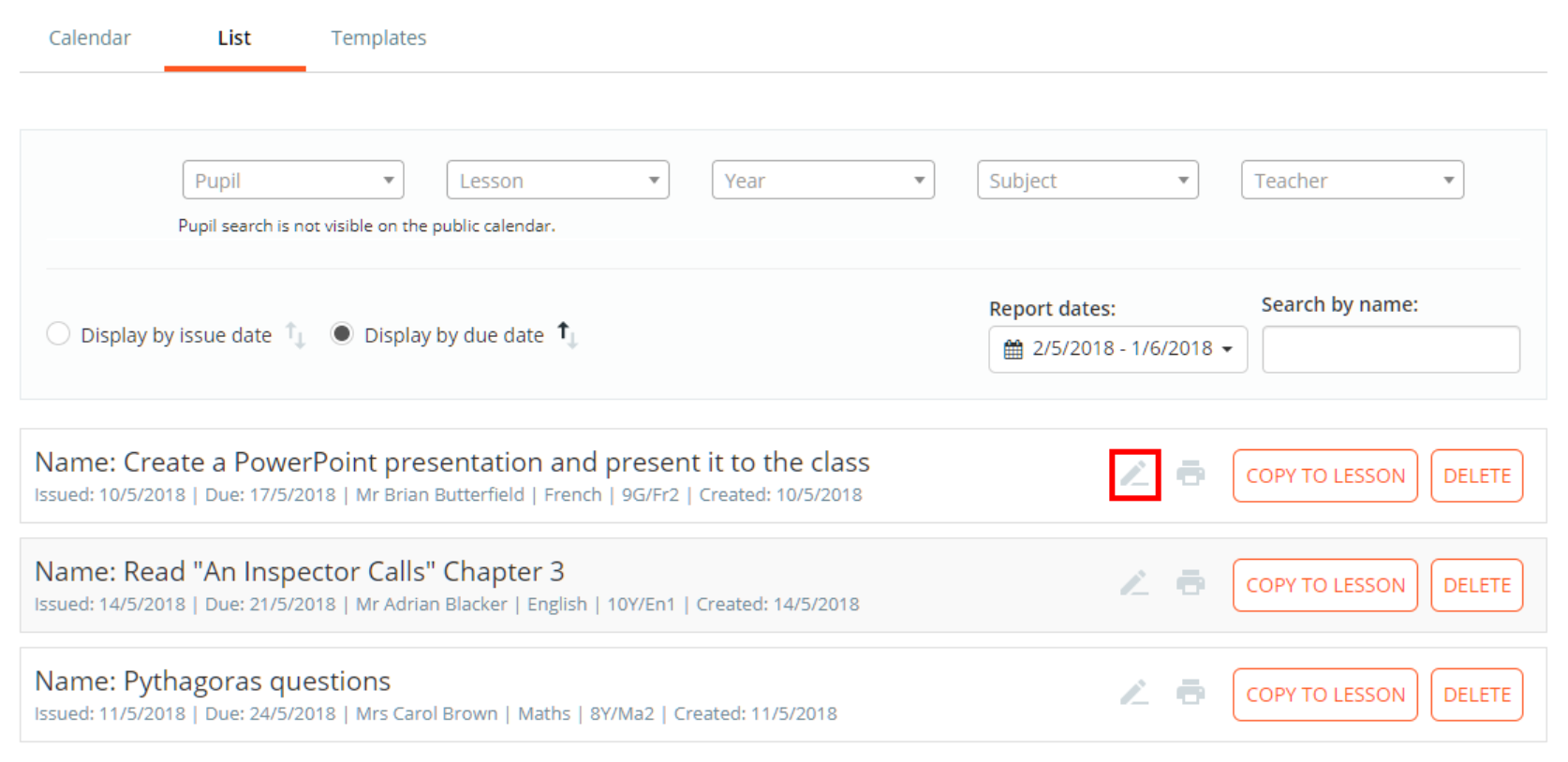
To edit a homework task or to view it in more detail, click on the Pencil icon for the homework task of your choice.
The Edit Homework tab will appear, allowing you to make changes to the selected homework task. Click on the Save homework task button to confirm your changes.
Deleting a homework task
To delete a homework task that has been set, click on the Pencil icon for the homework task of your choice. Please note: a homework task can only be deleted by school admins or a teacher assigned to the class.
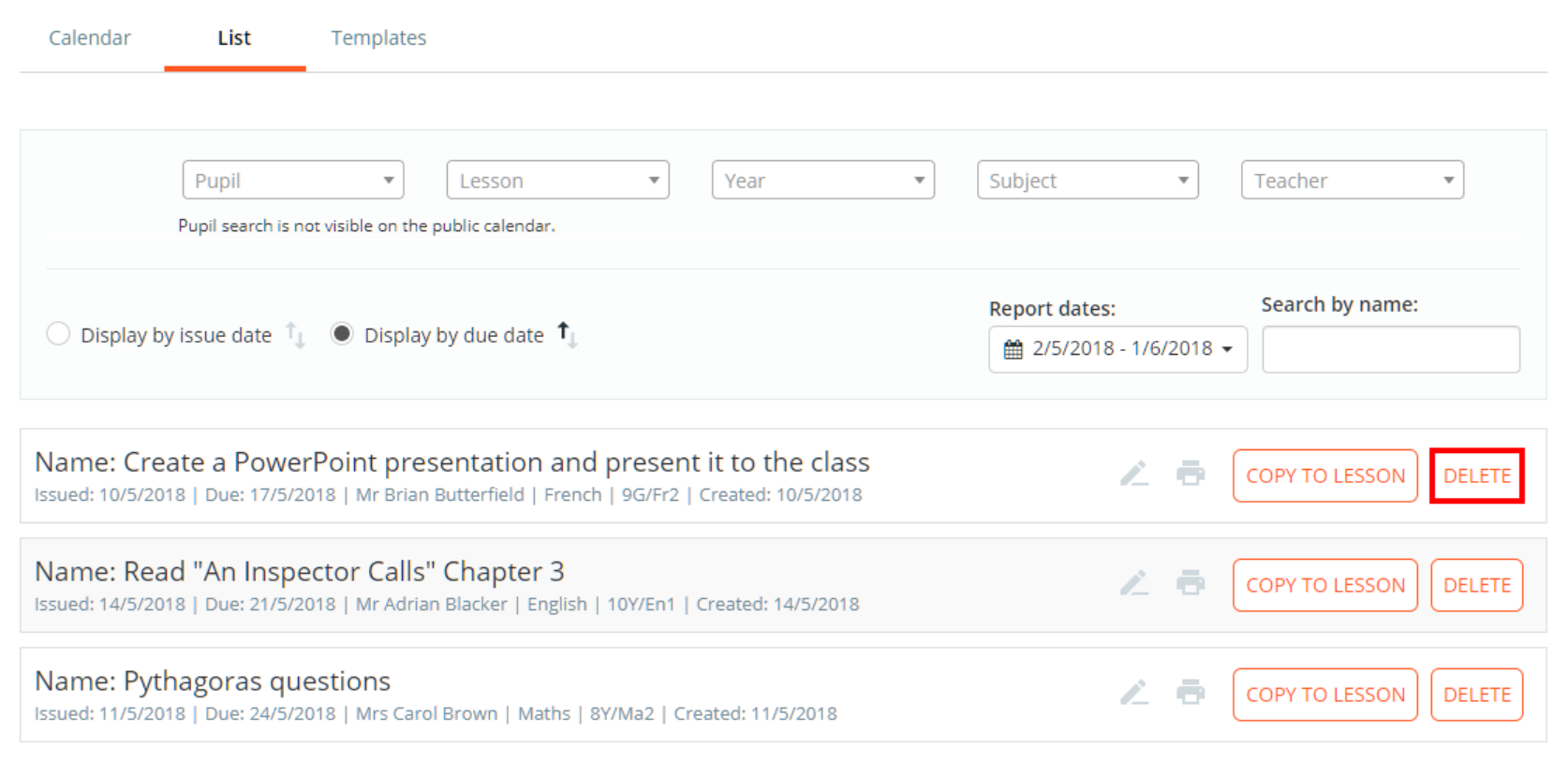
The Edit Homework tab will appear. Click on the Delete button to delete the homework task.
Copying a homework task to another lesson
To copy a homework task to another lesson, click on the Copy to lesson button for the homework task of your choice.
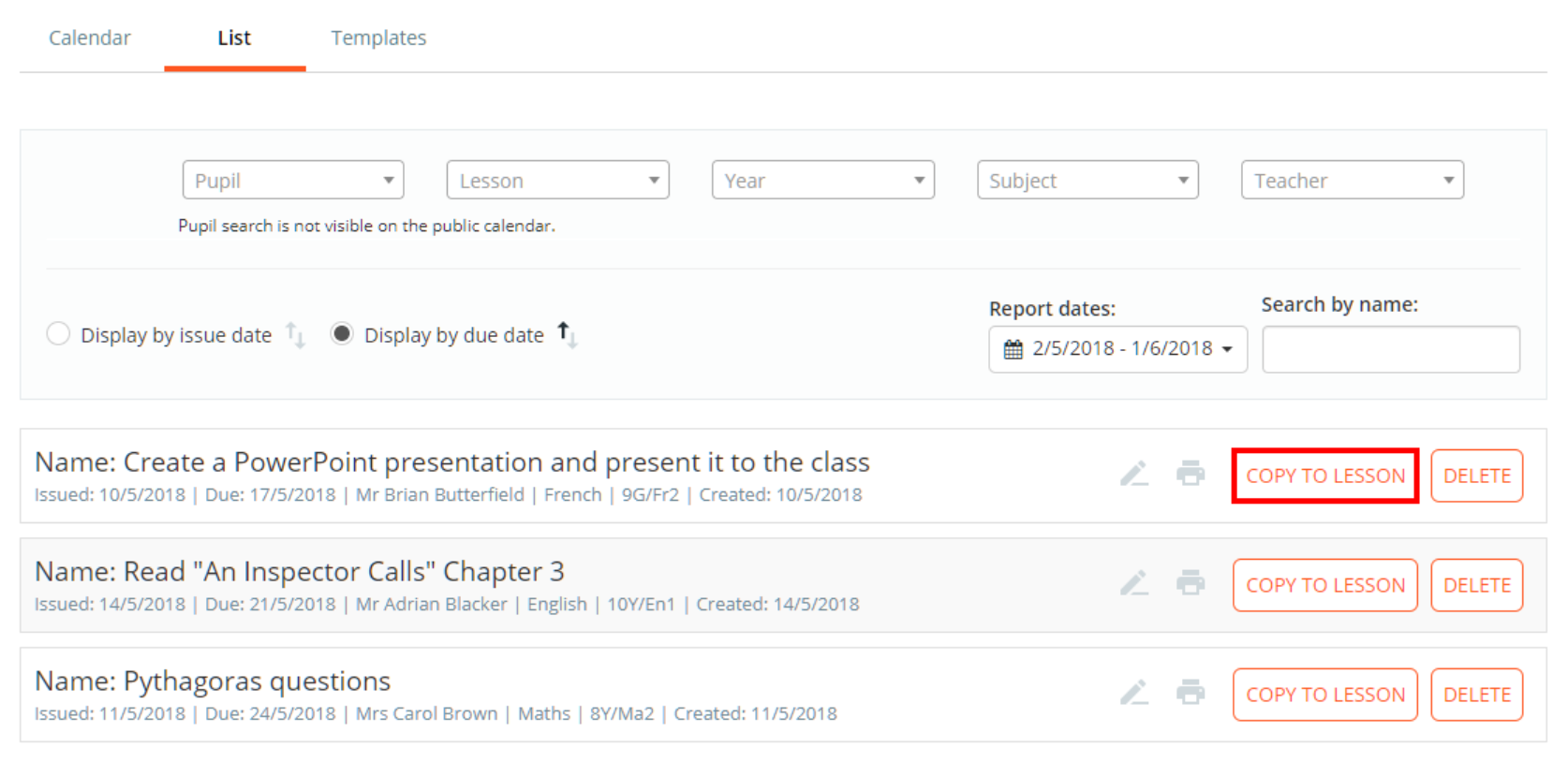
Copying a homework task from the List tab is covered in more detail in the following Knowledgebase article.
Printing a homework task
To print a homework task, click on the printer icon for the homework task of your choice.
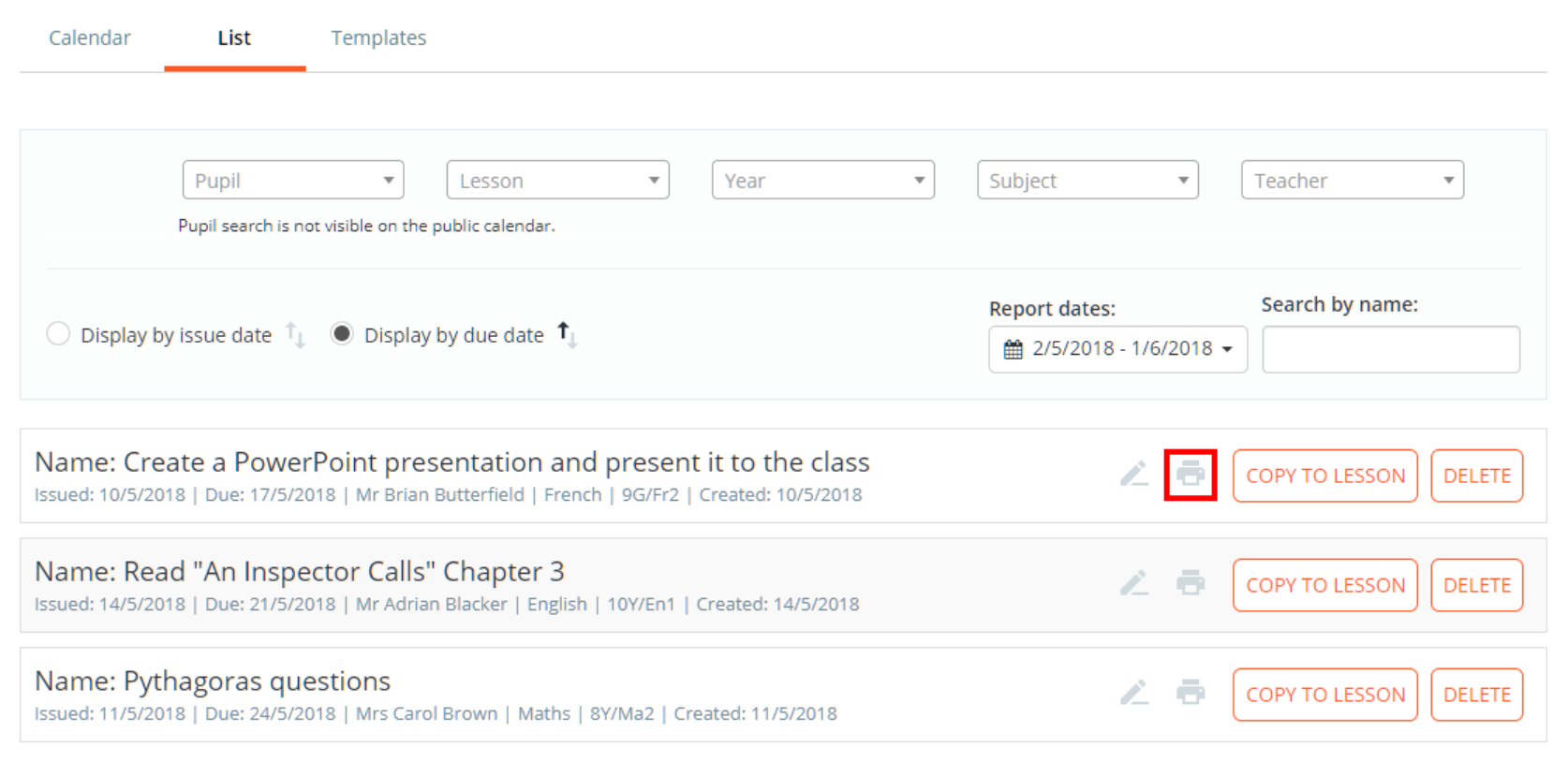
A pdf copy of the homework task will be generated, which can then be printed.
Was this article helpful?
That’s Great!
Thank you for your feedback
Sorry! We couldn't be helpful
Thank you for your feedback
Feedback sent
We appreciate your effort and will try to fix the article