There may be times where it is necessary to collect documents from pupils when they have completed their homework. Class Charts provides you with the option to set up homework tasks where pupils and / or parents can upload file submissions.
By default, a pupil or a parent can upload a maximum of five files for each homework task. To change this upload limit for your school, please contact us.
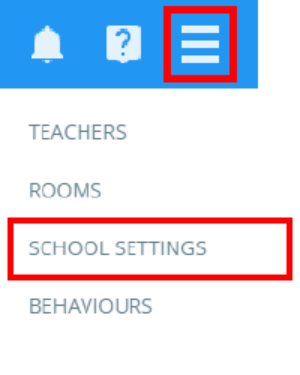
To enable homework file submissions at your school, click on the three lines menu in the top right hand corner of the page and select School settings from the list of available options.
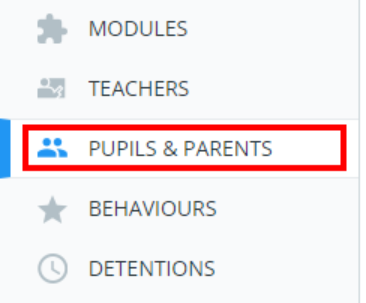
Next, select Pupils & Parents from the menu on the left hand side.
You will be presented with a list of settings that control what is displayed through pupil and parent accounts.
To allow submissions from pupils, set Allow pupils to upload homework via pupil account to Enabled.

To allow submissions from parents, set Allow parents/carers to upload homework and mark as done via parent account to Enabled.

Setting up a homework task to allow homework file submissions
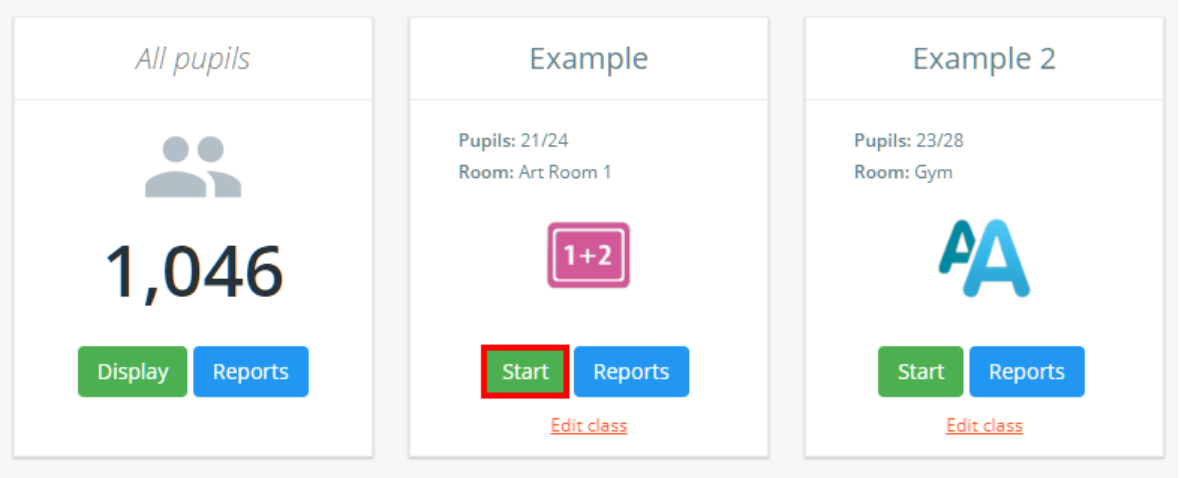
To set up a homework task to allow homework file submissions from pupils and / or parents, start by entering the class you wish to set homework for.
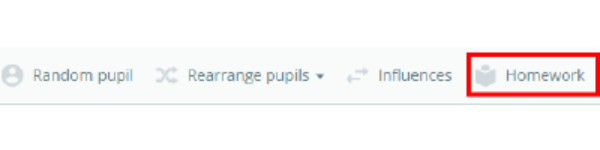
Next, click on the Homework tab along the top of the page.
The homework sidebar will appear on the Set homework tab, where homework tasks are published and assigned to pupils. To allow homework file submissions, tick the checkbox labelled Allow files to be uploaded as homework submissions.
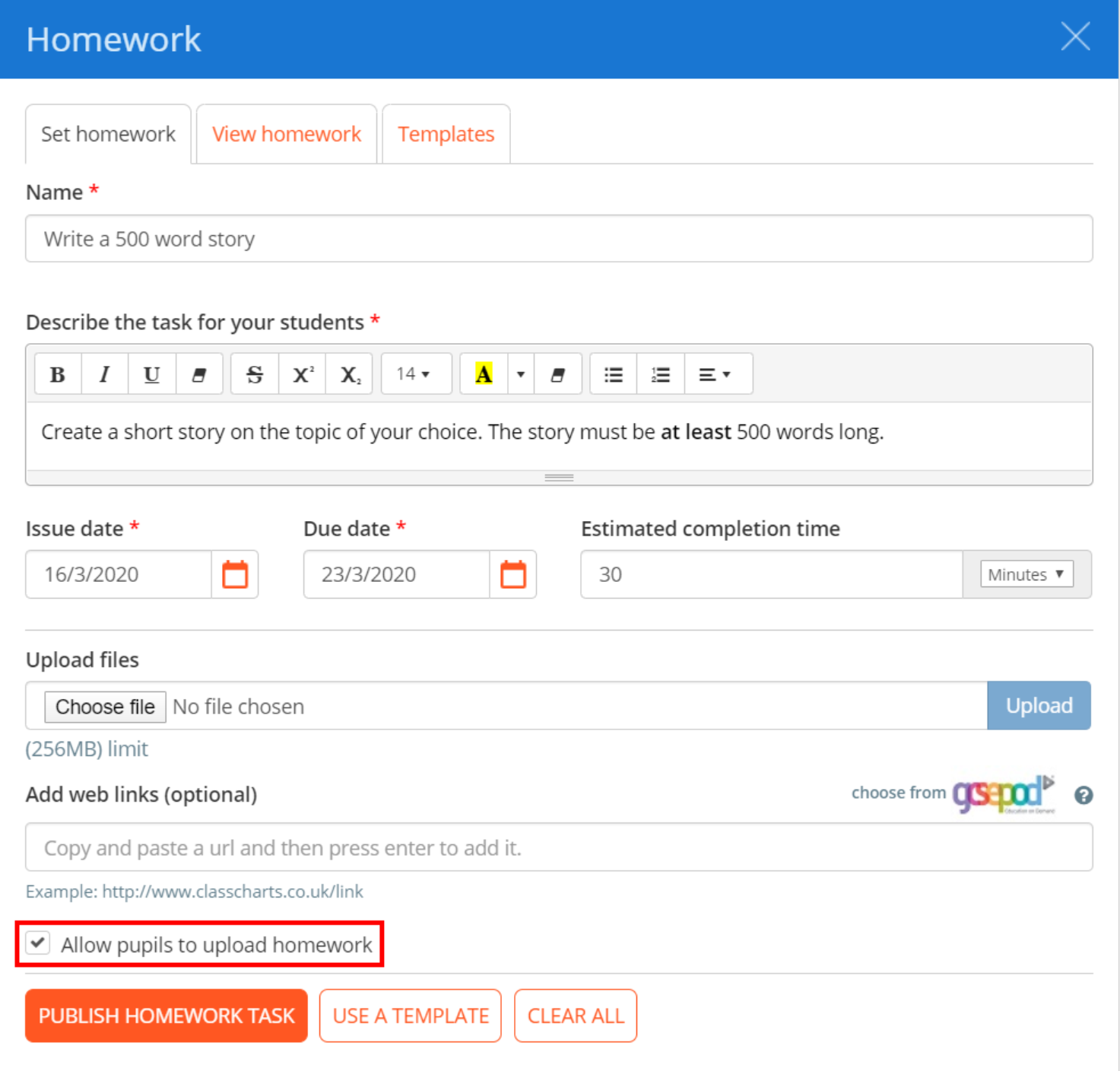
Once you have set up your homework task, click on the Publish homework task button to make it available to pupils.

Pupils and / or parents will now see an option to upload homework files when they view a homework task in more detail.
Was this article helpful?
That’s Great!
Thank you for your feedback
Sorry! We couldn't be helpful
Thank you for your feedback
Feedback sent
We appreciate your effort and will try to fix the article