When setting homework, your staff may find it useful if they can apply a category to the homework so that they can differentiate them in reports. Class Charts allows you do to this through Homework types.
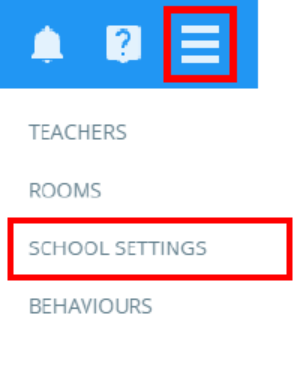
To set up a homework type, click on the three lines menu in the top right hand corner of the page and select School Settings from the list of available options.
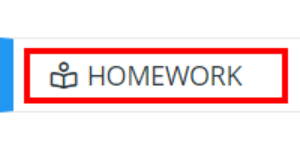
Next, select Homework from the left hand side menu.
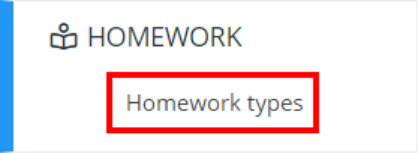
Then select Homework types from the Homework sub menu.
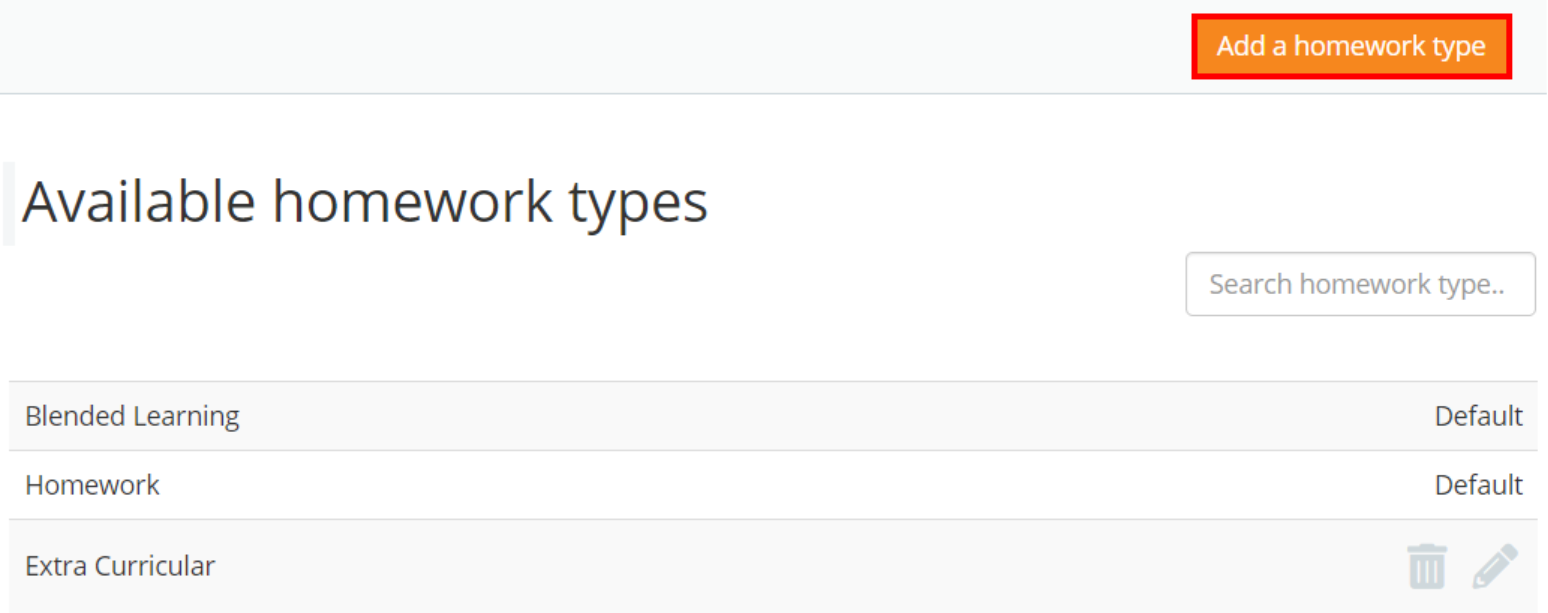
You will be presented with a list of default homework types, along with any custom homework types that have been set up in your school’s Class Charts account.
To create a new homework type, click on the Add a homework type button.
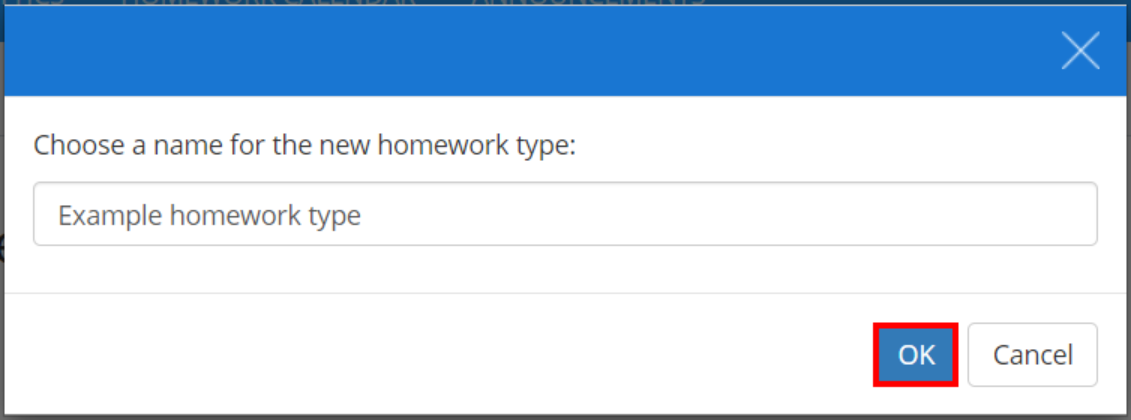
A popup will appear. Enter a name for your homework type into the text field provided and click on the OK button.
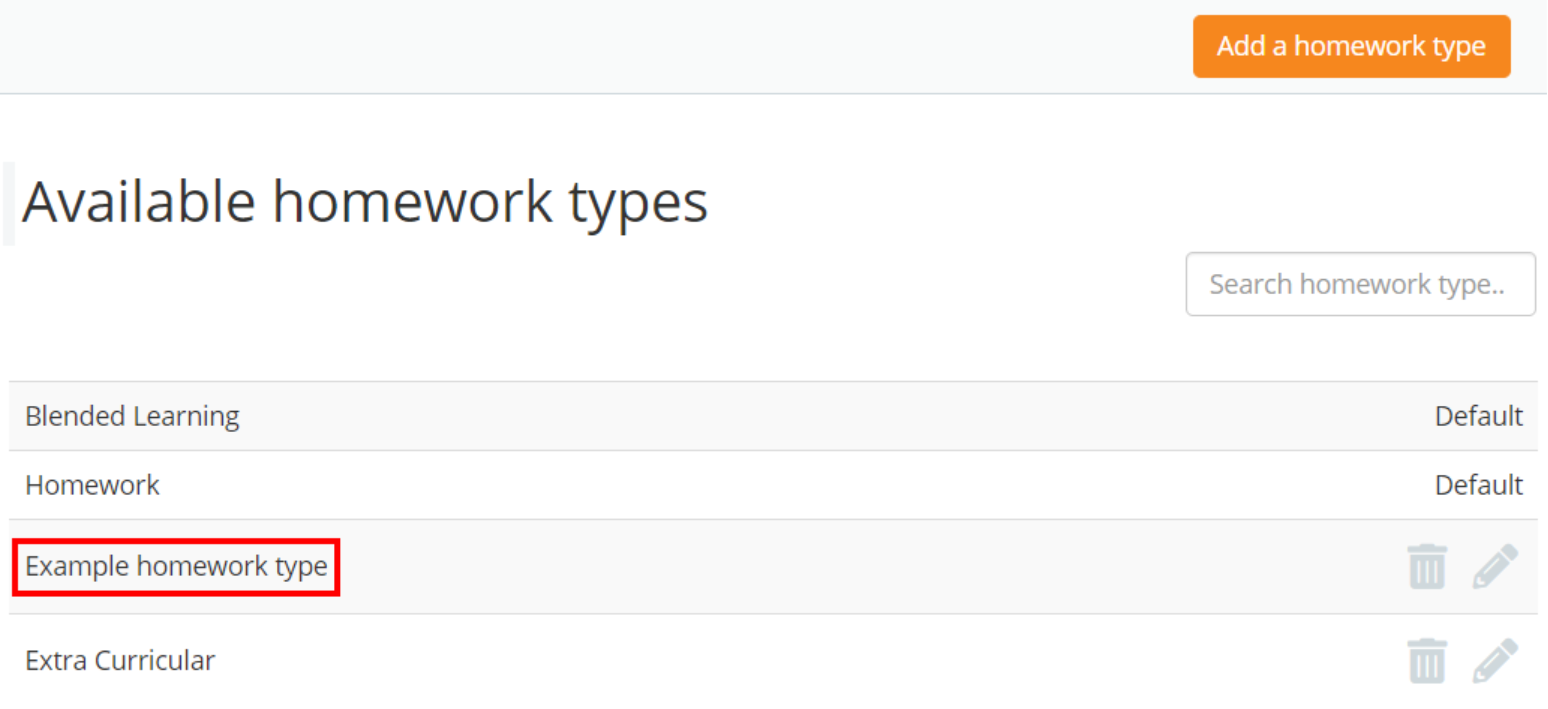
Your new homework type will now appear within the list of available homework types.
Editing a homework type
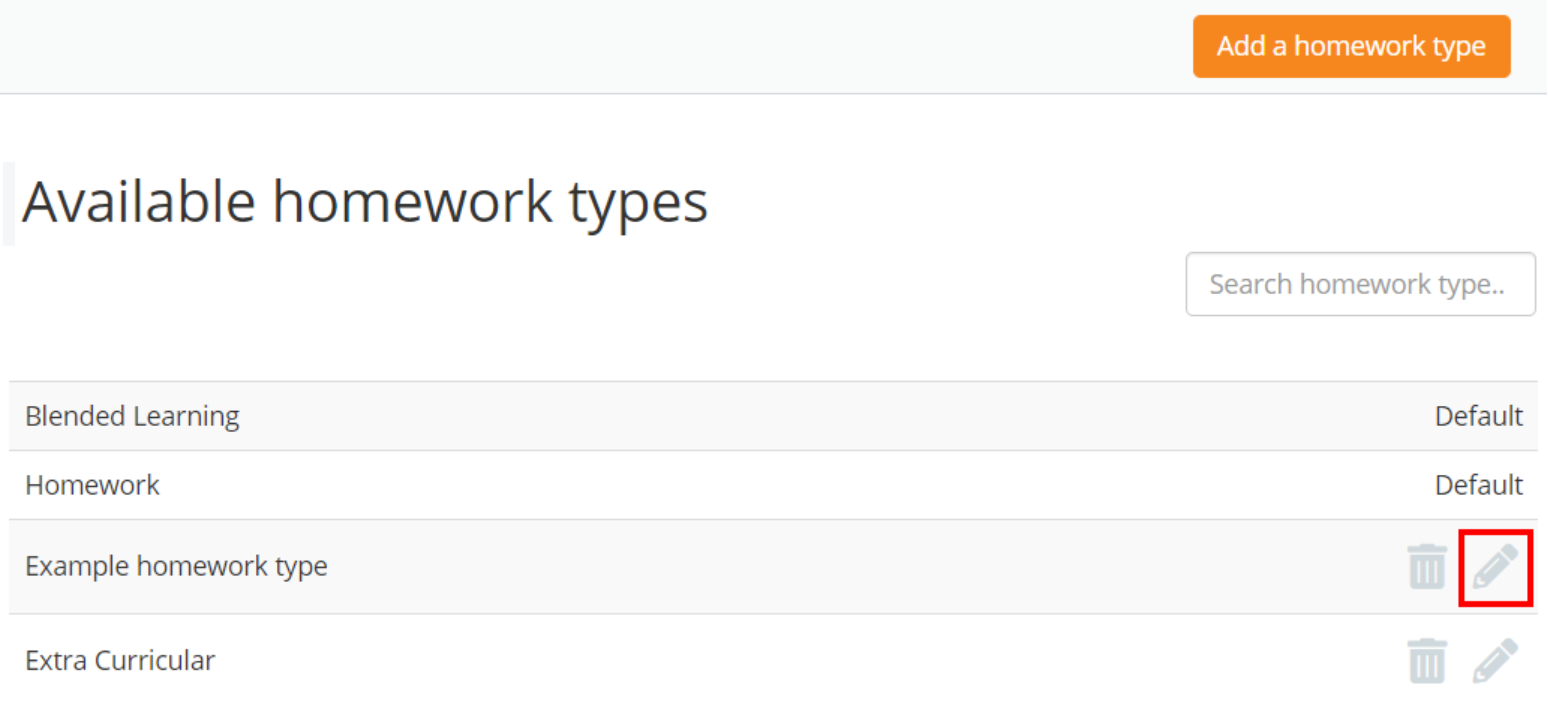
To change the name of a custom homework type, click on the pencil icon for the homework type of your choice.
The Edit homework type popup will open, allowing you to enter a new name.
Deleting a homework type
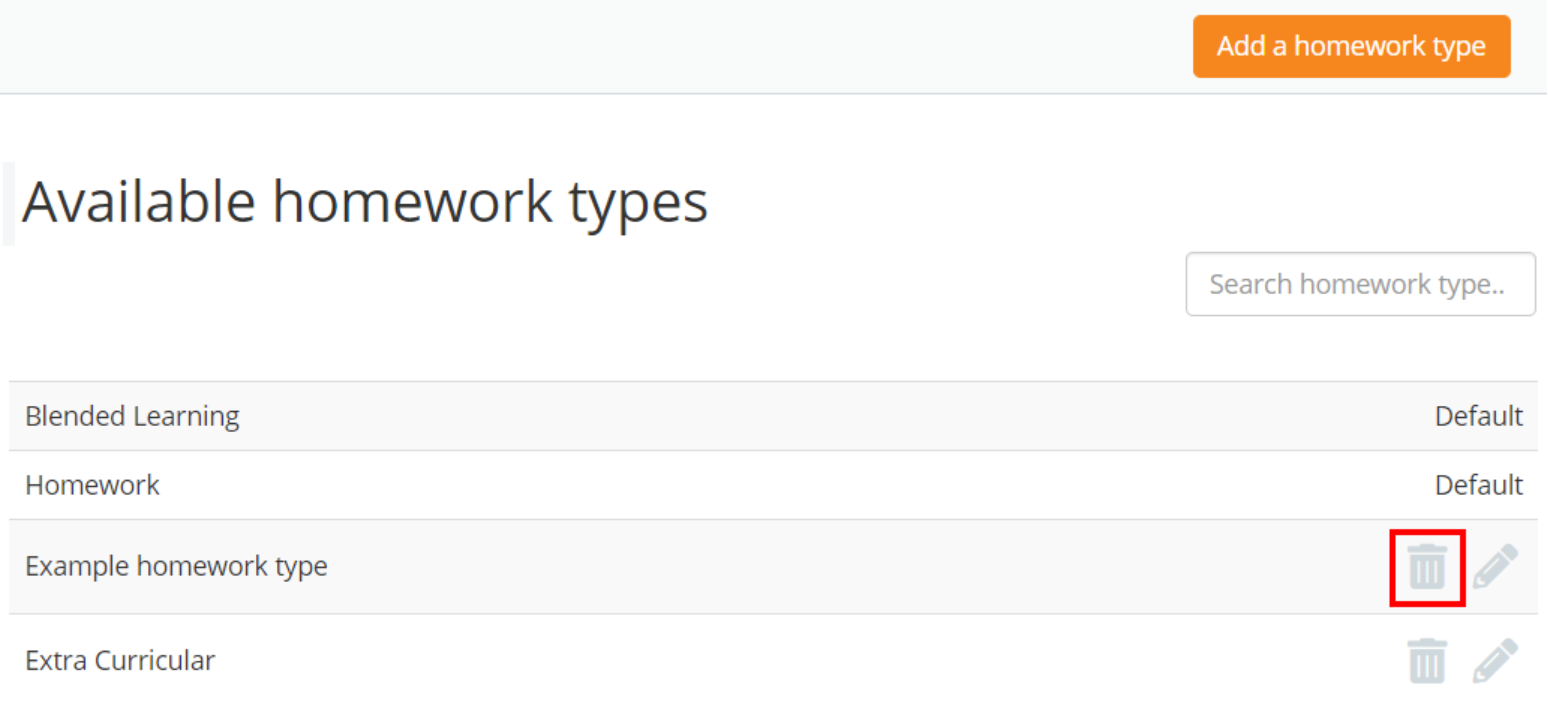
To delete a custom homework type, click on the bin icon for the homework type of your choice.
A confirmation popup will appear. Click on the OK button to successfully delete the custom homework type.
Was this article helpful?
That’s Great!
Thank you for your feedback
Sorry! We couldn't be helpful
Thank you for your feedback
Feedback sent
We appreciate your effort and will try to fix the article